The first-run path at a glance
New to FirstSales? The real sequence is: create your org and workspace → connect a mailbox → warm it up → add offerings and a knowledge base → launch your first campaign. If you're an owner or admin, the workspace dashboard's Get started panel tracks four of these steps for you with an “{n} of 4 steps complete” progress bar.
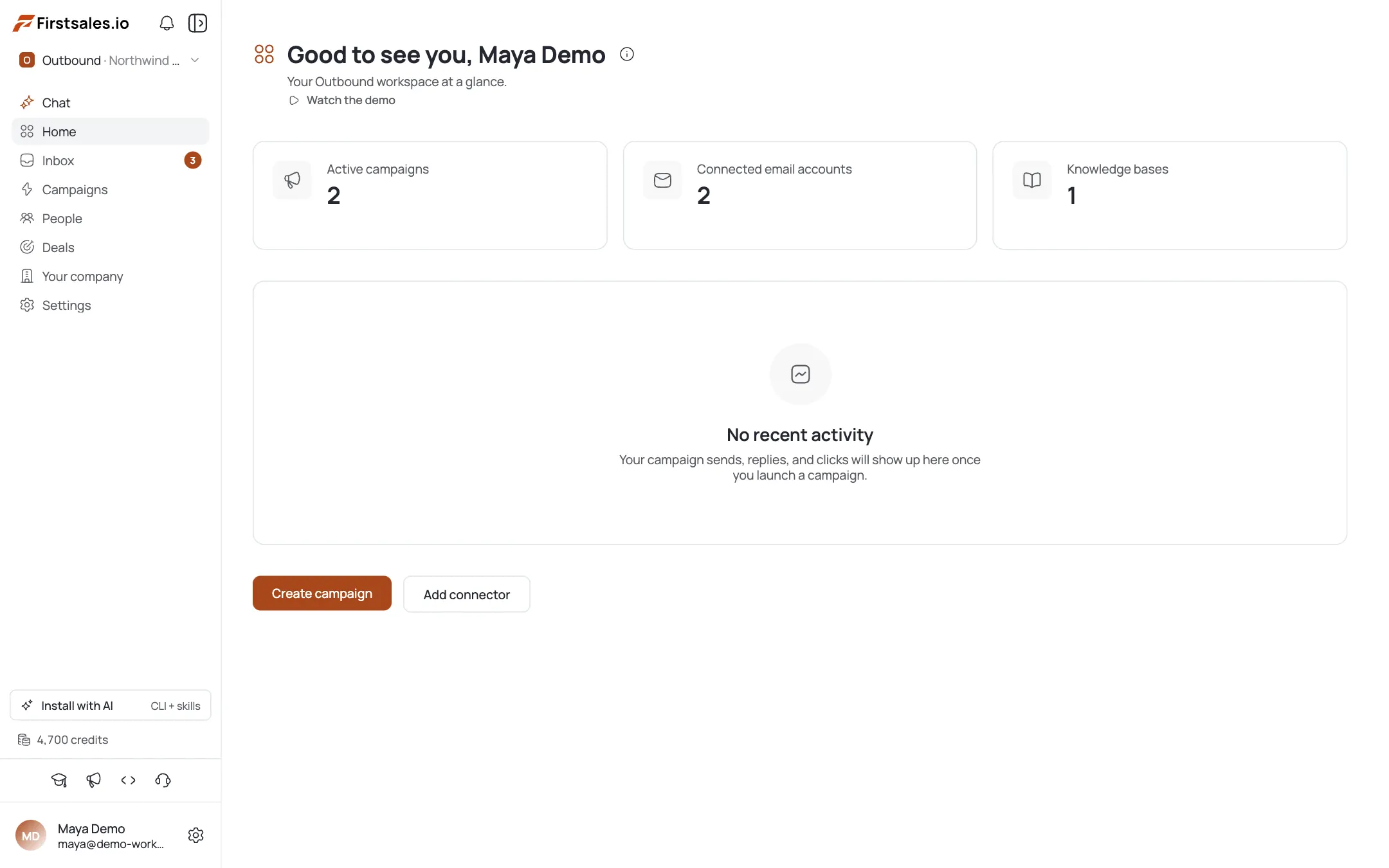
Create your organization & workspace
An organization holds billing and your team; a workspace holds campaigns, contacts, and mailboxes. New signups get a default org and workspace automatically, so most people skip straight to connecting a mailbox. See Manage Organizations & Workspaces if you need a second one.
Connect a mailbox
“Connect an email account to start sending.” This is the highest-leverage first action: the checklist highlights it. Both Google/Microsoft OAuth and SMTP/IMAP are supported. Full walkthrough: How to Connect a Mailbox.
Warm up the mailbox before you send
A new sending domain has no reputation yet. Turn on warm-up, let it run for roughly two weeks in the background, then point real cold campaigns at the mailbox. See How to Set Up Email Warm-up.
Add offerings and a knowledge base
“Give the AI context about your product.” A Knowledge Base is the checklist's first item: it grounds AI drafts in real facts about what you sell. Add Offerings so the AI knows exactly what to pitch. See Create Offerings and Build a Knowledge Base.
Add credits / billing
“Add credits to unlock sending.” Sending and AI drafting consume credits, so this is a required checklist item. Subscribe to a plan or buy a one-off top-up: see Credits, Plans & Billing and Buy Credits: One-Off Top-Ups.
Launch your first campaign
With a mailbox, offerings, and a knowledge base in place, you're ready to build and launch. The Get started panel automatically closes once all four of its items are done or skipped. See Your First Campaign in 15 Minutes for the fast path.
Pro tips
The checklist is owner/admin only
Invited teammates with manager, member, or viewer roles won't see the Get started panel: that's expected, not a bug.
You can skip any item
Skipped items disappear and the panel closes once everything is done or skipped. Skipping billing or mailbox setup doesn't unlock sending, though.
Connect the mailbox first, then warm it
The roughly two-week warm-up runs quietly in the background while you build out offerings, a knowledge base, and your first campaign.
A tracking domain is optional but worth it
You can launch your first send without one, but setting a custom tracking domain improves open/click accuracy and inbox placement: worth doing before you scale.
Frequently asked questions
Where is the getting-started checklist?
On your workspace dashboard, in the Get started panel: visible to owners and admins only.
Why don't I see the checklist?
Either you're an invited member (manager, member, or viewer role), or all four items are already done or skipped.
Do I have to do the steps in order?
No, but connecting a mailbox, warming it up, and adding billing before your first real send is the safe order.
Is warm-up required?
It's not a checklist item, but it's strongly recommended for new domains: see Email Warm-up Setup.
What's the difference between an org and a workspace?
An organization holds billing and your team; a workspace holds campaigns, contacts, and mailboxes.
Can I send without adding credits?
No: sending and AI drafting both consume credits. Add billing or a top-up first.
Do I need a tracking domain to launch?
No, it's optional for your first send, but recommended before you scale volume.
What comes after the checklist?
Warm-up, offerings and a knowledge base, then your first campaign: see the linked tutorials in each step above.