When to top up vs. upgrade
A top-up adds credits without changing your subscription; upgrading raises your recurring plan instead. Use a top-up for a one-time volume spike, or to get unblocked when credits run low. See Manage Your Subscription and Credits, Plans & Billing.
Open the top-up drawer
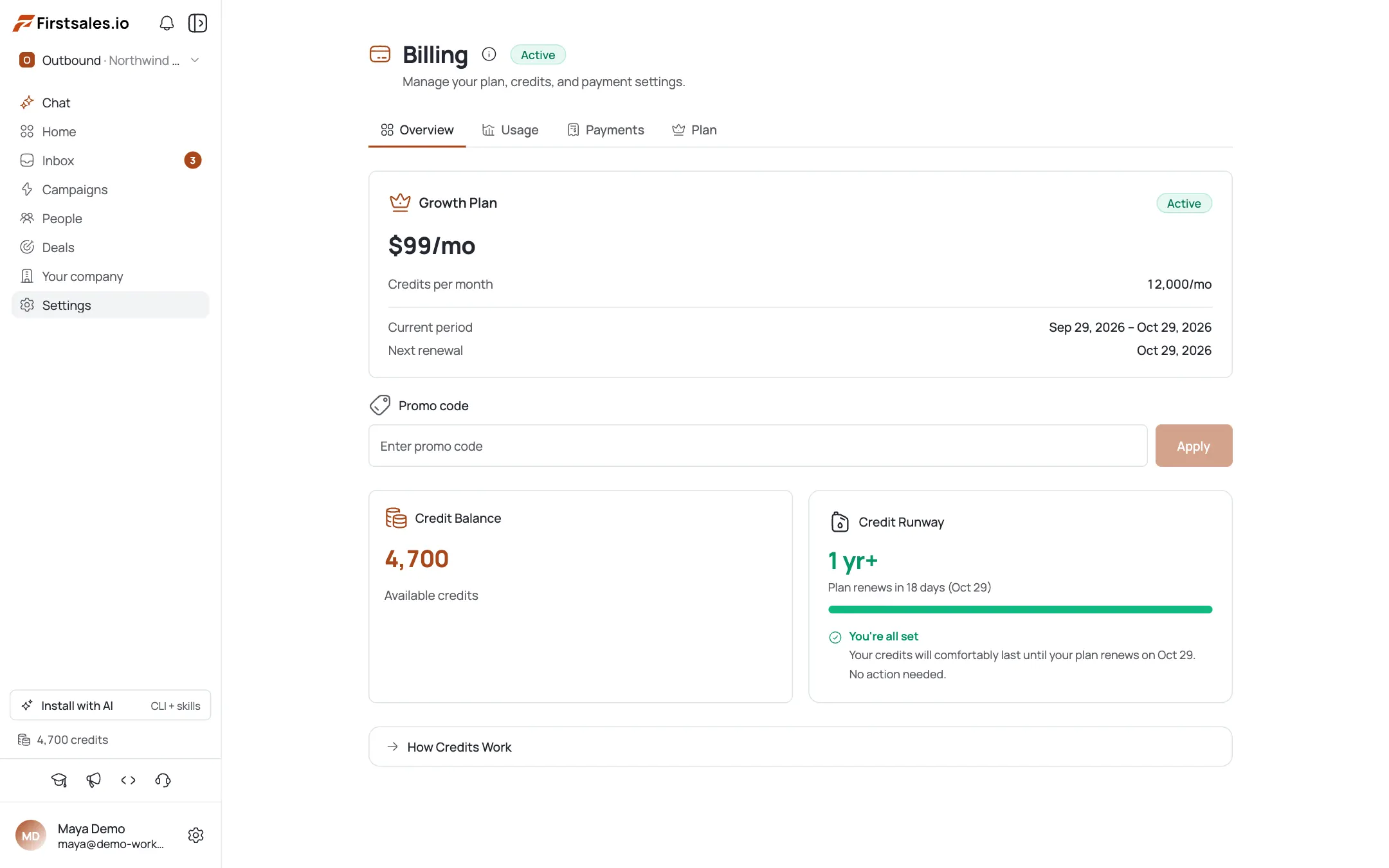
Go to Billing → Overview and click Top up credits. The same button also appears in the Credit Runway widget when you're running low.
Pick an amount
Use a quick-amount button ($50, $100, $250, or $500) or type a custom amount. Minimum $50, maximum $10,000.
Check the credits you'll get
Every $1 = 100 credits. The drawer shows “You will receive {n} credits” and the total charge before you commit.
Purchase & check out
Click Purchase; you're redirected to the secure Dodo checkout to pay. On success you return to the app with credits added to your balance.
Confirm the credits landed
Back on Billing → Overview, your balance reflects the top-up. The payment also appears in Payments history, moving from pending to completed.
Pro tips
Top-ups don't touch your subscription
Your plan, renewal date, and monthly credit grant stay exactly as they are: a top-up is purely additive.
The Credit Runway widget nudges you automatically
It surfaces a top-up button when it predicts you'll run short before renewal: a good moment to add a small buffer.
Match the top-up to real sending capacity
Buying more credits than you can send this month just parks cash as unused credits: size it to your actual volume.
There's no micro top-up
The minimum is $50 (5,000 credits): plan your top-up amount accordingly.
Frequently asked questions
How many credits do I get per dollar?
100 credits per $1.
What's the minimum and maximum top-up?
$50 minimum, $10,000 maximum.
Do top-up credits expire or roll over?
They're added straight to your balance: see Credits, Plans & Billing for how credit balances generally work.
Does a top-up change my plan?
No: it's a one-off credit purchase and your subscription is unchanged.
Where do I pay?
You're redirected to the Dodo checkout. FirstSales doesn't store your card details.
Where does the top-up appear afterward?
In your Billing → Overview balance, and in Billing → Payments history.
Can non-admins buy top-ups?
Billing actions are owner/admin only: an invited member should ask an org admin to purchase a top-up.
My top-up says pending: is that normal?
Yes, briefly, until the payment provider confirms it. It then shows as completed.