Add a condition step
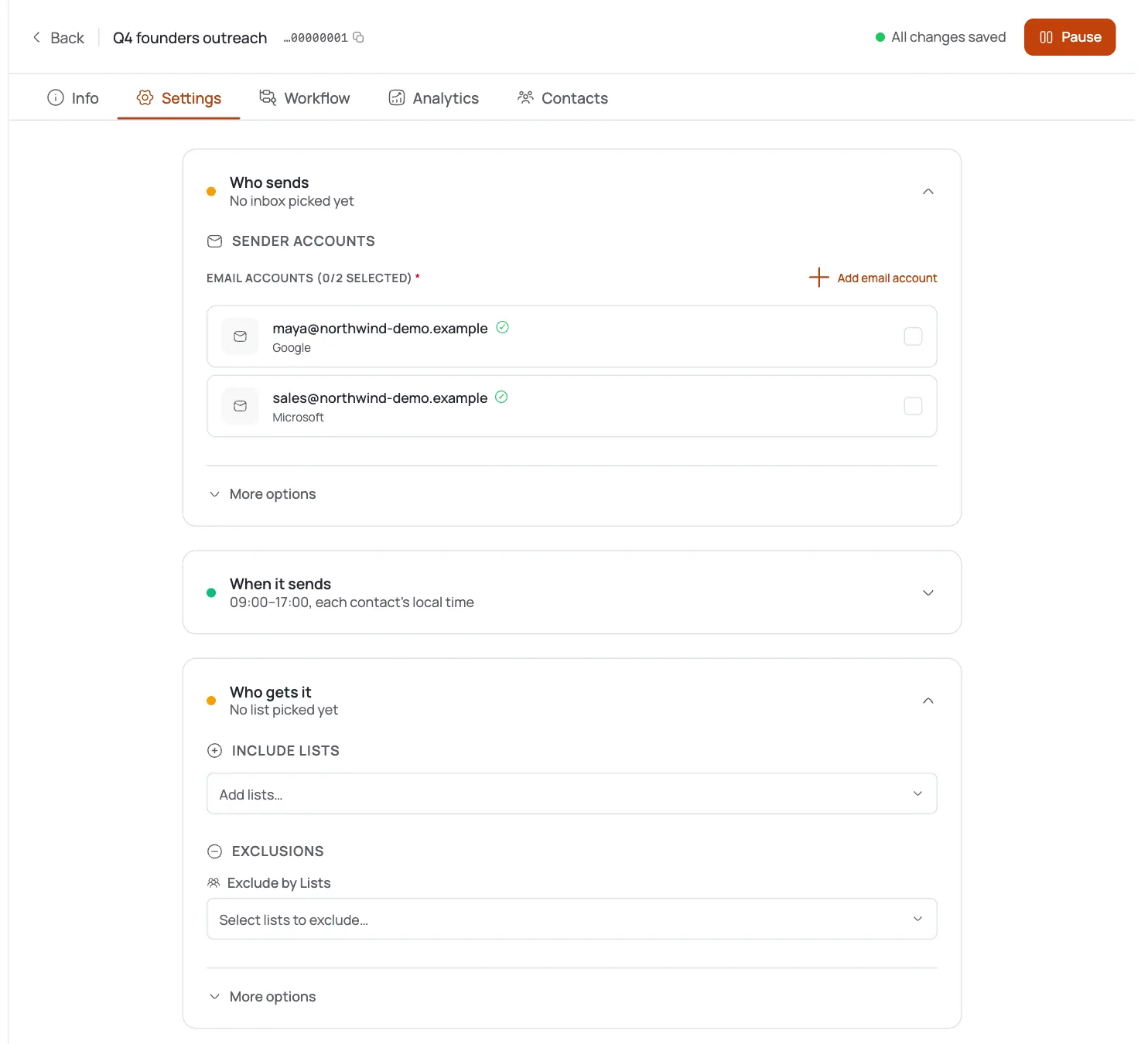
In the campaign builder, add a Quality Filter or If/Else step wherever you want contacts to fork into two paths.
Quality Filter: set Min Score Threshold
Enter a Min Score Threshold between 0 and 100: it defaults to 70. Contacts scoring below the threshold take the “No” path and drop out of the main flow.
Decide what the No-path does
Leave the “No” output unconnected to simply stop low-score contacts, or wire it to a gentler follow-up branch if you still want to reach them differently.
If/Else: name the Field
In an If/Else step, enter the contact attribute to test in the Field input: for example
company_size.Pick an Operator
Choose an Operator: Equals, Not Equals, Contains, Greater Than, or Less Than.
Set the Value
Enter the Value to compare against: for example
enterprise. Contacts that match take the “Yes” path; everyone else takes “No”.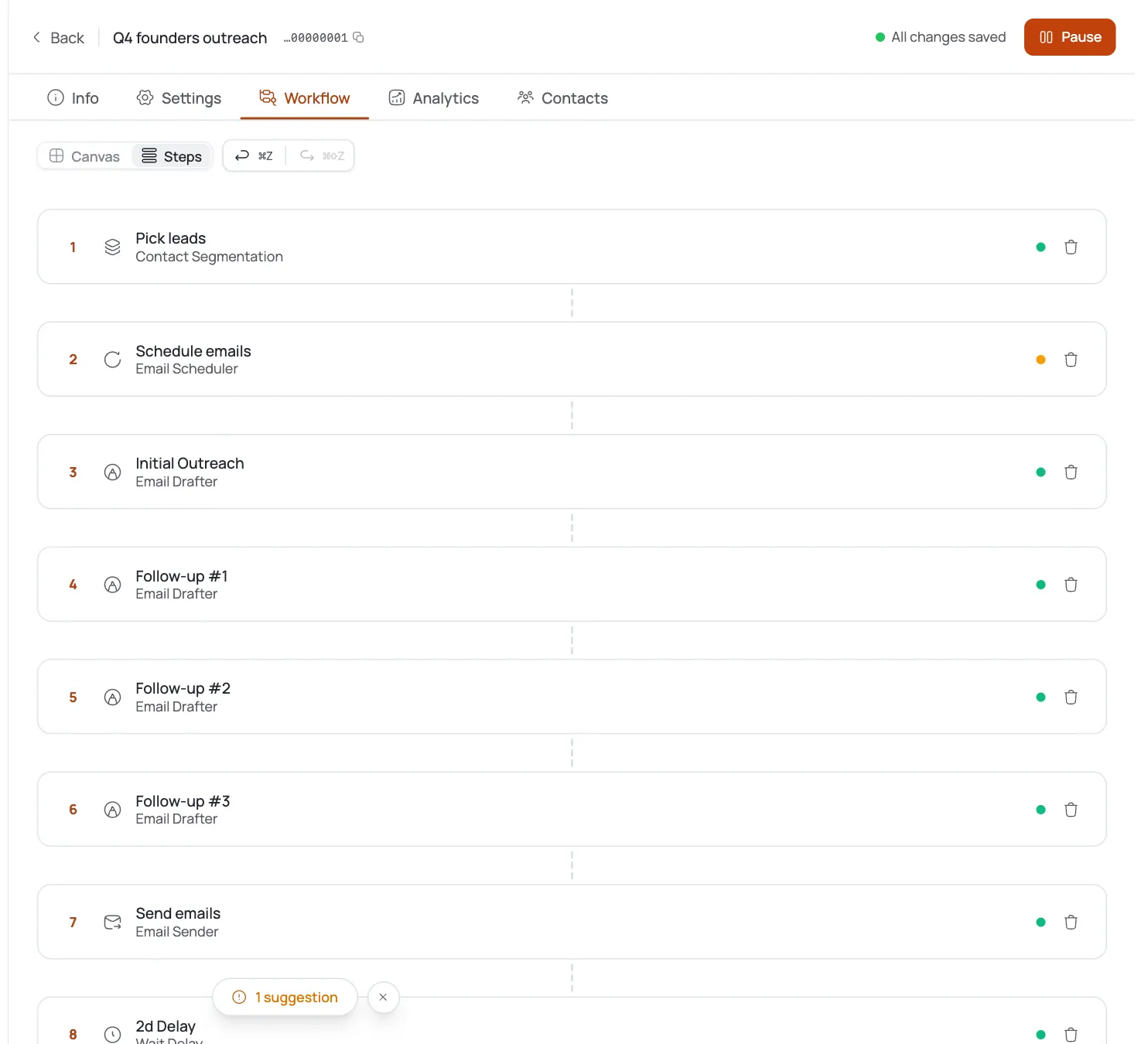
Save and connect branches
Wire the Yes/No outputs to the next steps you want each segment to hit, so every branch of contacts gets the right message.
Pro tips
Score-gate before you spend sends
Put a Quality Filter early in the flow so low-fit contacts never consume your sending volume.
70 is a starting line, not gospel
The default Min Score Threshold is a reasonable baseline: tune it against your own reply data over time.
Field names must match your data
If/Else compares the literal field key you type, so use the exact attribute name that exists on your contacts.
Greater/Less Than are numeric-minded
Reach for them on sizes and counts; use Contains when you're matching free-text values instead.
Frequently asked questions
What happens to contacts below the Quality Filter threshold?
They take the “No” path and drop out of the main flow unless you've wired that path somewhere else.
What's the default Min Score Threshold?
70, on a 0–100 scale.
Which operators can If/Else use?
Equals, Not Equals, Contains, Greater Than, and Less Than.
What field names can I test in If/Else?
Any contact attribute key that exists on your data: the field name you type must match it exactly.
Can I branch on more than one condition at once?
Chain multiple If/Else steps in sequence to layer several conditions together.
Is there a switch / multi-way branch?
No: only Quality Filter and If/Else render in the condition panel today.
Do both paths keep sending, or does No stop the contact?
It depends entirely on what you wire to the No output: leave it unconnected to stop the contact, or connect it to continue down a different branch.