Learn to read the action button
One button changes label depending on your campaign's status, whether you have unsaved changes, and whether the workflow has been tested. Reading it tells you exactly what state your campaign is in.
Draft: Save, Test Workflow, Launch
A Draft (or Scheduled) campaign shows Save while you have unsaved changes, then Test Workflow once saved, then a green Launch once tested.
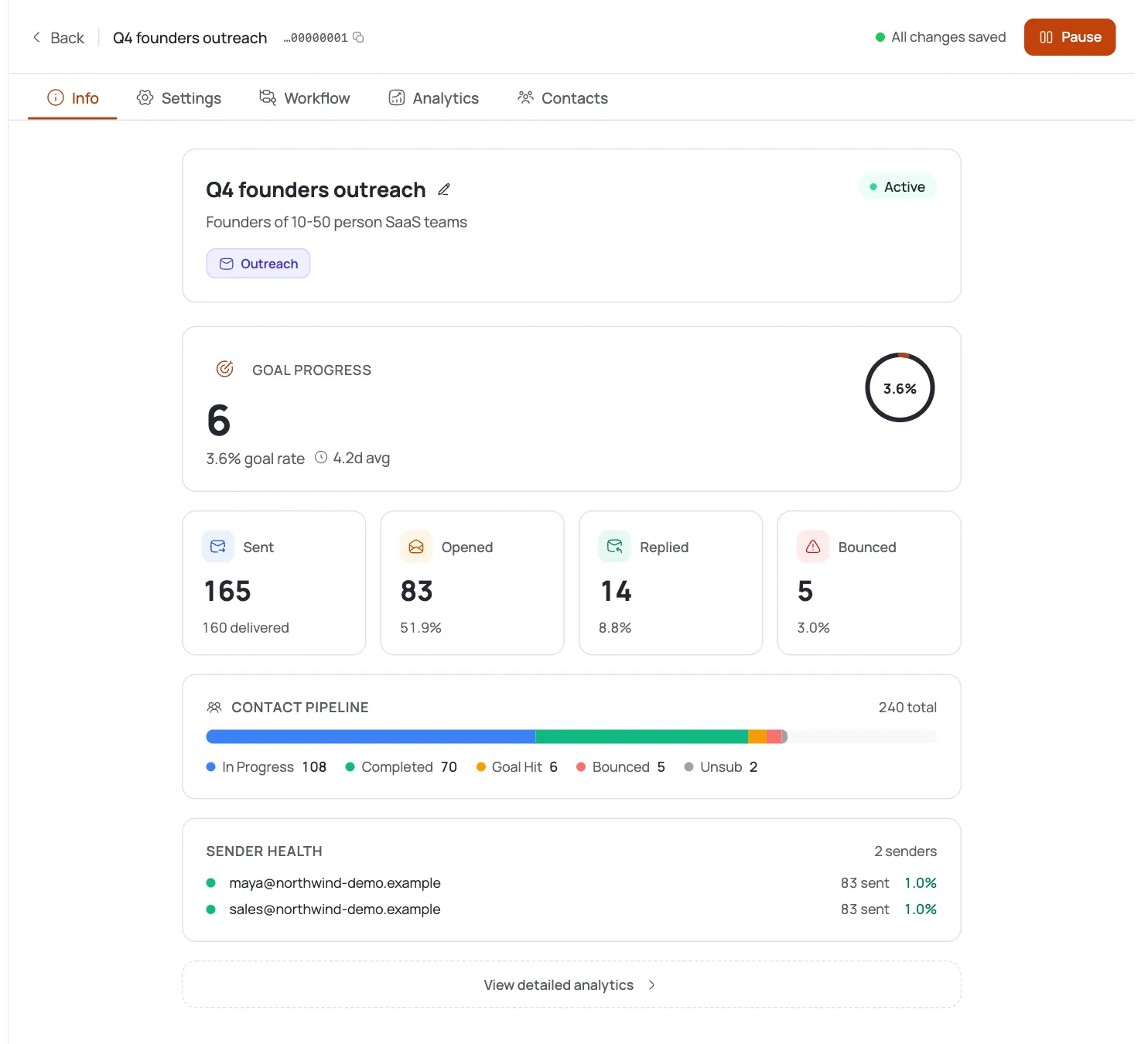
Active: Pause
An Active campaign with no pending edits shows an orange Pause button. Click it to stop sending immediately - pausing runs no checks.
Paused: Resume
A Paused campaign shows Resume. Clicking it re-checks the same launch-readiness and billing requirements as Launch before restarting.
Edited a live campaign?
Editing an Active or Paused campaign switches the button to Test Workflow, then Save. Saving updates the campaign without changing its running status.
Completed campaigns are done
A finished campaign shows a disabled Completed button - there's nothing more to click.
Pro tips
Pause is always safe
Pausing a running campaign runs no checks, so it's the reliable emergency stop whenever you need one.
Resume isn't guaranteed
If your sender account or billing lapsed while paused, Resume is blocked until you fix it - it runs the same checks as Launch.
Saving a live edit doesn't relaunch it
After editing an Active or Paused campaign, Test Workflow then Save updates the config without touching its running status.
Button says Save instead of Pause?
That means you have unsaved changes - save or discard them first, and the Pause/Resume label will return.
Frequently asked questions
How do I pause a running campaign?
Click the orange Pause button when there are no unsaved edits.
How do I resume?
Click Resume. It re-checks launch readiness and billing before restarting.
Why won't my paused campaign resume?
A required component or your billing status likely lapsed while paused - Resume runs the same checks as Launch.
Why does the button say “Save” instead of “Pause”?
You have unsaved changes; the button prioritizes saving them before showing the status action again.
Does pausing run any checks?
No - you can always pause, with no readiness or billing check.
What is the “Completed” state?
A finished campaign. The action button shows disabled Completed text with nothing to click.
If I edit a live campaign, do changes apply immediately?
No - you'll see Test Workflow then Save first; your edits aren't live until you save them.