Read the symptom: Active, but the sent count is 0
Your campaign status reads Active but nothing is going out. “Active” only means the workflow is running — it doesn’t mean mail is flowing. Four gates can hold sends: no connected sender, a closed schedule window, no credits, or drafts stuck in the approval queue. Check each in order.
Check #1 — is a sender connected?
Open Campaign → Email Scheduler → Senders. At least one verified mailbox must be selected. If the list is empty, or the mailbox shows unverified or disconnected, that’s your answer.
Fix a disconnected sender
Reconnect the mailbox via OAuth on its connector details page, or add a verified one, then re-select it on the Senders tab. See Reconnect a mailbox.
Check #2 — is the schedule window open?
Open Email Scheduler → Schedule. Confirm the Sending Days (default Mon–Fri) include today and that the Campaign Timezone is correct. If today isn’t an allowed day, sending simply waits until it is — expected behavior, not a bug.
Check #3 — do you have credits?
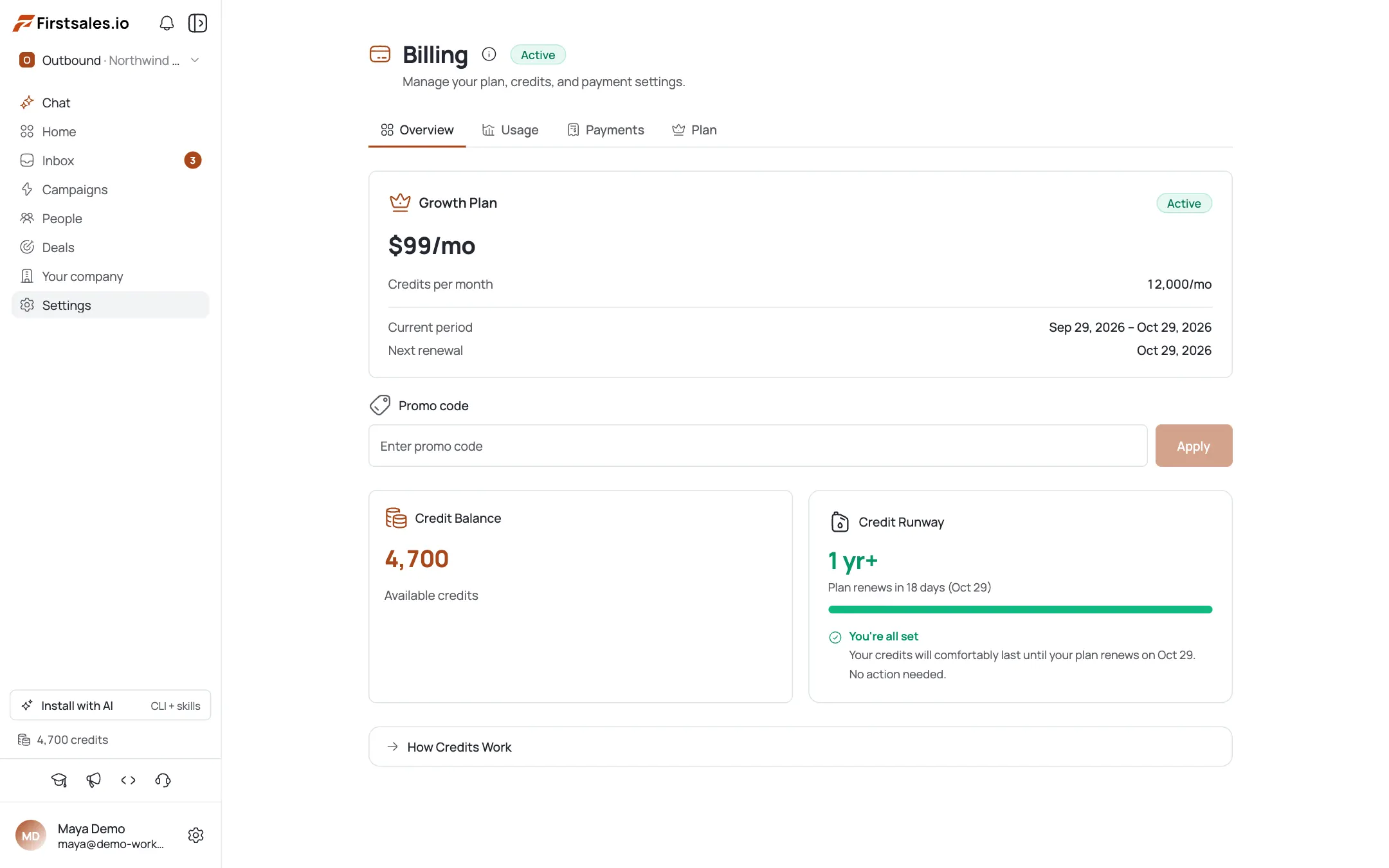
AI drafting costs credits (2 for Standard, 8 for Premium per email). At zero credits, drafts can’t generate, so nothing sends. Check your billing balance and top up if it’s empty — see Out of credits mid-campaign.
Check #4 — is the approval queue holding drafts?
Open Campaign → Content Approval. If the mode is set to “Must Approve”, every draft sits on hold until you explicitly approve it — no action means no send. Either approve the pending drafts in the inbox’s approval queue, or switch the mode to “Review or Auto-send”, which releases drafts automatically after 24 hours.
Resolve and verify
After fixing the failing gate, confirm the sent count starts moving within the next scheduled window. If it’s still stuck, re-run the checklist top to bottom — it’s almost always one of these four.
Pro tips
‘Active’ is not ‘sending’
Active means the workflow is live. Four gates (sender, schedule, credits, approval) can each hold mail while the status still reads Active.
The approval queue is the #1 silent culprit
If you picked “Must Approve,” every draft waits for you forever. Switch to “Review or Auto-send” if you don't want to hand-approve each one.
Check the timezone before you panic
A campaign set to a timezone that's currently outside business hours is working correctly: it just hasn't hit the send window yet.
Run the checklist in order
Sender, then schedule, then credits, then approval. The cheapest fixes come first, and it's rarely more than one gate.
Frequently asked questions
Why is my campaign Active but not sending?
Active only means the workflow is running. Sending is gated by four things: a connected sender, an open schedule window, available credits, and (if you chose Must Approve) approved drafts. One of them is blocking.
I have a mailbox connected but still nothing sends.
Confirm it’s verified and selected on the Senders tab, and that it hasn’t silently disconnected. Reconnect via OAuth if needed.
It sent yesterday, why not today?
Check your Sending Days and Campaign Timezone. If today isn’t an allowed day, or it’s outside business hours in that timezone, sending waits for the next window.
Does approval really block everything?
Yes — in “Must Approve” mode, drafts stay on hold until you approve them. No action means no send. Approve them or switch modes.
What happens to sending when I’m out of credits?
AI drafts can’t generate without credits, so there’s nothing to send. Top up and it resumes.
How do I know which of the four is the problem?
Walk them in order. Usually only one gate is closed, and the checklist isolates it in a couple of minutes.
Is there a ‘send now’ button to force it?
No. There’s no force-send or per-campaign throttle override — fix the blocking gate and the next scheduled window sends.