Open Reply Handling
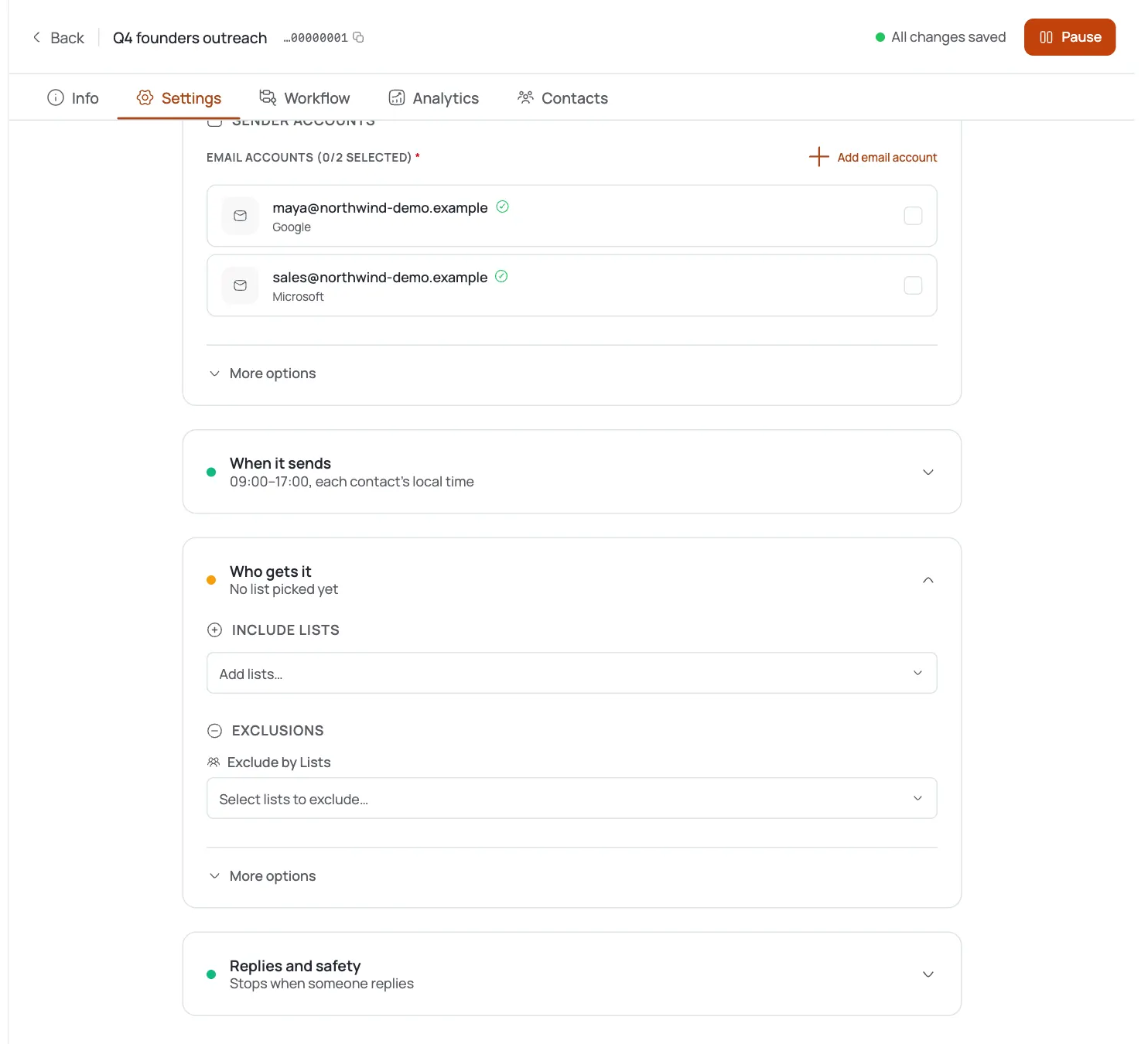
In a Template-mode campaign, go to Settings → Reply Handling.
Turn on stop-on-reply
Tick Stop sending when a reply is received so a contact's sequence pauses the moment they reply to any email.
Know the universal brakes
“Goal, reply, and unsubscribe brakes apply to every channel.” A contact who trips one stops receiving further steps.
Rely on opt-out classification
Replies like “stop”, “do not follow up”, or “not interested” are automatically classified as an unsubscribe and halt future steps for that contact.
See opt-outs in the Inbox
Unsubscribed contacts show a Completed · Unsubscribed pill on their thread row and an Unsubscribed journey card in the conversation.
Confirm they're excluded
Once unsubscribed, a contact's journey has ended and no further emails send to them.
Pro tips
Leave stop-on-reply on by default
Following up after someone already replied is the fastest way to sound like a bot.
You don't need to manually mark opt-outs
Negative replies are classified as unsubscribes automatically, but scan the Unsubscribed view periodically to catch edge-case phrasing.
Brakes are channel-wide
A reply or unsubscribe stops every remaining step for that contact, not just the current email.
Pair with out-of-office detection
So real replies stop the sequence while vacation auto-replies only pause it: the two settings live side by side.
Frequently asked questions
Where is stop-on-reply?
Campaign Settings → Reply Handling in a Template-mode campaign.
What does it do?
Pauses a contact's sequence as soon as they reply to any email in it.
How are opt-outs detected?
FirstSales classifies replies like “stop”, “do not follow up”, or “not interested” as an unsubscribe and stops future steps for that contact.
What are the 'universal brakes'?
Goal, reply, and unsubscribe conditions that stop a contact's sequence across every channel.
How do I see who opted out?
Unsubscribed contacts show a Completed · Unsubscribed pill in the Inbox and an Unsubscribed journey card in the conversation.
Is there a custom unsubscribe page or suppression list?
Not today: opt-out is handled by reply classification and the unsubscribe journey status, which stops further sends automatically.