Use a Template-mode campaign
Reply Handling (including OOO detection) appears in campaign Settings only when the campaign runs in Template mode.
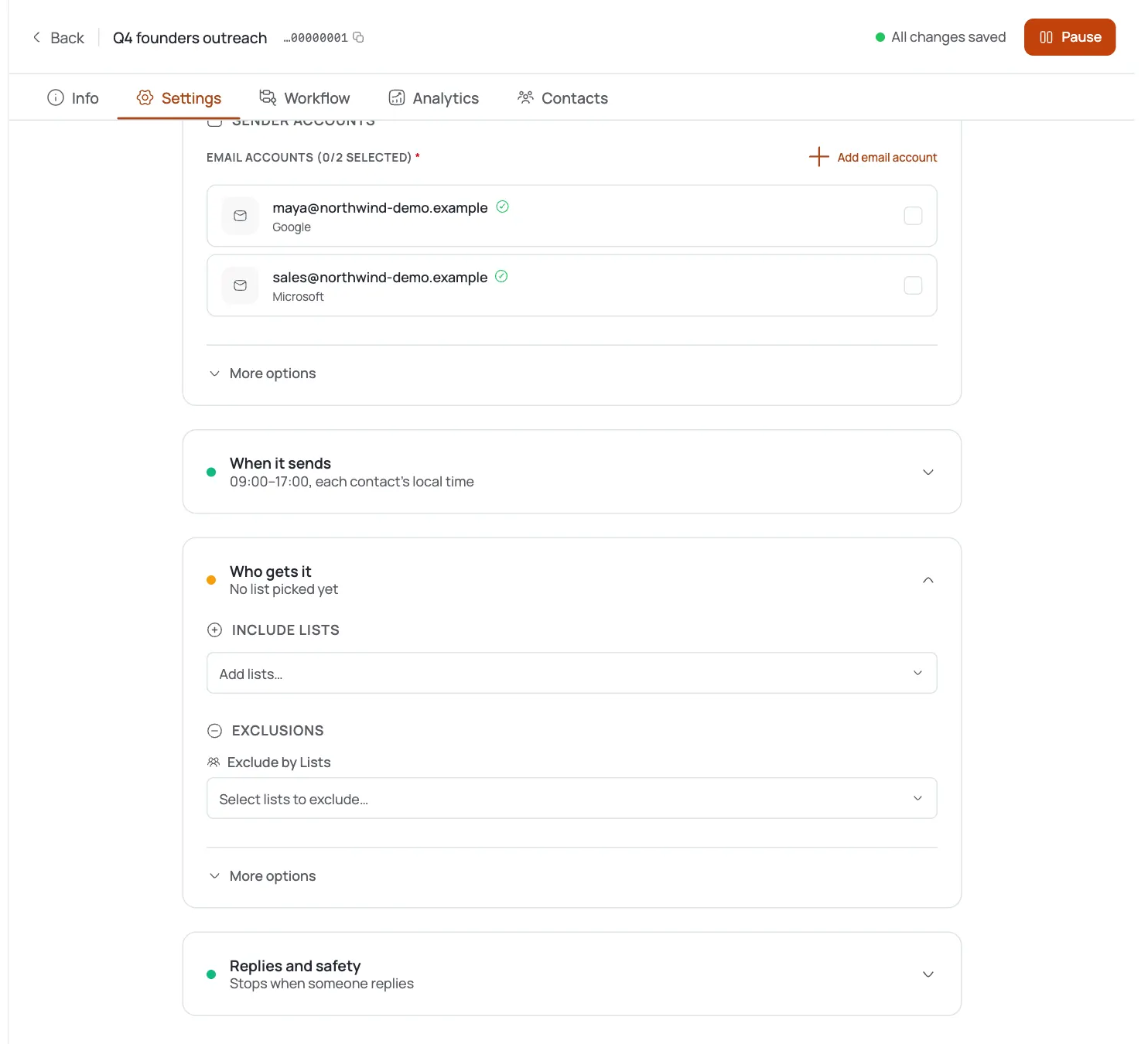
Open campaign Settings
In the campaign builder, go to the Settings tab and find the Reply Handling section.
Enable OOO detection
Tick Detect out-of-office replies.
Understand the pause
FirstSales “recognizes OOO auto-replies and pauses the sequence until they return”: no manual return date to enter.
Spot OOO in the Inbox
OOO threads carry an out-of-office status, so you can see who's currently paused for that reason.
Let it auto-resume
When the contact returns, their sequence continues from where it paused: no action needed from you.
Pro tips
Pair it with stop-on-reply
Turn on Stop sending when a reply is received in the same section, so genuine replies stop the sequence while vacation auto-replies only pause it.
Template mode only
If you don't see Reply Handling in Settings, your campaign isn't running in Template mode.
No date to enter
Detection reads the auto-reply and resumes on its own: leave it on and forget it.
Check the Inbox before a big push
Scan for OOO-status threads so you're not waiting on contacts who are currently away.
Frequently asked questions
Where is the out-of-office setting?
Campaign Settings → Reply Handling, available in Template-mode campaigns.
What does it do?
Recognizes out-of-office auto-replies and pauses that contact's sequence until they return.
Do I have to set a return date?
No: detection handles pause and resume automatically based on the auto-reply.
Why don't I see Reply Handling in my campaign?
It only shows in Template mode. Autopilot campaigns don't expose this section.
How is this different from stop-on-reply?
Stop-on-reply halts the sequence on any reply; OOO detection only pauses for auto-replies and resumes when the contact is back.
Can I see who's currently paused for OOO?
Yes: OOO threads are flagged with an out-of-office status in the Inbox.