Connectors → Add Connector → SMTP/IMAP → Bulk Upload (CSV)
Open the SMTP / IMAP connector and switch to the Bulk Upload (CSV) tab: the second tab next to Single Account.
Download the sample CSV
Click Download sample CSV (
sample-mailboxes.csv) and fill your mailboxes into its columns. It's the exact schema the importer expects, so its headers auto-map without extra work.Know the required columns
Every row needs Email, SMTP Username, SMTP Password, SMTP Host, and IMAP Host. Everything else (ports, encryption, Daily Limit, warm-up columns) is optional and defaults sensibly.
- Full column set: Email, First Name, Last Name, IMAP Username, IMAP Password, IMAP Host, IMAP Port, SMTP Username, SMTP Password, SMTP Host, SMTP Port, Daily Limit, Warmup Enabled, Warmup Limit, Warmup Increment.
Upload the file
Drag your
.csvonto the dropzone or click to select it. Files are limited to 5MB and up to 5,000 rows. FirstSales parses it and moves straight to the preview.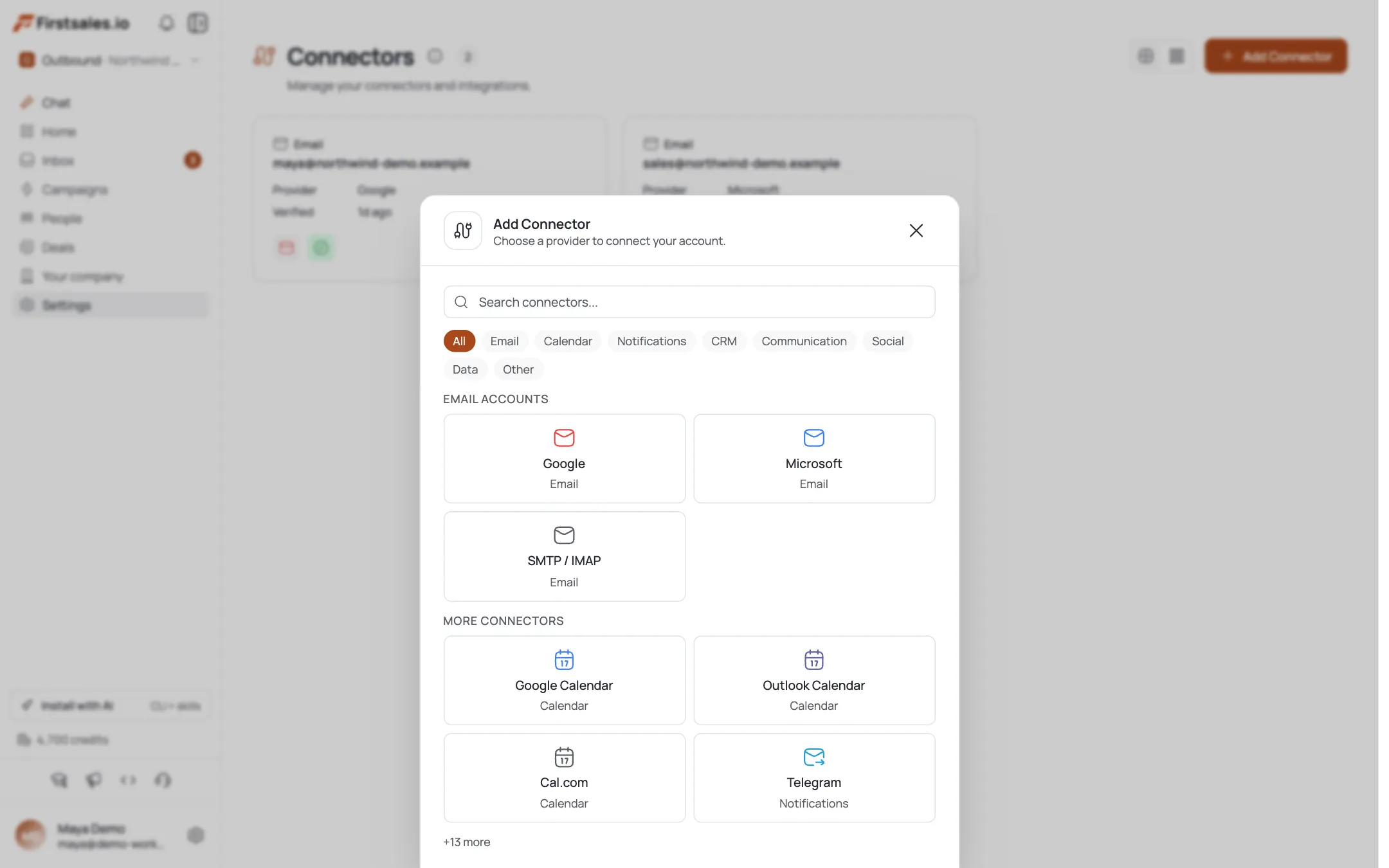
Check the column mapping
Columns auto-map by header name. Use each column's → dropdown to fix any that didn't match, or set it to - Skip -. Required fields are marked with
*: an amber warning appears if any required column is unmapped.
Review the validation preview
The first 5 rows show a green check or an amber warning, plus a Total / Valid / Invalid summary. Validation checks email format, host fields, credentials, port ranges (1–65535), and Daily Limit (1–10000). Invalid rows are skipped on import: fix them in your CSV and re-upload if you want them all in.
Click Import
Click Import N valid accounts. A progress bar runs as each mailbox is added one at a time.
Read the results
The done screen shows Imported and Failed counts, with a failed-rows list and reasons. Use Import More for another batch, or Done to finish: then warm up the new mailboxes before real sends.
Pro tips
Start from the sample CSV
Its headers map automatically. Renaming your columns to match (“SMTP Host”, “IMAP Host”, …) saves you re-mapping every field by hand.
Fix invalid rows before importing, not after
The preview flags bad emails, hosts, and out-of-range ports up front. Invalid rows are silently skipped, so a clean CSV means nothing goes missing.
Set warm-up columns per row
Warmup Enabled, Warmup Limit, and Warmup Increment let you enable ramp-up at import time instead of toggling each mailbox afterward.
Batch large lists
5,000 rows is the ceiling per file. For bigger fleets, split into files and use Import More between batches.
Frequently asked questions
Where's the bulk importer?
On the SMTP/IMAP connector: Connectors → Add Connector → SMTP / IMAP → Bulk Upload (CSV).
What columns do I need?
Required: Email, SMTP Username, SMTP Password, SMTP Host, IMAP Host. Optional: ports, encryption (inferred from port), Daily Limit, and the three Warmup columns.
What are the limits?
A CSV under 5MB and up to 5,000 rows per file.
My columns didn't map: what do I do?
Use the per-column → dropdown in the preview to map each header to the right field, or set it to - Skip -.
What happens to invalid rows?
They're flagged in the preview and skipped on import; the done screen lists each failure and its reason.
What defaults apply if I omit a column?
SMTP port 587, IMAP port 993, encryption inferred from the port, Daily Limit 30, warm-up off, warm-up limit 20, warm-up increment 2.
Can I import more than one file?
Yes: after a batch finishes, click Import More to run another.
Do bulk-imported mailboxes get warmed up?
Only if you set the Warmup columns, or enable warm-up per mailbox afterward. Reputation still has to build before real sends.