Define the candidate ICP for the role you are filling
Candidate outreach is a different animal from client BD. You are not selling your agency, you are opening a conversation with someone who is not actively job hunting but might be open to the right opportunity. Your ICP here is the exact profile of the role: title, years of experience, industry background, and location or remote eligibility.
Be precise. A vague "software engineers" list produces vague replies. "Senior backend engineers with 5+ years in fintech, Python or Go, currently at a Series B-D company" produces candidates who actually match what your client needs, and who recognize themselves in your message.
Always frame this as a placement, you are helping someone find their next role, never as project work, a gig, or a deliverable. Recruiting-side language should read like a career conversation, not a freelance brief.
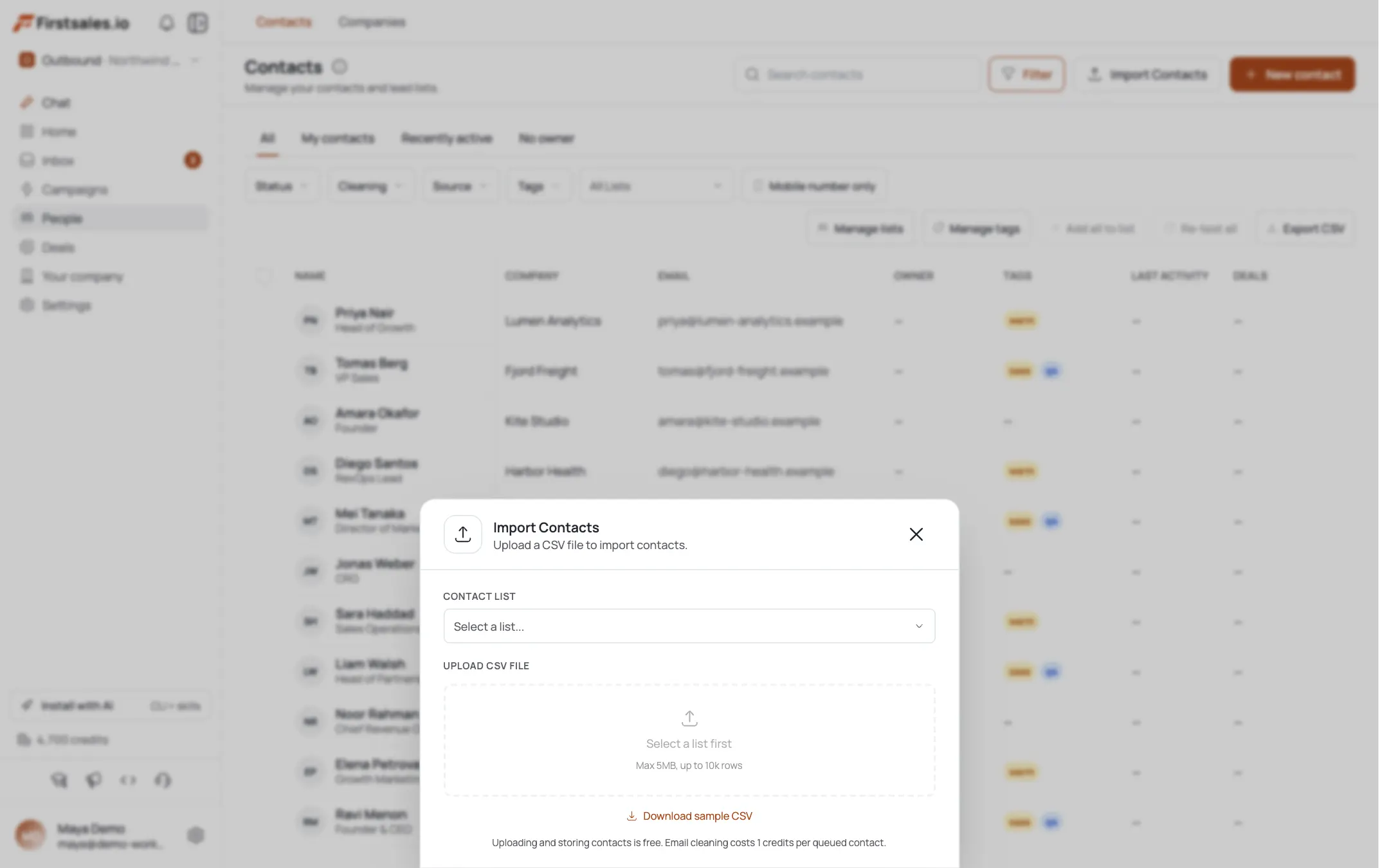
Source candidate leads with AI Leads
Use AI Leads and describe the exact candidate profile: title, seniority, industry, and any must-have skills or experience. AI Leads finds and enriches matching prospects, and the quality funnel filters weak matches before they cost you credits, which matters more here than in most outreach, since a mismatched candidate wastes both your credits and the candidate's time.
If you already have a sourced list from LinkedIn or a database, import it as a CSV instead and let enrichment fill in the gaps. Either way, keep the list scoped to one role or one closely related family of roles per campaign, so the messaging stays specific.
Use research to personalize without sounding like a scraper
Automatic prospect research runs before drafting, and the transparency view shows what it found and what got used, company facts, role, and signals. For candidate outreach, that typically means their current company and role. Use it to reference something real, their current employer, their apparent tenure, or a skill implied by their background, without listing it out like a data dump.
The line between personalized and creepy is thin in candidate outreach. "I noticed you've been at [Company] for a few years in a [role] capacity" reads fine. Reciting five scraped facts in a row reads like surveillance. Keep the research-backed detail to one line.
Review the transparency view for a handful of contacts before launching the full list. If the research is consistently pulling something usable, current employer and apparent role tenure, you are ready to go. If it is coming back thin for a chunk of the list, those contacts are candidates for a smaller, more manually reviewed batch rather than the main automated run, since a generic-sounding email to a passive candidate does more harm to your reputation with that person than simply not reaching out at all.
Walk through Describe, Teach, Practice for this campaign
Create the campaign and set the goal to get a reply, since a candidate conversation almost never books a meeting on the first email, it starts with interest. Campaign guidance walks Describe, Teach, and Practice.
Describe the opportunity honestly: the role, the company type (even if you cannot name the client yet), and why you thought of them specifically. Teach the AI the placement framing: you are a recruiter connecting them with an opportunity, not a client with project work, and the ask is a conversation, not a commitment. Practice on sample drafts and check that the tone reads as a peer reaching out, not a mass blast.
A first-touch draft built on that framing looks like the example below.
Subject: quick opportunity, [Company type] role
Hi [First name],
Came across your background at [Current company] and thought of you for a [role title] opening I'm working on at a [company type, e.g. Series C fintech]. Not sure if you're open to a conversation, but the fit looked strong enough to reach out.
No pressure either way, happy to share more if you're curious, or just say the word and I won't follow up again.
[Your name]
That closing line matters as much as the opener. Giving a passive candidate a clean, guilt-free way to say no makes the ones who are genuinely interested more comfortable saying yes.
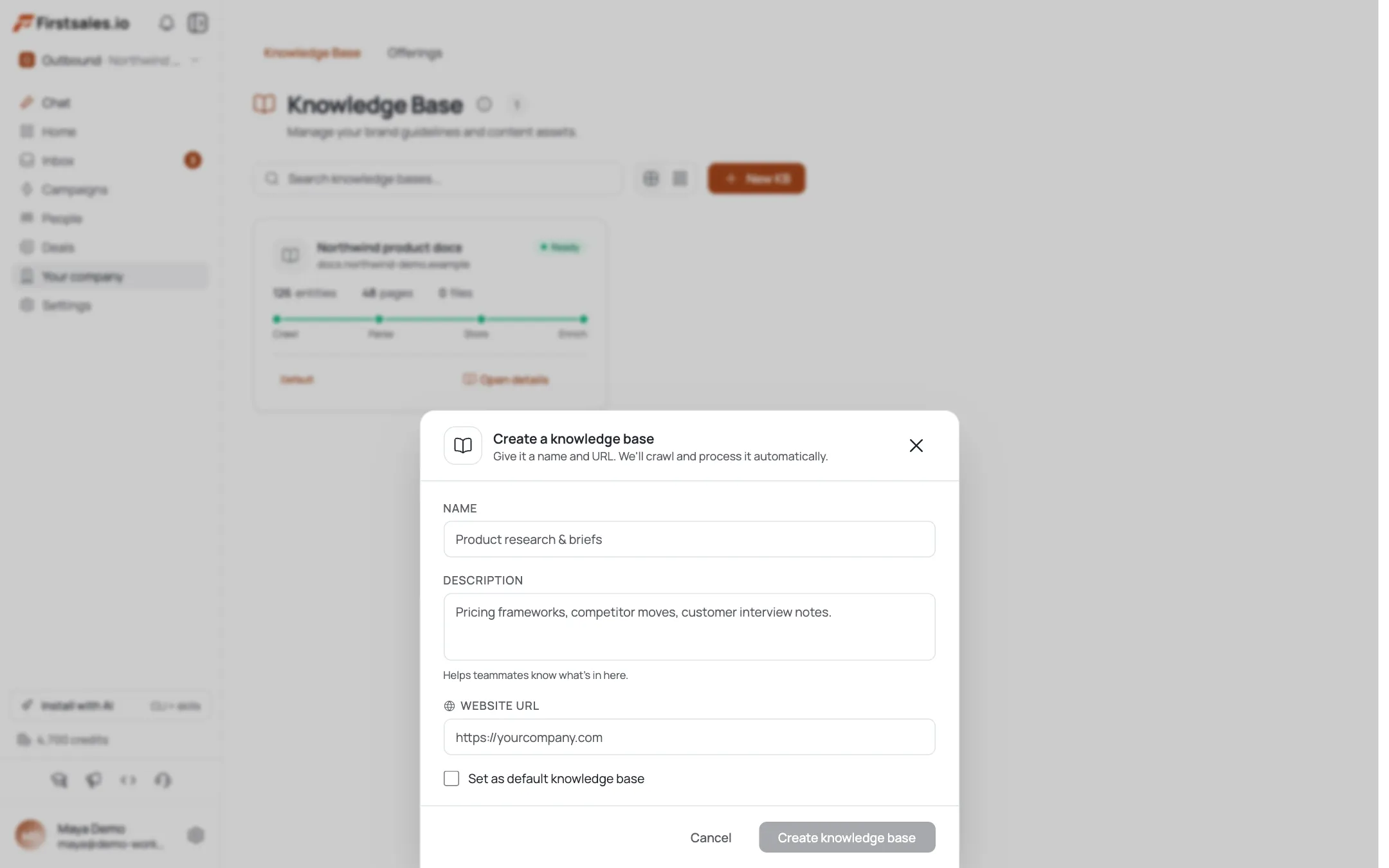
Teach a candidate-appropriate writing style
Paste in real candidate outreach emails that got responses, or write fresh samples in the voice you want: warm, direct, respectful of the fact that this person did not ask to be contacted. The AI learns that tone and reuses it. Avoid corporate recruiter cliches, keep sentences short, and always make clear this is confidential and no-pressure.
If you run outreach for multiple roles at once, teach the style once at a general level, then let each campaign's Describe step carry the role-specific detail.
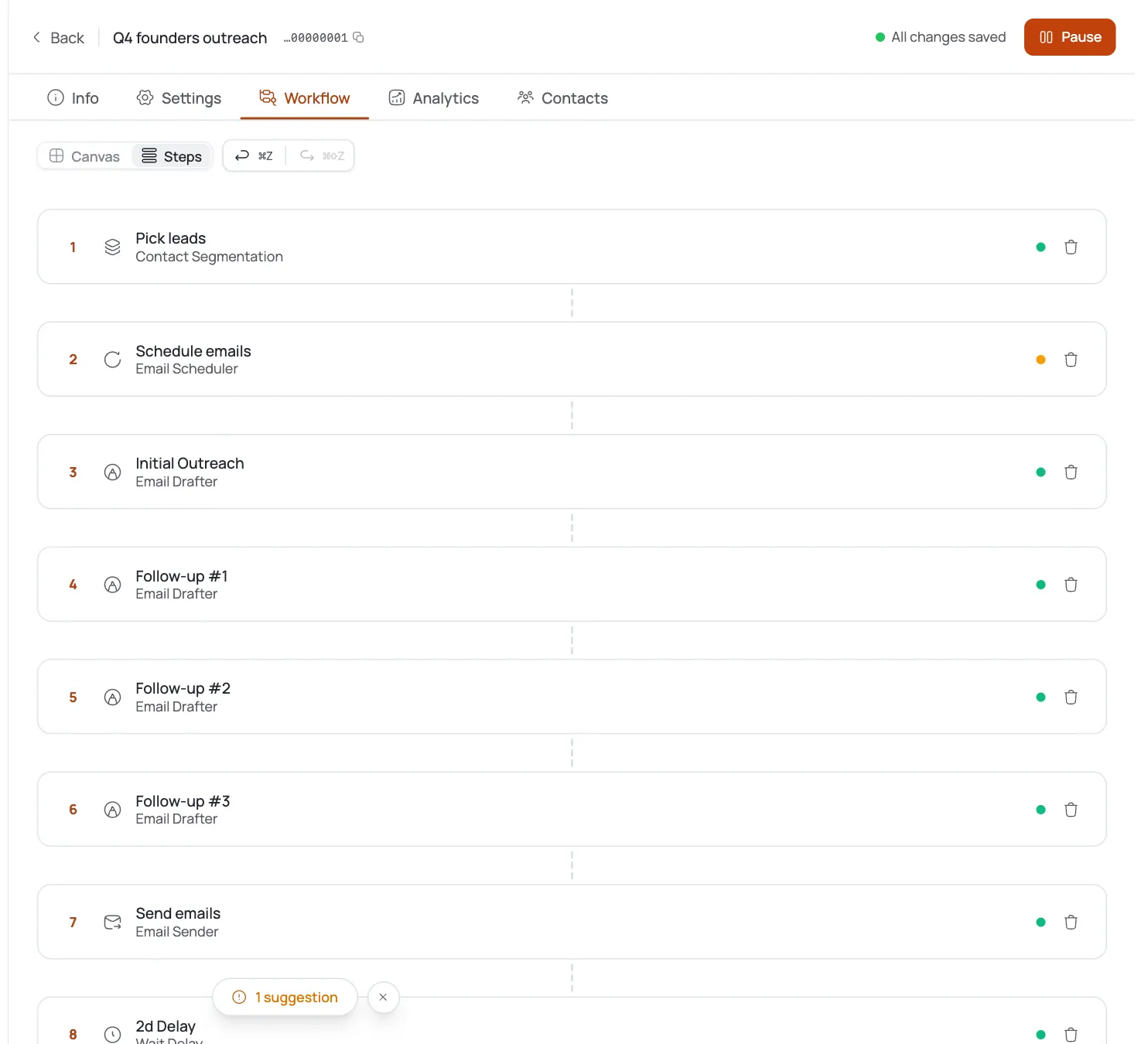
Keep the sequence short and low-pressure
Two steps is usually enough for candidate outreach. The first email opens the conversation. If there is no reply after a few days, one gentle follow-up, acknowledging they are probably busy, restating the opportunity in one line, and leaving the door open, is enough. A third or fourth follow-up on a passive candidate starts to feel like pressure rather than opportunity, which works against you with people who were not looking in the first place.
Sequence steps stop automatically the moment someone replies, so a candidate who says "not interested right now, but keep me in mind" will not get chased with more emails after that.
Space the follow-up further apart than you would in client BD, five to seven days rather than two or three. A passive candidate is not sitting by their inbox waiting for a decision, and a quick second touch can read as impatient rather than genuinely interested in them as a person.
Handle replies as the start of a real conversation
AI reply handling reads the actual content of what a candidate sends back, questions about compensation range, remote policy, or company name, and responds to what was actually asked instead of a canned script. For anything involving a specific offer, a name reveal for the client, or comp negotiation, route it to a human, this is where trust is built or lost.
Bounce handling auto-suppresses bad addresses, which helps since candidate contact data from scraped sources tends to have a higher bad-email rate than business contact data.
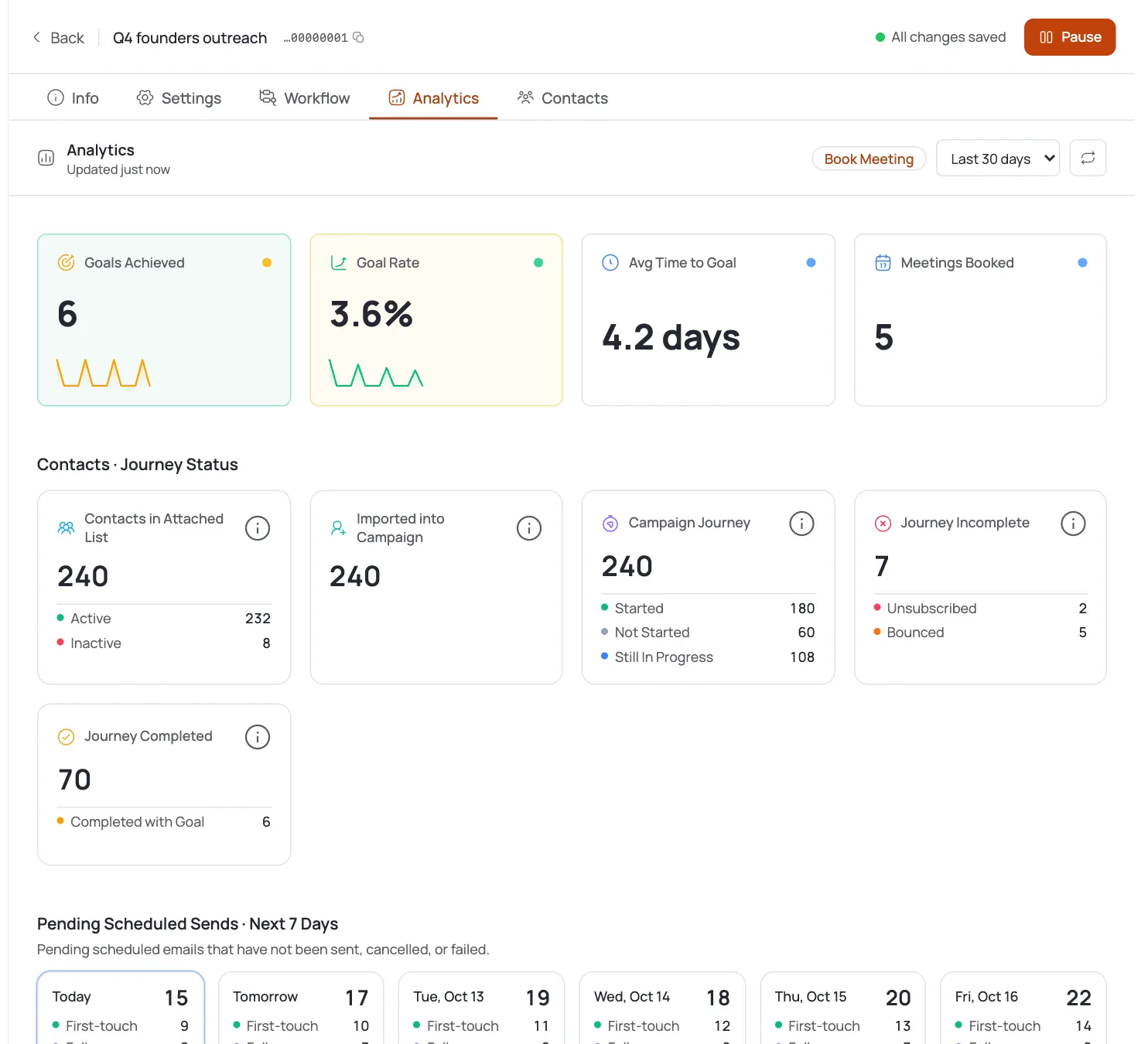
Track replies against the candidate-outreach band
Candidate outreach typically runs a meaningfully higher reply rate than client BD, in the 15 to 30 percent range, because you are messaging individuals about their own career rather than pitching a company on a vendor relationship. Track this per campaign in FirstSales analytics and per sequence step.
If your reply rate is well under that range, the likely cause is either a mismatched candidate list (not close enough to the actual role) or messaging that reads as generic rather than personal. Tighten the ICP description or revisit the Practice-stage sample drafts before assuming the channel itself is the problem.
It also helps to separate "not interested" replies from silence when you review performance. A candidate who replies no is still a data point telling you the targeting worked, they saw the message, understood it, and made a real decision. A campaign full of silence, by contrast, usually means the message never landed as personal in the first place, which points back to either the research quality or how tightly the ICP description was written.
Run this campaign in small batches per role rather than one giant standing list. A batch of 40 to 80 candidates per role lets you read the reply pattern clearly and adjust before you have burned through your best-fit prospects on a version of the email that was not quite right yet.
Astuces de pro
Name the role type in the first line
Passive candidates skim. Getting to "opportunity for a [title] at a [company type]" in the first sentence beats a warm-up paragraph about your agency.
Never open with salary numbers
Leading with comp before establishing interest turns a career conversation into a transaction. Let the candidate ask, then answer honestly.
Confidentiality builds trust fast
A single line noting this is confidential and no obligation lowers the guard of someone who is not actively looking, and it costs you nothing to include.