Define the aging requisition ICP
The strongest signal in staffing business development is not company size or industry, it is a job post that will not close. A role open 30 days or more tells you the internal team is stuck: the pipeline is thin, the hiring manager is behind on a headcount plan, or the role is hard to source for. That is the moment a recruiting desk earns a reply.
Set your ICP around roles and seniority you can actually fill fast. If your desk specializes in engineering, target companies with open engineering reqs, not general HR contacts. If you work healthcare or finance staffing, narrow to those verticals. Titles to target on the buyer side: VP Talent Acquisition, Director of Recruiting, Head of People, or for smaller companies, the founder or COO who owns hiring directly.
Company size matters less than hiring velocity. A 40-person startup with three aging reqs is a better prospect than a 2,000-person company with one slow-moving role, because the startup feels the cost of the vacancy every week.
Source leads with AI Leads
In FirstSales, use AI Leads to build this list. Describe your target plainly: companies actively hiring for roles in your specialty, with a decision maker in talent acquisition or people leadership. AI Leads finds and enriches matching prospects, and the quality funnel filters out weak matches before they cost you credits.
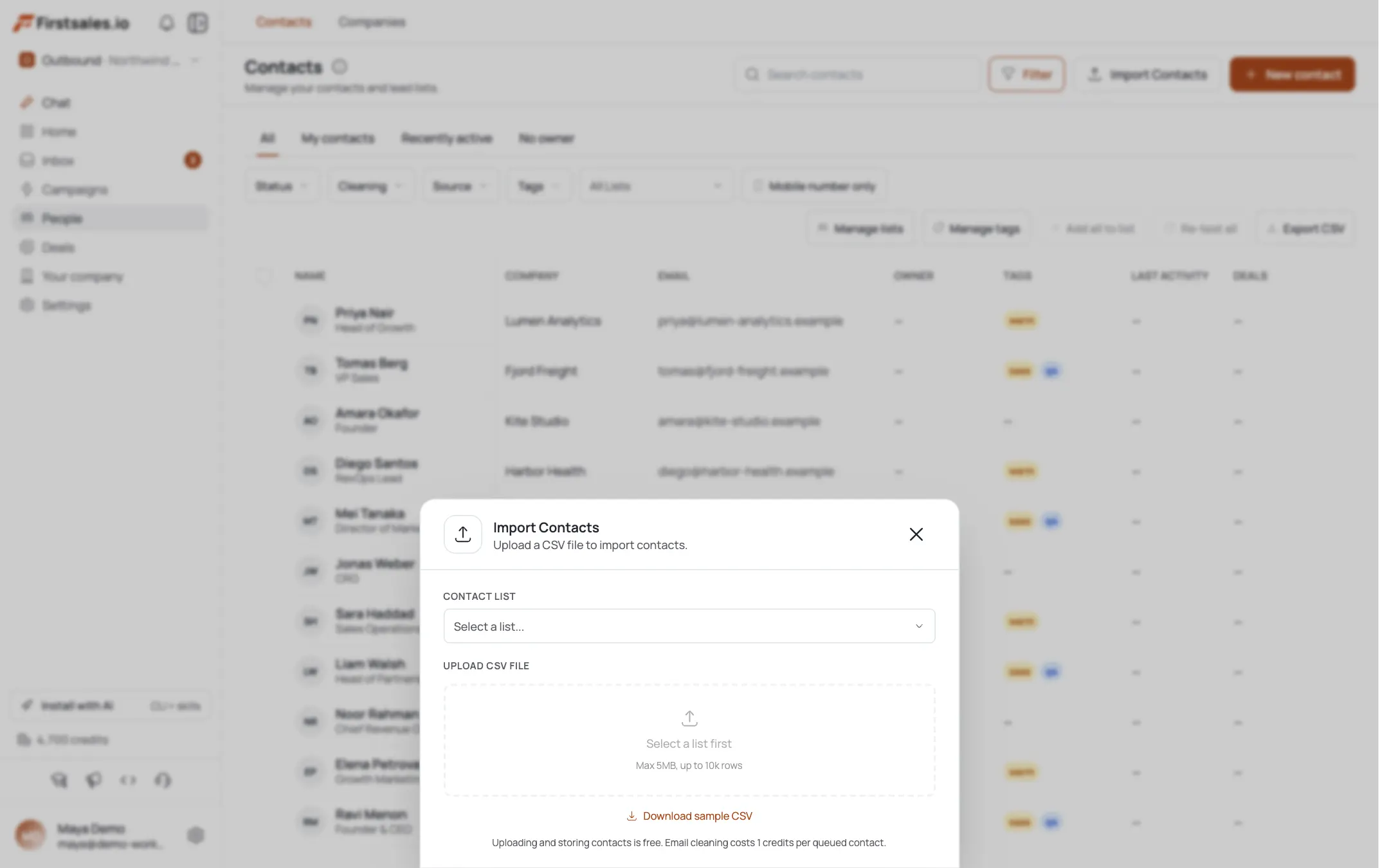
Aging requisition signal itself (a job post open 30+ days) usually needs to come from your own sourcing process or a job board you already monitor, since it is not a standard enrichment field. Bring that list in as a CSV import if you are pulling it from a job board scrape or an ATS-adjacent tool, then let AI Leads enrich the contact and company details on top of it.
Either way, keep the list tight. A focused list of 150 to 300 companies with a real aging-req signal will outperform a broad list of 2,000 companies with no signal at all.
Let research add company context around the signal you sourced
Before FirstSales drafts anything, it runs automatic prospect research on each contact and company. The transparency view shows you what it found, company facts, role, signals, and exactly what got used in the email. Since the aging-req signal itself came from your own job board or ATS tracking in step 2, this research is what fills in around it, funding news, company growth signals, or other facts that make the pitch sound informed rather than generic.
Skim the transparency view on a sample of contacts before you launch. If the research is pulling thin, generic company facts, tighten your ICP description or supply better source data so the drafts have something specific to reference. A pitch that names the actual open role from your CSV, backed by real company context, reads as informed. A pitch that only knows the company name reads as a mail merge.
Build the campaign with Describe, Teach, Practice
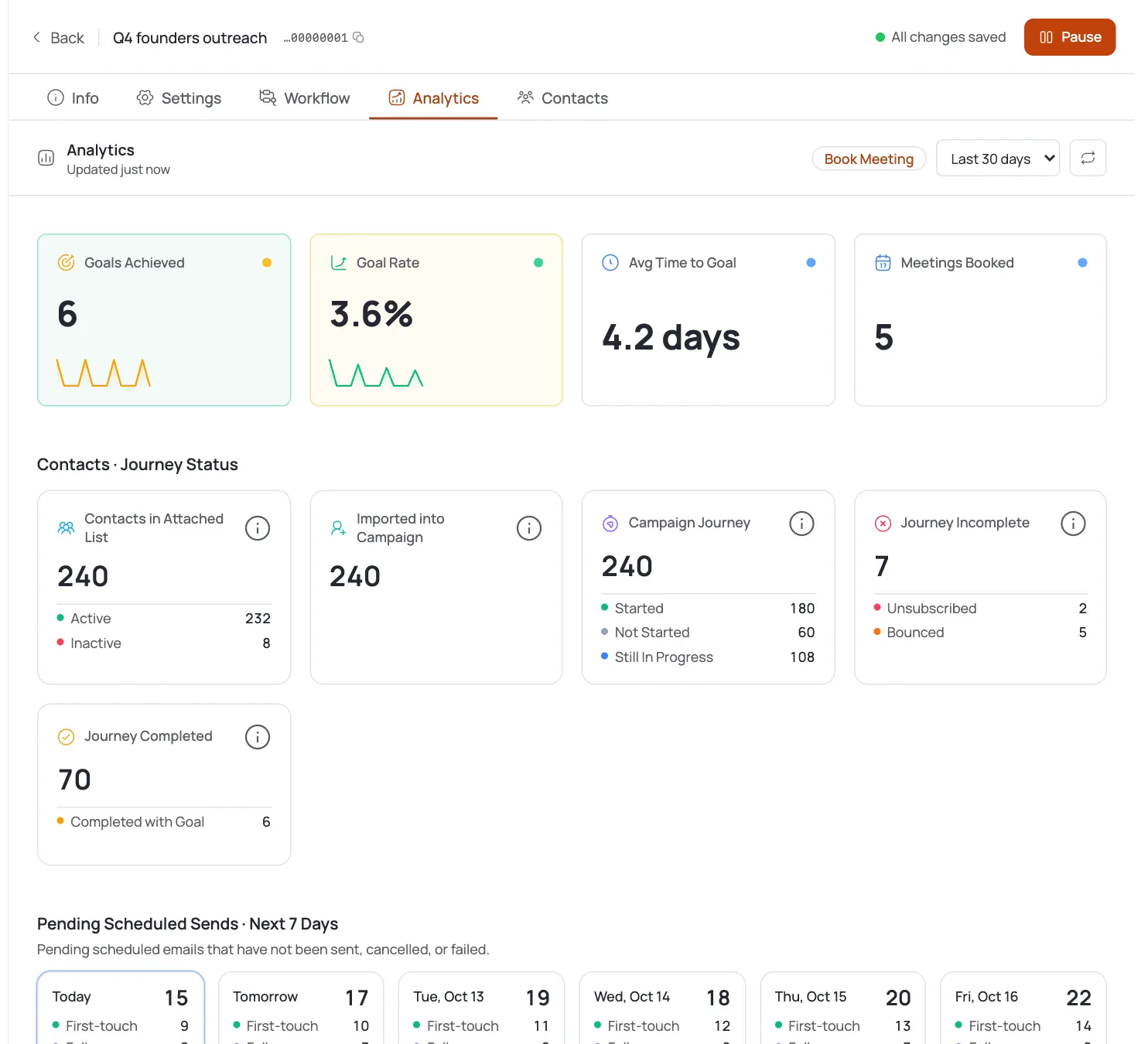
Create a new campaign and pick your goal, in this case usually book a meeting or get a reply from someone who owns hiring decisions. Campaign guidance walks you through three steps.
Describe the offer: you place candidates for [specialty] roles, typically within [your real average, stated as a range] of engagement, and you are reaching out because the role has been open a while. Teach the AI your positioning: what makes your desk different, whether that is a niche talent pool, a faster process, or contingency-only pricing with no upfront cost. Practice on a handful of sample drafts before turning the campaign live, and read them the way a busy hiring manager would.
Keep the ask small in the first email. You are not asking them to sign a contract, you are asking for 15 minutes to hear about the role. A first-touch draft that fits this pattern looks like the example below.
Subject: still hiring for the [role title] role?
Hi [First name],
Saw the [role title] posting at [Company] has been up for a bit. Roles like that tend to stall when the pipeline runs thin rather than when the role itself is hard to justify.
I run a desk focused on [specialty], and most of our placements close within [your real range]. Worth 15 minutes to see if I can get you two or three strong candidates this week?
[Your name]
Notice the structure: one observation, one credibility line, one specific, low-friction ask. Nothing about the agency's history, nothing about years in business, nothing that a hiring manager under time pressure has to work to parse.
Teach the AI your writing style
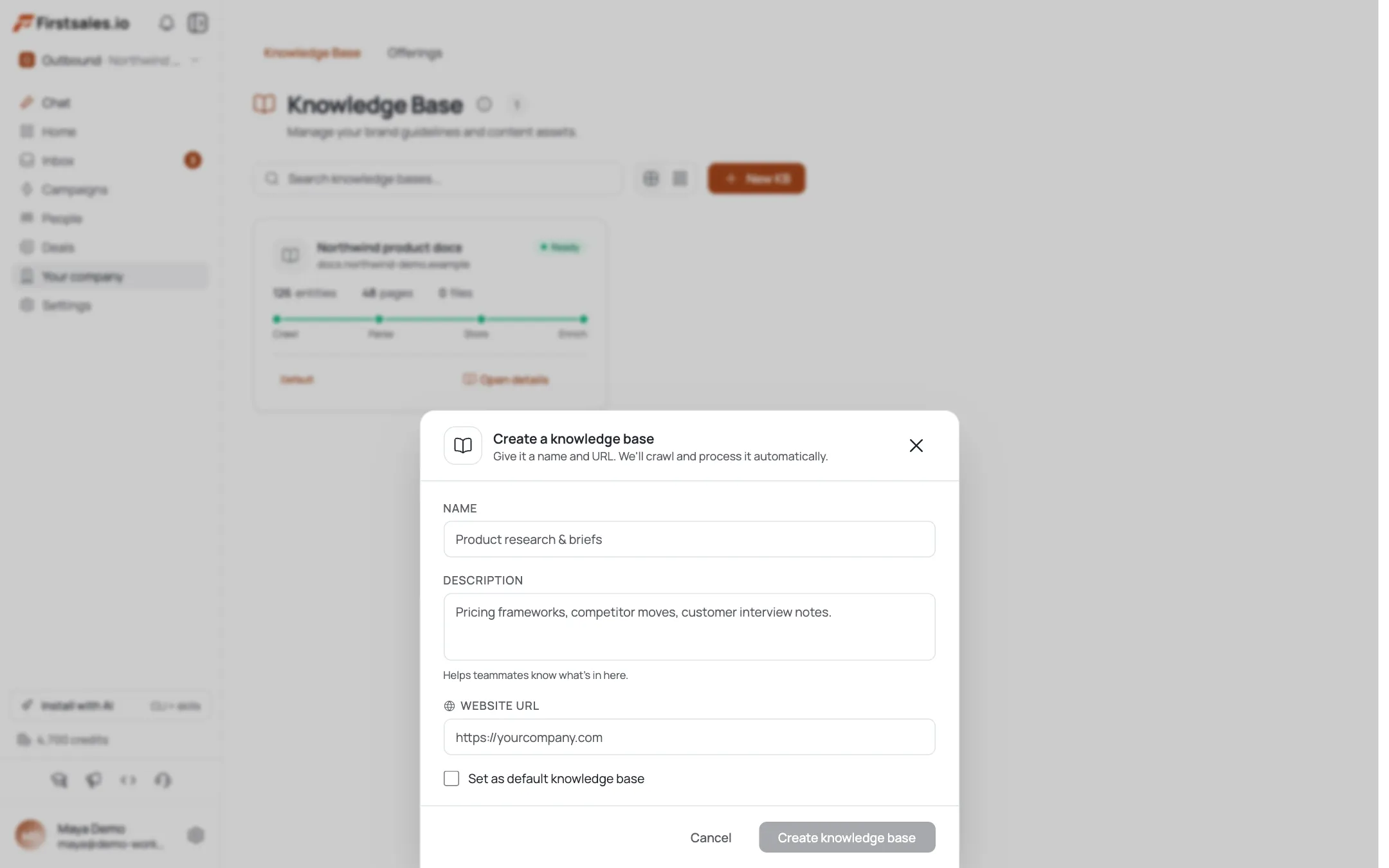
Paste in past outreach emails that got replies, or write a few samples yourself. The AI learns your tone and reuses it across the campaign, so every draft sounds like you rather than a generic template. For BD outreach, that usually means direct, low-pressure, and specific: short sentences, one clear point per email, no recruiting-industry jargon your prospect has to decode.
If you run more than one specialty desk (say, engineering and finance), teach the style separately for each campaign, since the tone that lands with a CTO differs from the tone that lands with a controller.
Build a short sequence around the vacancy cost
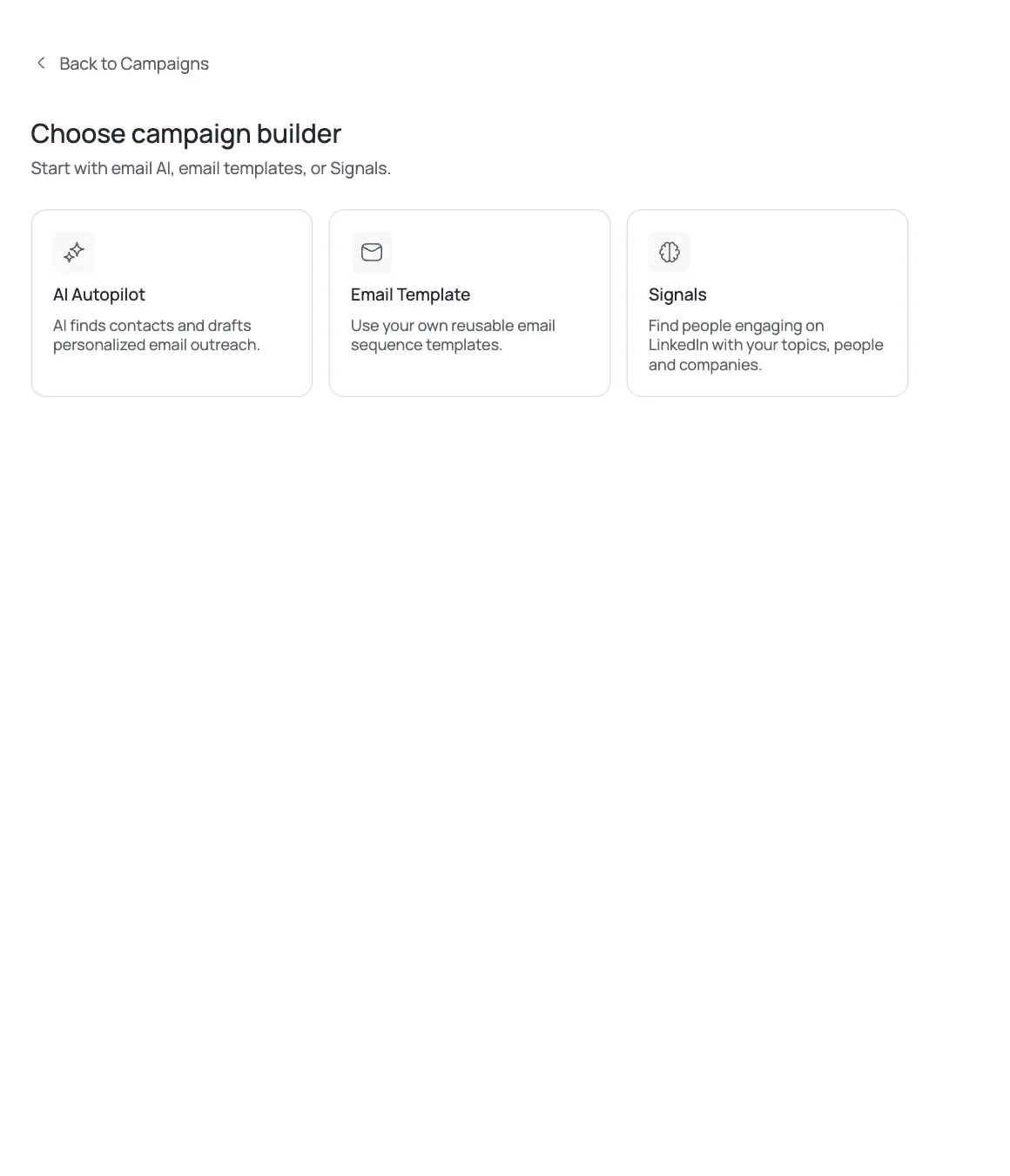
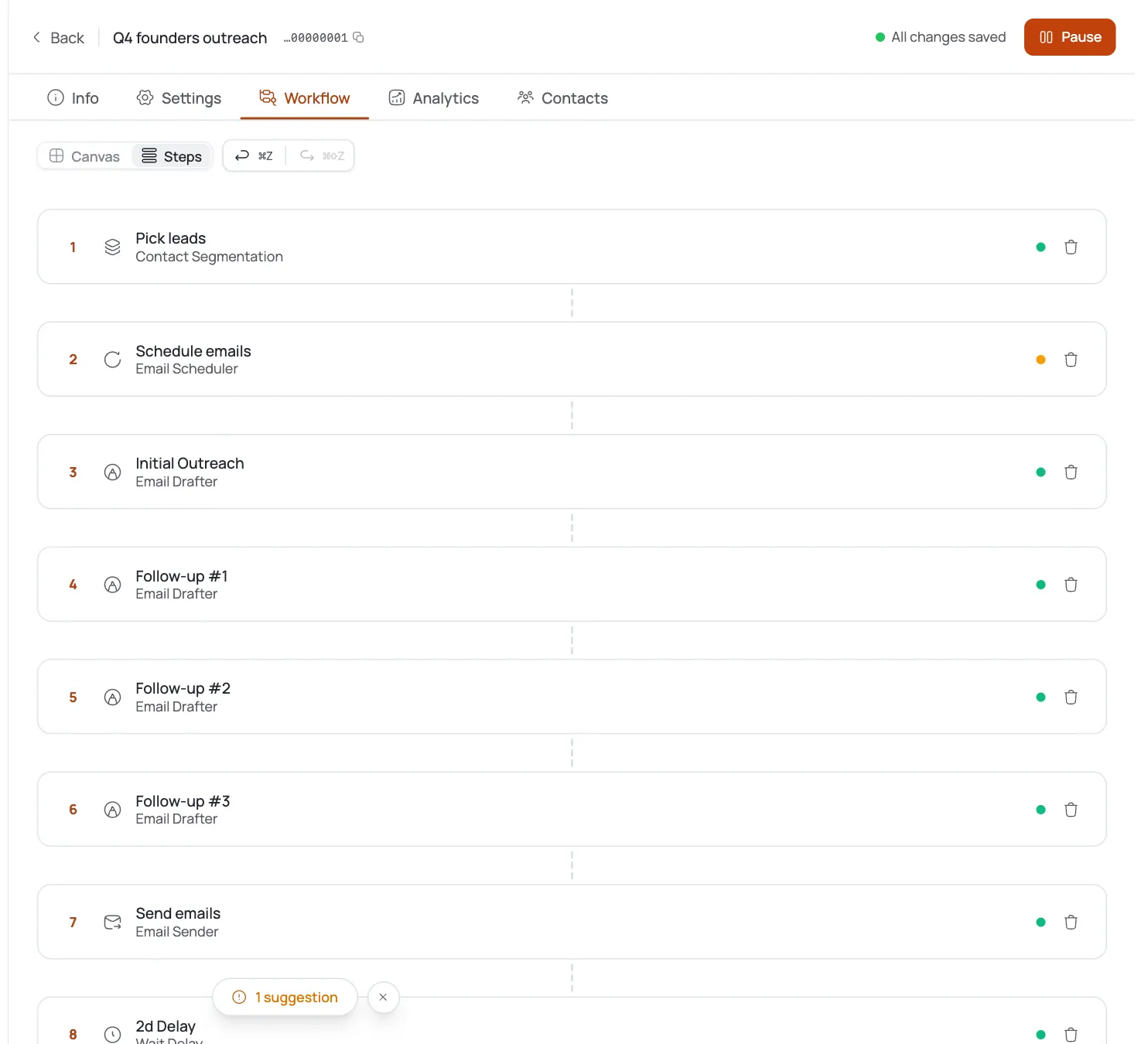
Set up two to three follow-up steps with a few days of delay between each. The first email names the open role and the offer. The second follow-up can add proof, a placement you made in a similar role or a stat about how long the average search takes without help. The third is a short, low-pressure close: ask if the role is still open, and if it has been filled, ask to be kept in mind for the next one.
Sequence steps stop automatically the moment someone replies, so you do not need to worry about a hiring manager getting a follow-up after they already said yes or no.
Handle replies without dropping the thread
Replies to this kind of outreach range from "send me your fee structure" to "we just filled it" to a flat no. FirstSales AI reply handling reads the actual message and responds to what was asked, so a fee question gets a fee answer instead of a generic thank-you. Route anything that mentions budget approval, an actual candidate slate request, or contract terms straight to your inbox for a personal reply, since that is where a human touch closes the deal.
Bounced or invalid addresses get auto-suppressed, which matters here since HR and TA inboxes change often as teams restructure.
Watch replies and meetings over open rates
For standard B2B outreach like this, expect roughly 2 to 5 percent replies and 0.5 to 1.5 percent meetings booked, tracked per campaign in FirstSales analytics. If your specialty is under-fished (a narrow technical niche, a regulated industry with few staffing competitors), you may land higher, in the 3 to 8 percent reply range. These are ranges, not guarantees, and they will move with how tight your ICP is and how specific the research-backed personalization reads.
Watch per-step performance. If your first email gets opens but no replies, the offer or ask is off. If the second follow-up outperforms the first, that proof point is doing real work, lean into it.
Give a new list at least two full sequence cycles before deciding whether the campaign is working. A single week of low replies can just mean you launched on a slow week for hiring decisions, not that the ICP or messaging is wrong. Pull the analytics by step and by sub-segment, if you are running multiple specialties in one campaign, split them out so a strong-performing niche is not masked by a weak one riding along in the same list.
Once you have a few weeks of data, revisit the Practice-stage drafts. If replies are trending toward "already filled" more than "tell me more," your source list is going stale faster than your sequence runs, and it is worth shortening the list refresh cycle rather than rewriting the copy.
Astuces de pro
Lead with the role, not your agency
Naming the specific open position in the first line gets read faster than an introduction of who you are. Save the agency pitch for sentence two.
Re-check reqs before the second wave
Aging-req lists go stale fast. A role open 30 days when you built the list might be filled by the time your sequence's third step goes out, so refresh the source list every couple of weeks rather than running one static list for months.
Separate contingency and retained pitches
If you run both contingency and retained search, do not blend the pitch. A retained ask needs a longer trust-building sequence than a no-upfront contingency offer.