Pick an EOL deadline that's real and close enough to matter
End-of-life campaigns work because the deadline is not manufactured urgency, it's a real date after which a vendor stops shipping security patches. Common triggers: a Windows Server or Windows OS version reaching end of support, a database version (SQL Server, older PostgreSQL builds) losing patch support, or a widely used business application hitting its final supported release.
The best window to run this campaign is 3 to 9 months before the actual EOL date. Too early and it doesn't feel urgent; too close and companies who haven't already started planning are often too far behind to move quickly. Pick one specific, verifiable EOL date per campaign rather than a vague "your systems might be outdated" theme.
Keep a short list of two or three upcoming deadlines rather than betting the whole quarter on one. Vendors stagger end-of-support dates across their product lines, so you can usually run one EOL campaign after another through the year, each with its own real date and its own list of likely-affected companies.
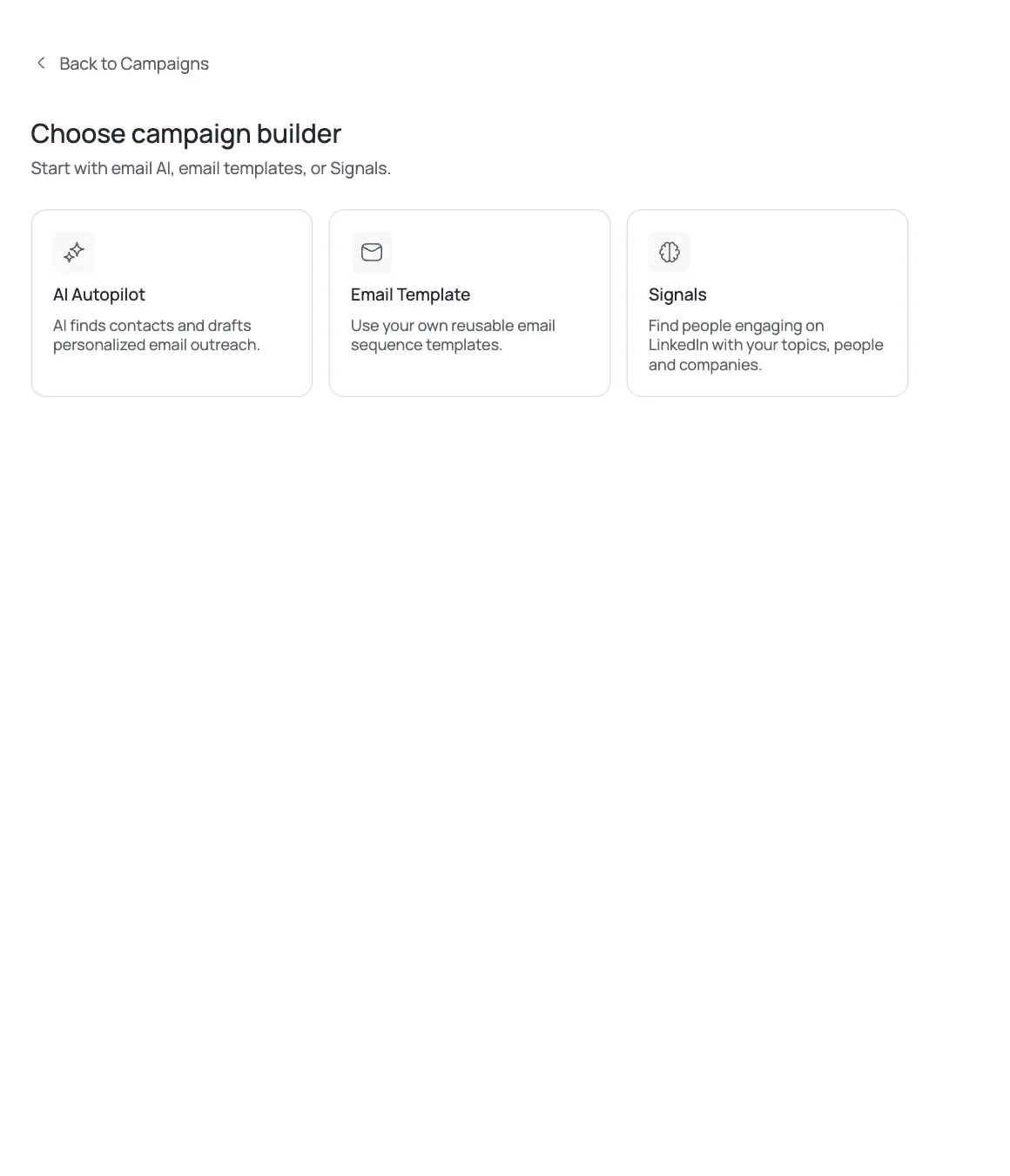
Source companies still likely running the outgoing version
Use AI Leads to describe your target: company size and industry segments where the outgoing platform is still common. Older Windows Server and legacy database versions tend to persist longest in manufacturing, healthcare practices with older line-of-business software, professional services firms with a legacy on-prem application, and smaller companies without a dedicated IT function to have already migrated.
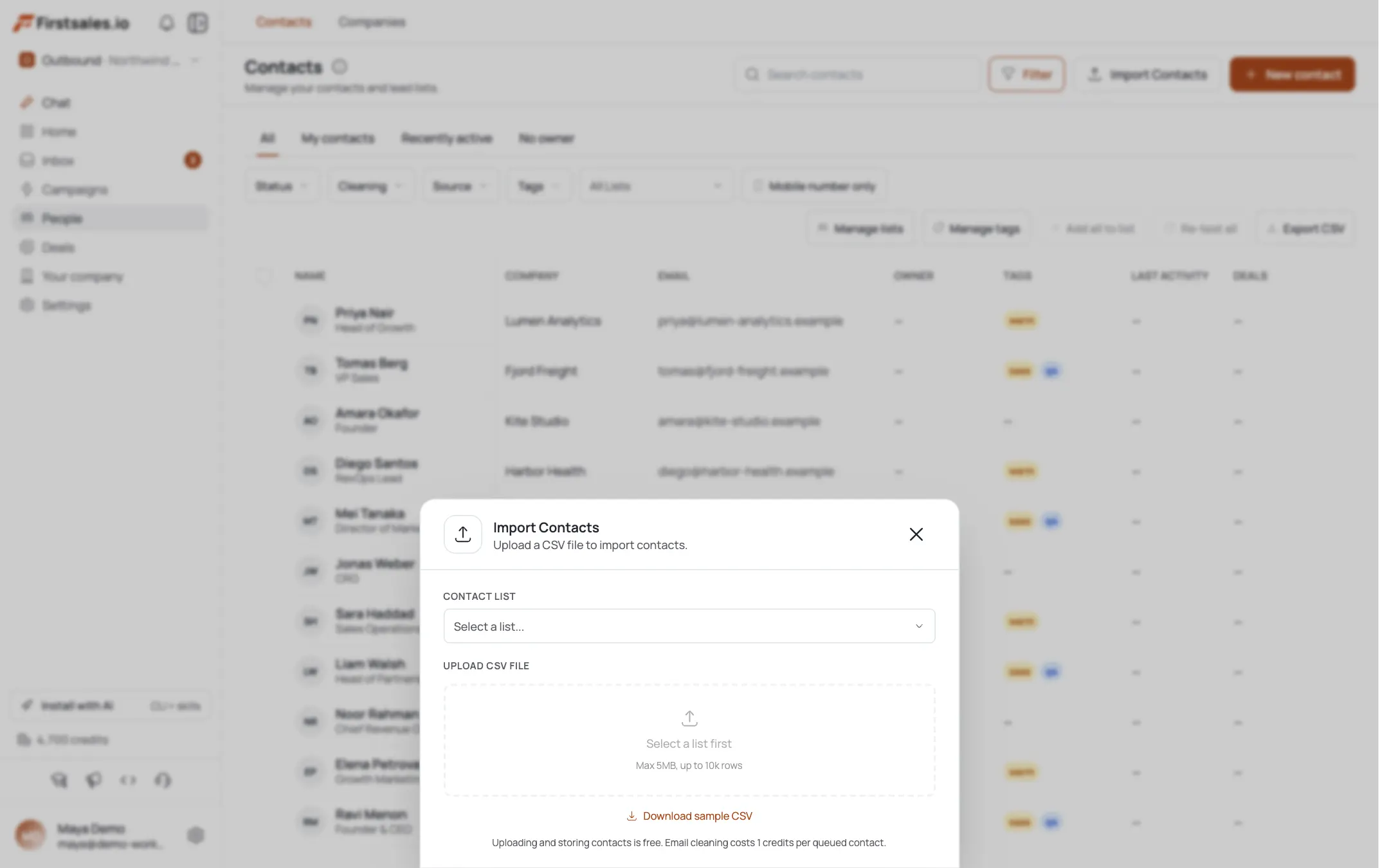
You can't directly detect what OS or database version a company runs internally from public data, so this campaign leans more on segment targeting than the individual signal-matching used in the security-observation playbook. Import a CSV if you have a list from past RFPs, expos, or referrals where you already know or strongly suspect the vendor stack.
Company age is a useful, easy-to-check proxy when nothing else is available. A business founded 15 or more years ago that hasn't been through a visible technology overhaul (no recent rebrand, no notable hiring push in engineering or IT) is statistically more likely to be running on infrastructure it set up years ago and never revisited. It's not proof, but it's a reasonable enough filter to prioritize one segment of a list over another when budget for outreach is limited.
Target the person accountable for the migration budget
EOL risk is ultimately a business risk (compliance exposure, no more security patches, vendor support drying up) so it's worth reaching both the technical owner and the business owner depending on company size. At smaller companies, target the Owner or Operations Manager directly, since they'll feel budget pressure to act. At companies with an internal IT person, target that IT Manager or Systems Administrator, since they're the one who will actually notice the deadline and needs backup to execute the migration on top of daily work.
Where both exist, it's worth including each in the same campaign with slightly different framing: the IT Manager cares about the technical mechanics of the migration, while the Owner or Operations Manager cares about downtime, cost, and risk to the business. Contact research usually gives you enough to tell which framing to lean on for a given title. When only one contact exists at a company, default to whichever framing matches the risk they'd personally have to answer for if the migration slipped.
Use research to confirm the trigger fits before drafting
Contact research runs automatically and the transparency view shows what was found per contact. For EOL campaigns, look for indirect signals that support the angle: job postings mentioning the outgoing platform, case studies or press mentioning a legacy system, or a company profile matching your target segment closely (older established business, manufacturing or healthcare vertical, mid-size without visible IT team).
Since you can't verify the exact software version from public research, keep the copy honest: frame it as "many businesses in [industry] are still running [platform], which loses support on [date]" rather than claiming certainty that this specific company runs it. The email should invite the prospect to self-identify, not assert a fact you can't confirm.
Set up the campaign with the deadline as the headline
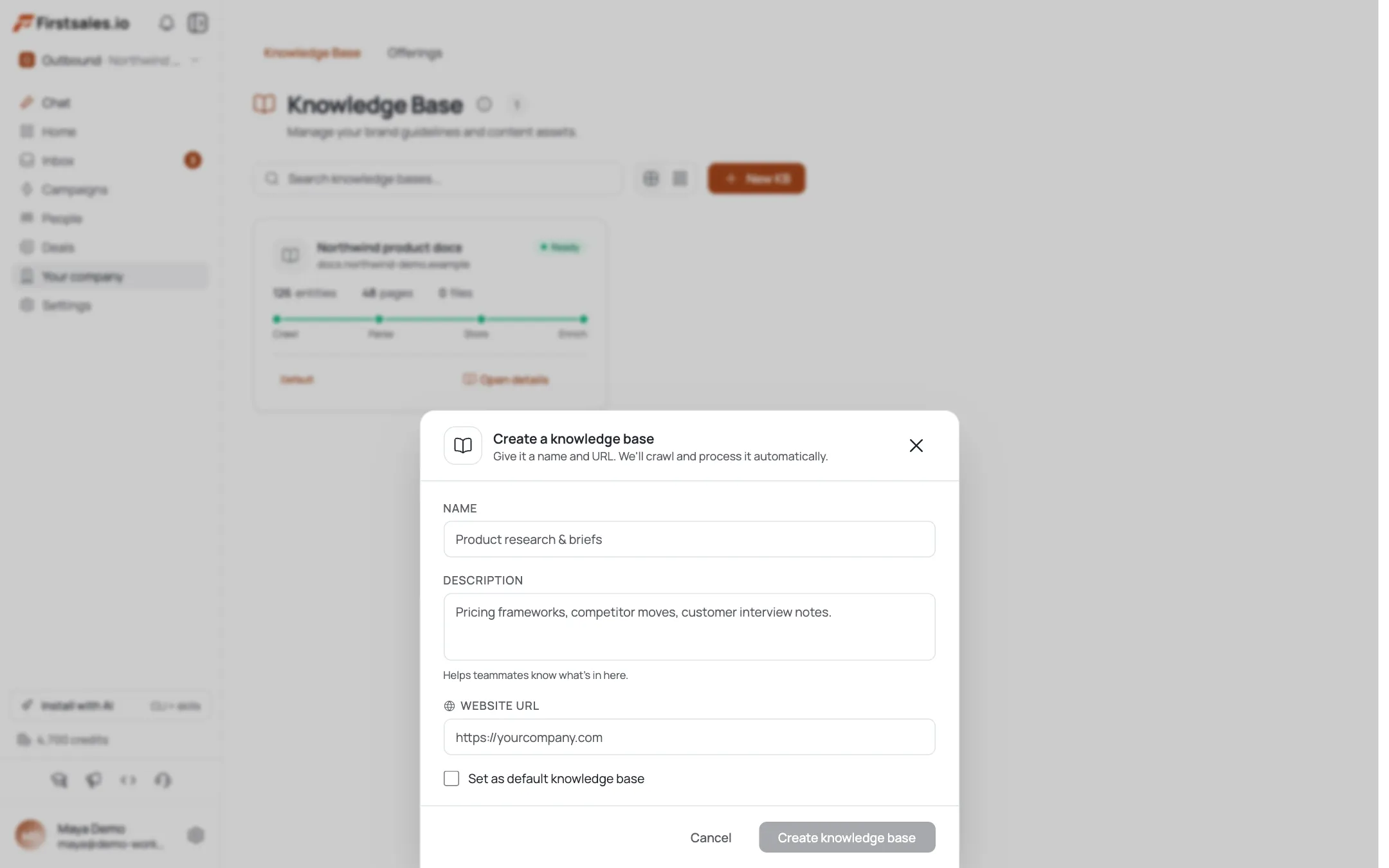
Create the campaign, set the goal (book a meeting or a migration assessment call), and in Describe, put the actual date front and center along with what happens after it: no more security patches, no more vendor support, and often compliance exposure if the business is in a regulated industry. Include your actual migration offering: what you replace the platform with, and roughly how disruptive or smooth the process is for a business your size of client.
In Practice, run sample drafts and confirm the AI states the deadline plainly and doesn't inflate the risk beyond what's true. "Loses security patches" is accurate and serious enough on its own; there's no need for invented breach statistics or fake urgency language.
Teach a direct, deadline-first tone
EOL emails work best short and factual, almost like a public service notice rather than a sales pitch. Load sample copy like this into the writing-style step.
Subject: Windows Server 2012 support ends in [X] months
Hi Pat,
Quick heads up if it's relevant: Microsoft ends support for Windows Server 2012 on [date]. After that, no more security patches, which is a real problem if you're in a regulated industry or just don't want to be the company that gets hit because of an unpatched server.
We've helped a handful of businesses your size move off it ahead of the deadline, usually with less downtime than people expect. If this is on your radar, happy to do a quick call to map out what a migration would look like for you.
Worth 15 minutes before the date sneaks up?
MorganThe tone is helpful, not alarmist. The deadline does the persuading; you don't need adjectives on top of it.
Build a sequence timed to the actual deadline
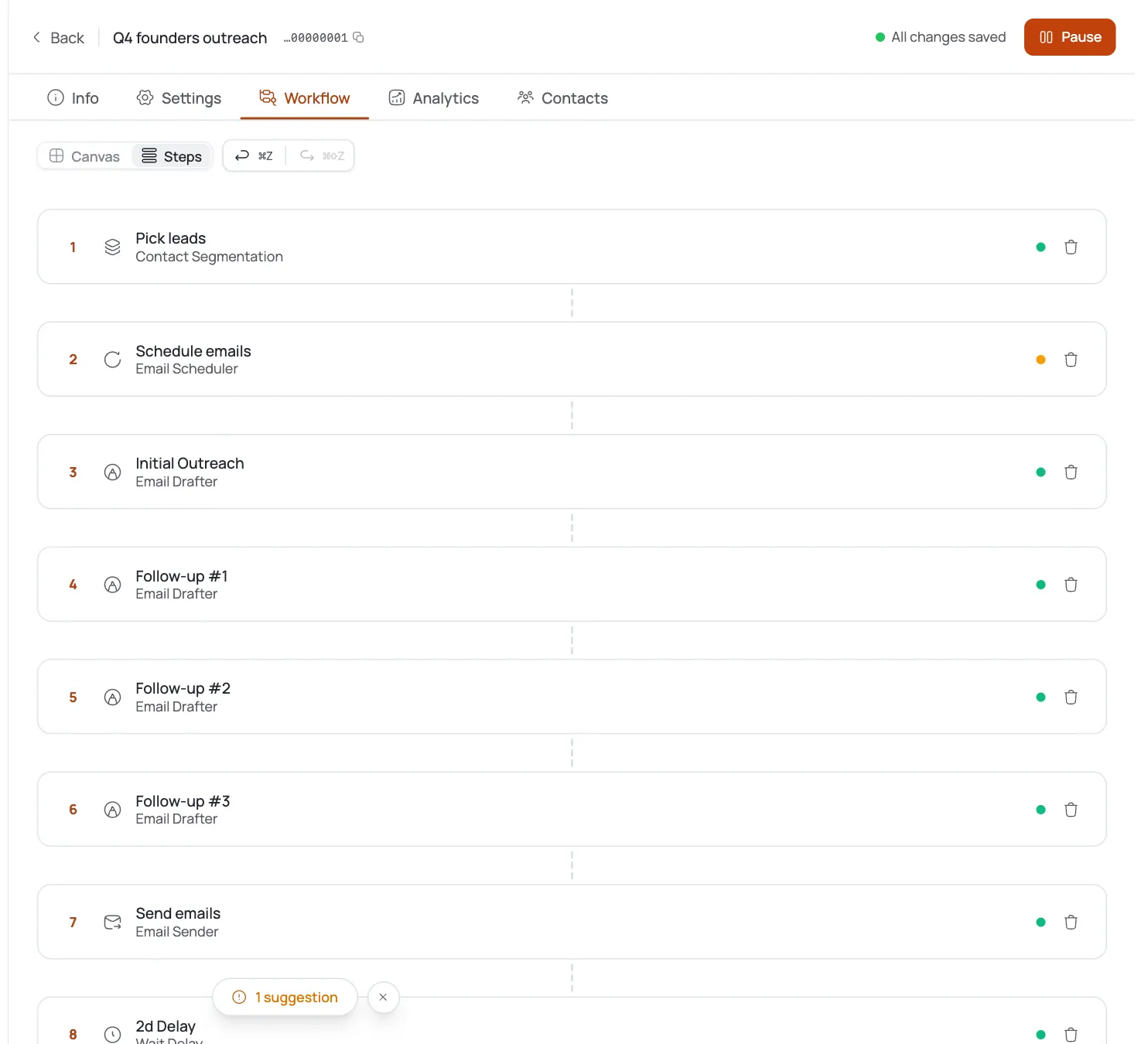
Because this campaign has a real external clock, structure the sequence around it. Step 1 introduces the deadline. Step 2, a week or so later, can address the most common objection: "we know but haven't gotten to it," acknowledging that migrations get deprioritized and offering to make it low-effort on their end. Step 3 can add mild urgency as the actual date approaches, if you're running the campaign close enough to it, or offer a free readiness assessment as a low-commitment next step. Steps stop automatically the moment someone replies.
If your outreach window is long (starting 9 months out), consider re-engaging non-responders again about 60 days before the deadline with a fresh, shorter message rather than running one continuous sequence the whole time.
Handle replies and read results against a realistic bar
Replies land in your unified inbox and AI reply handling responds to the specific question asked, common ones being "what does migration involve" and "how much does this cost." Bounce handling auto-suppresses invalid addresses so your list quality holds up over a longer campaign window.
EOL campaigns to under-fished niches like manufacturing or specialized services can land in the 3 to 8 percent reply range since the trigger is specific and time-bound; more competitive verticals will sit closer to the standard 2 to 5 percent band. Watch reply rate by how close you are to the deadline: replies often climb as the date approaches, so don't judge the campaign as underperforming based on early weeks alone.
Track replies by objection type as well as by volume. If most replies say some version of "we're already planning this," that's a sign your targeting is too broad and hitting companies further along than expected; tighten toward less-visible, less-modernized segments next round. If most replies say "not a priority right now," the deadline itself may be too far out to feel real yet, which points to waiting and re-sending closer to the date rather than pushing harder on the same list immediately.
Astuces de pro
Track client EOL dates
Keep a running list of upcoming EOL dates for the platforms most common in your client base (OS versions, database versions, major ERP or line-of-business software) so you always have your next campaign trigger ready before the deadline sneaks up on you too.
Write separate emails per deadline
Don't reuse the exact same EOL email across two very different deadlines. A Windows Server EOL and a database EOL have different technical stakes and should read like separate, specific campaigns, not one template with the date swapped.
Mine already-migrated replies for intel
If a prospect replies saying they already migrated, don't treat that as a dead end. Ask what they used and whether they're happy with it. Even a no becomes useful market intelligence and sometimes a referral opportunity.