Get clear on who you are actually emailing
Private practices are a business, not a hospital system, and the person who reads your cold email is almost never the doctor. It is the practice manager, the office administrator, or in a larger group, an operations lead who owns the budget line your product or service sits under. This playbook is entirely business to business: you are reaching out to the people who run the front and back office of a practice, not clinical staff, and never patients. If your product's messaging leans on clinical outcomes or patient stories, strip that out before you start writing. You are selling to a small business owner or an operations manager who cares about staff time, no-show rates, billing accuracy, and whether the last three vendors they tried actually delivered.
Write your ICP description in plain terms: the specialty (dermatology, dental, physical therapy, veterinary, whatever fits your product), the practice size (solo, 2-5 providers, 6+ locations), and the operational pain your product addresses. A generic description like "medical practices" produces generic emails. "Dermatology practices with 3 to 8 providers where the office manager is likely juggling scheduling and billing without dedicated staff for either" gives you something to actually write from.
It helps to spend ten minutes before you write anything listing the three or four operational headaches you have heard practice administrators mention in sales calls or support tickets, ranked by how often they come up. That list becomes the raw material for your subject lines and openers later in this playbook, and it keeps your ICP grounded in what administrators actually complain about instead of what your product roadmap wishes they complained about.
Source the list with AI Leads
In AI Leads, describe the target the way you just defined it: specialty, practice size, and the role that owns the problem you solve. AI Leads finds and enriches prospects against that description, and the quality funnel filters out weak matches before they burn credits, so a description that is too broad wastes spend on practices that do not fit your product.
Practice contact data is uneven. Some practices list a dedicated office manager, others route everything through a front desk email or the doctor's own inbox. Where AI Leads surfaces a named administrative contact, prioritize that list first and treat the ambiguous "info@" or doctor-addressed contacts as a secondary, lower-volume list you write differently for, since you cannot assume who reads it.
Use contact research to find something specific to reference
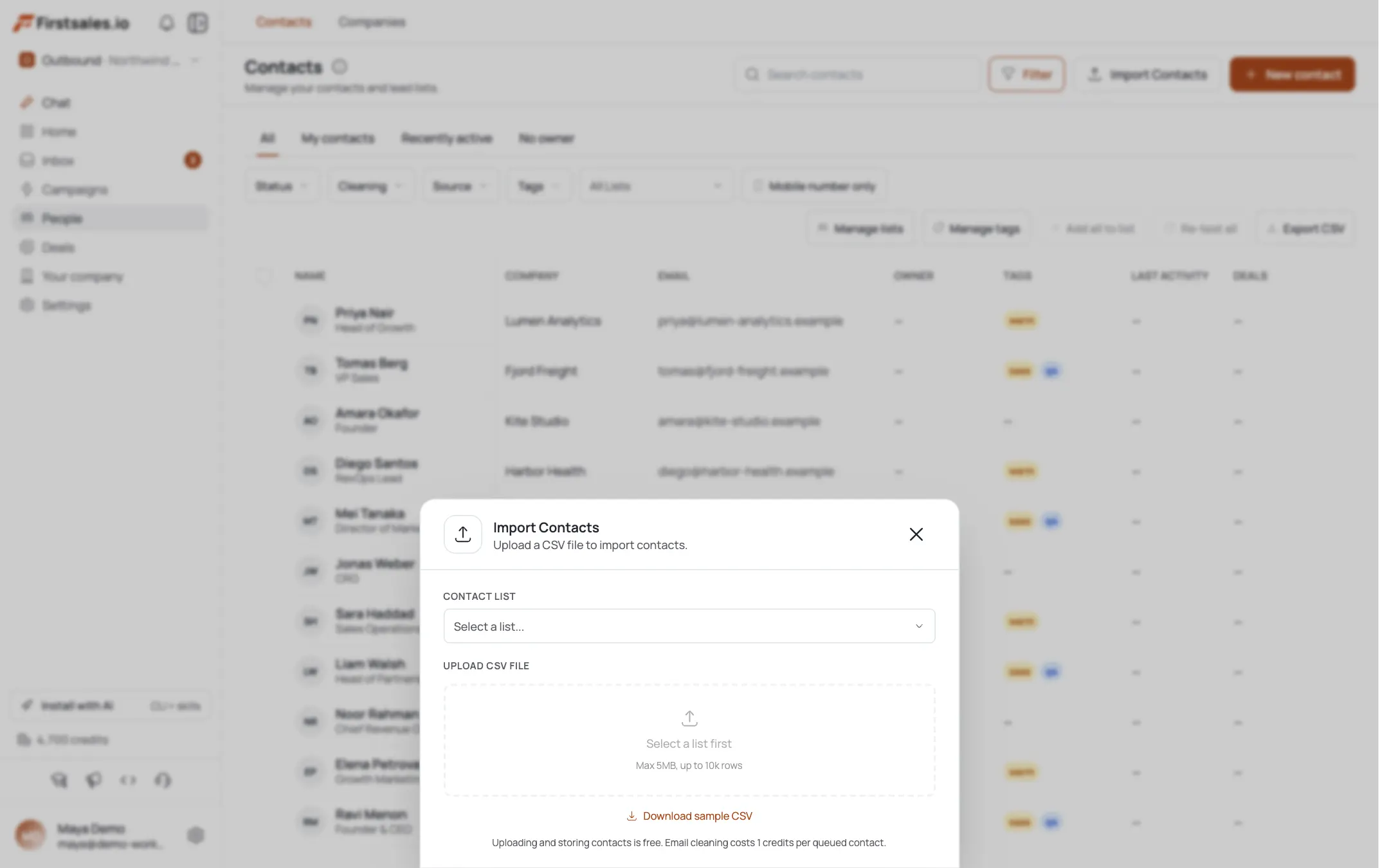
Before any draft goes out, FirstSales runs automatic prospect research on each contact and shows you a transparency view of what it found and what it used: practice facts, the contact's role, and any signals it picked up. For practices, that research often surfaces the actual services offered, the number of providers, or a recent expansion (new location, added specialty). Read the transparency view before approving a batch. A specific reference ("a three-location dermatology group" instead of "your practice") is the single biggest lever for reply rates in this vertical, because practice administrators get generic vendor pitches constantly and can tell the difference in one sentence.
Spend a few minutes spot-checking the transparency view against the practice's own website when you can, especially for smaller solo practices where public information is thin. If the research surfaced little beyond a name and address, that contact is a candidate for a softer, more general opener rather than one that forces a specific detail that might be wrong or stale.
Set up the campaign and pick a goal that matches a busy administrator's day
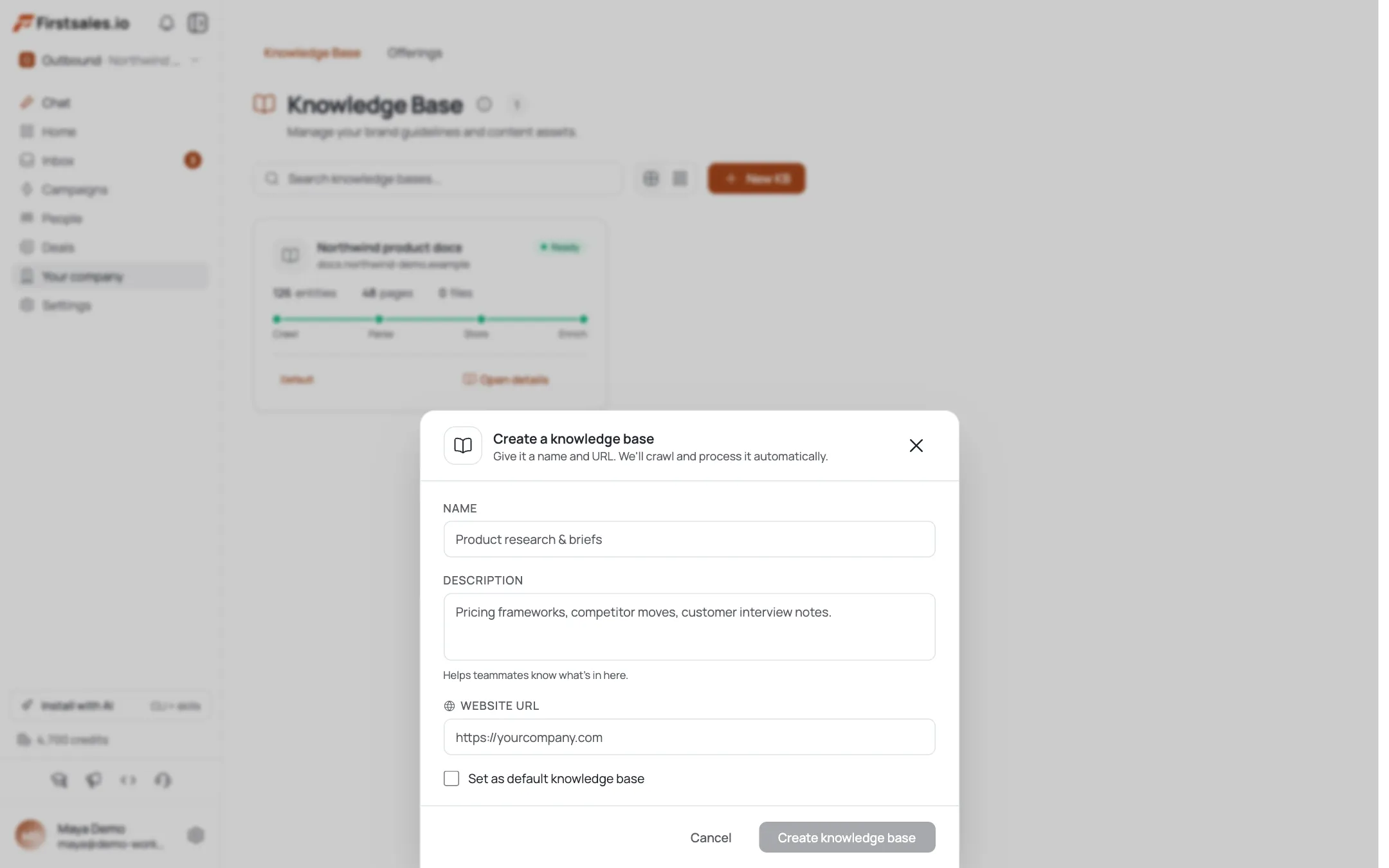
Create your campaign and choose a goal: book a meeting, get a reply, or drive a signup, depending on your sales motion. Campaign guidance walks you through Describe, Teach, and Practice. In Describe, explain the offer in terms of practice operations, not clinical benefit: fewer no-shows, faster billing turnaround, less time on the phone with insurance. In Teach, give the AI your actual positioning, including anything you can honestly say about how the product touches practice workflows.
If your product ever touches protected health information, such as scheduling data tied to patient names or billing records, say so plainly in your Teach notes and make BAA-readiness (business associate agreement readiness) part of the message where it is genuinely relevant. A practice administrator vetting a new vendor for anything adjacent to patient data will ask about this early, and naming it upfront signals you understand their compliance obligations instead of making them dig for it.
Teach the AI a tone that reads like a peer, not a rep
Paste a few real emails you have sent to practices before, or write two or three samples in the tone you want. Practice administrators respond better to plain, short, specific language than to a sales voice. Avoid anything that reads like a pitch deck slide. The AI learns this tone and reuses it across the campaign, so the time you spend here pays off across every draft AI Autopilot writes.
Sample opener for a scheduling or ops tool:
Subject: front desk hours at [Practice Name]
Hi [First Name], saw [Practice Name] runs [N] providers out of [location detail from research]. Curious how your front desk currently handles rescheduling when a provider runs behind. Most practices your size lose an hour a day to phone tag on this. Worth a 15-minute call to see if it is worth fixing?
[Your name]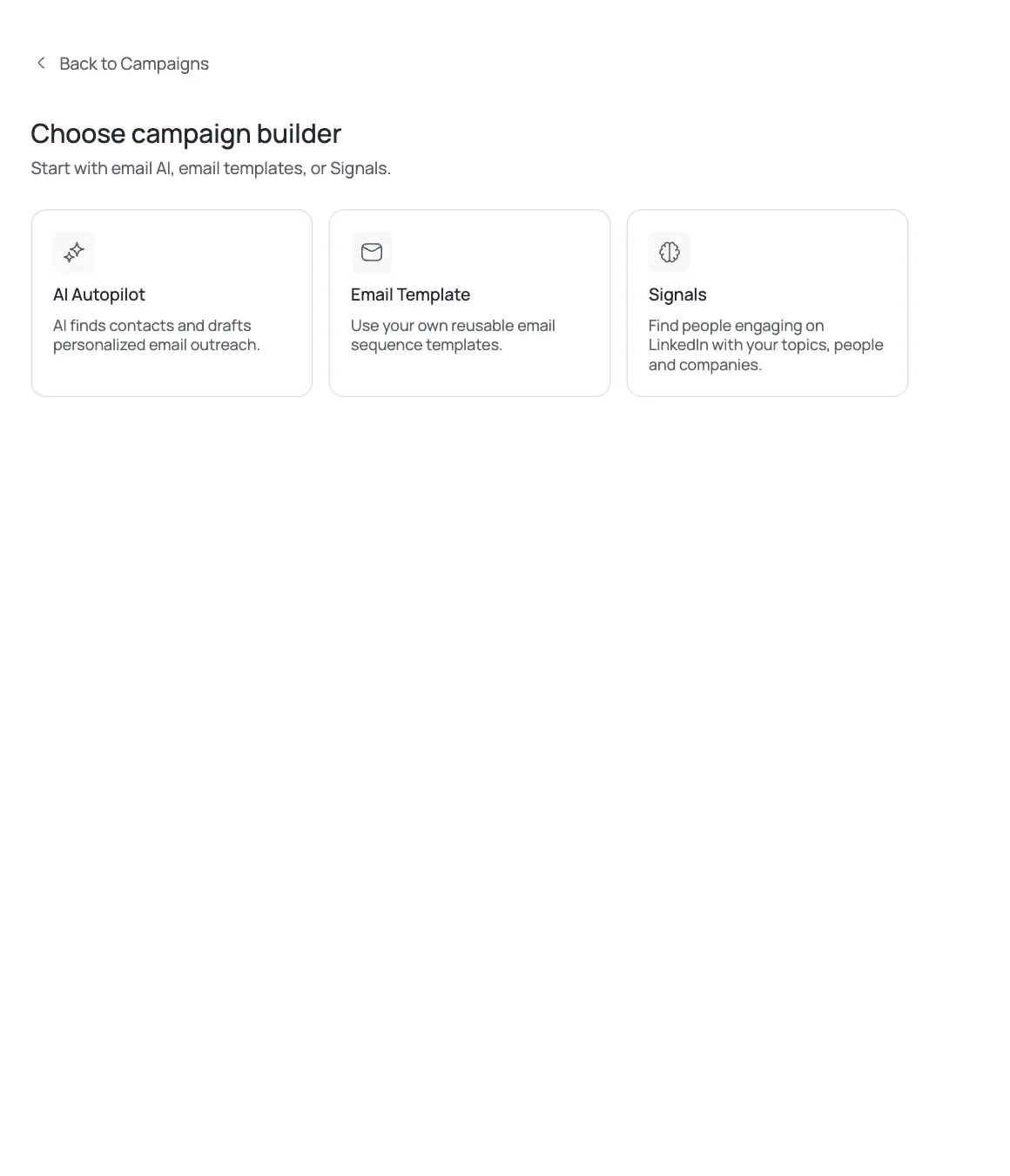
Let AI Autopilot draft, and review before it sends
AI Autopilot writes each email per contact using the research from step 3, and drafts pass quality gates for format, personalization, and claim checks before they go out. For a new practices campaign, review drafts manually for the first batch rather than letting Autopilot run unattended. Check specifically that no draft implies clinical outcomes, references patient data, or overstates what your product does. A single overreaching claim in this vertical can end a relationship with a practice administrator who is naturally cautious about vendors touching anything near patient information.
It also pays to check that drafts stay grounded in the specific detail research surfaced, rather than defaulting to generic language when the research view came back thin. A draft that says "I saw you added a second location" when the practice only has one location will do more damage than a slightly less personalized email, so treat accuracy as a higher priority than personalization for its own sake.
Build a short sequence with a real reason to follow up
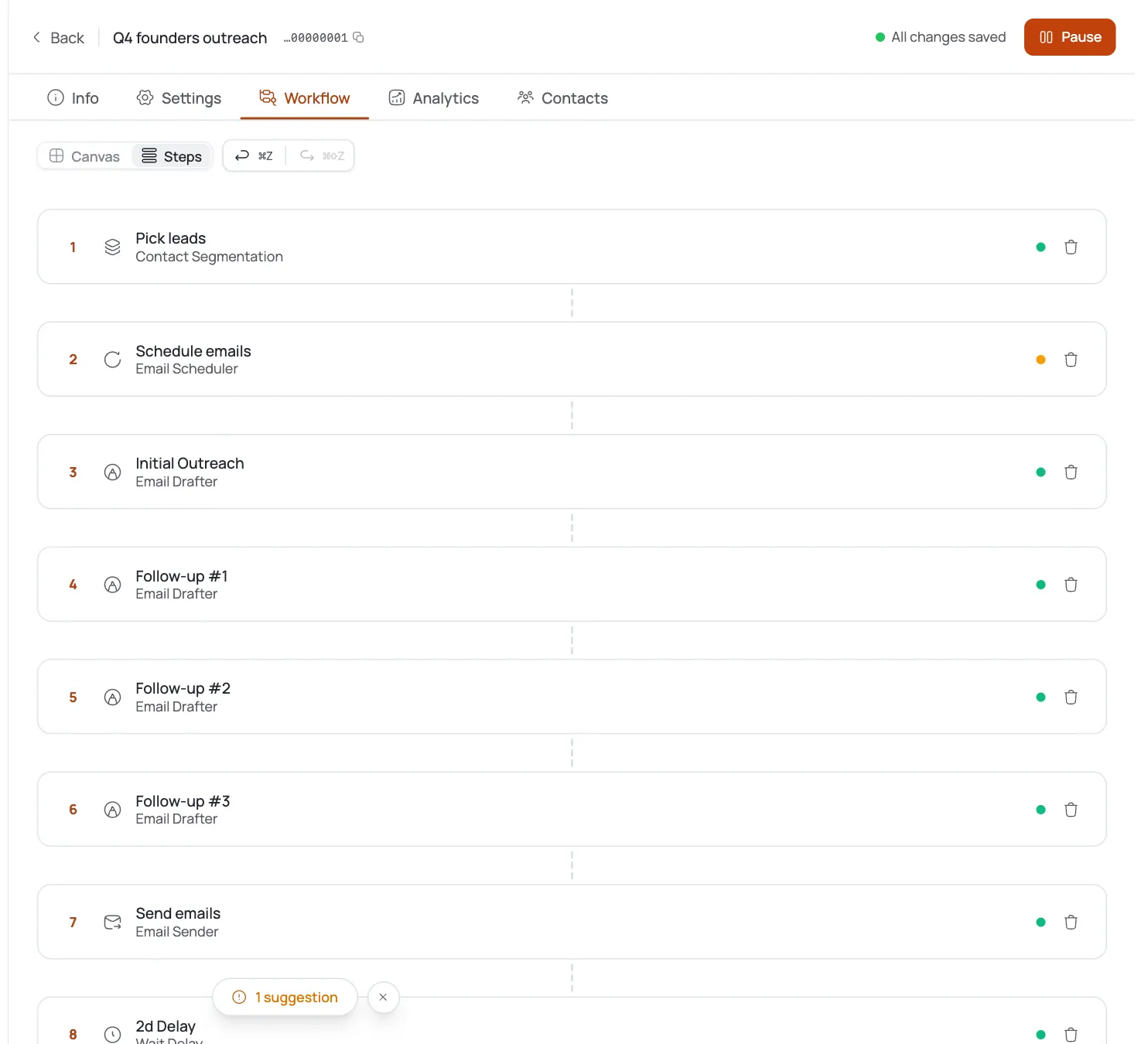
Set up a multi-step sequence with delays between steps, and let steps stop automatically on reply. For practices, three steps usually beats five. Administrators are busy and a long sequence reads as pressure rather than persistence. Make the second step add something (a specific stat about no-show rates, a one-line case reference if you have a genuine one) rather than just restating the first email. Make the third step a clean, low-pressure close: ask if now is simply not the right time, and offer to check back in a quarter.
Timing matters more than most vendors assume with this audience. Practice administrators tend to review new vendor pitches early in the week and rarely on a day when a provider callout has thrown the schedule into chaos, so a three to five business day gap between steps gives your email a better chance of landing during a calmer moment rather than competing with the day's fires.
Handle replies and read your numbers honestly
The unified inbox surfaces replies, and AI reply handling answers what the practice actually asked rather than a scripted response, which matters here because practice administrators often reply with a specific operational question ("do you integrate with our scheduling system") before they will agree to a call. Bounce handling auto-suppresses bad addresses, which is common with generic front-desk inboxes that rotate staff.
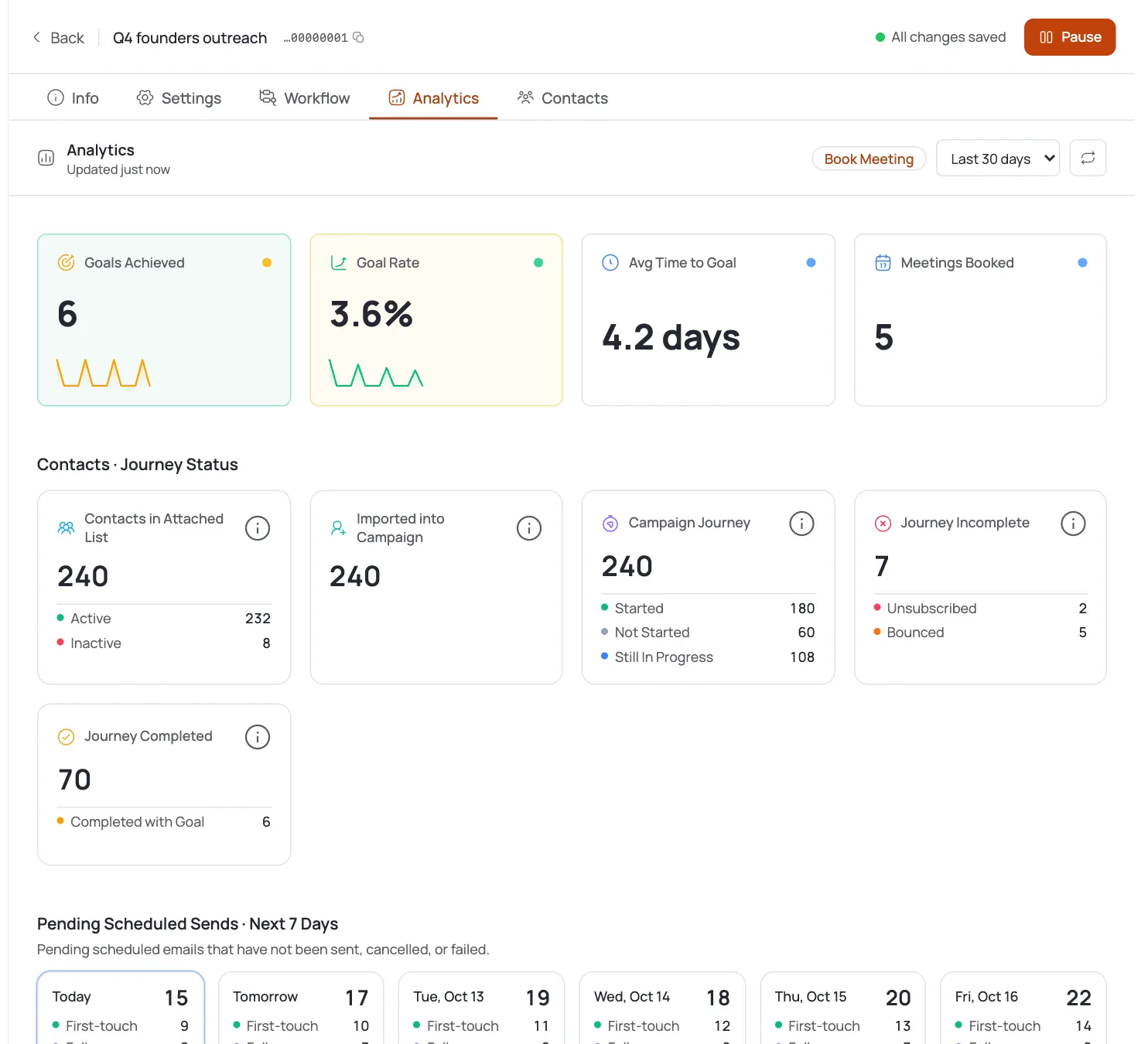
Check opens, replies, and meetings per campaign in analytics. Standard B2B cold email typically lands in the 2 to 5 percent reply range, with meeting rates around 0.5 to 1.5 percent. Practices are a slower-moving buyer than most SaaS categories, so treat early weeks as calibration: adjust your opener and CTA based on which version of the message gets replies, not on the first day's numbers.
If a specialty or segment underperforms after a few weeks, look at the drafts themselves before you touch the offer. Most underperformance in this vertical traces back to an opener that sounds like every other vendor email an administrator gets, not to a weak product, so tightening the specificity of your research-based references is usually a faster fix than rewriting the offer.
Astuces de pro
One ask per email
Keep the CTA to one ask per email. A practice administrator juggling scheduling, billing, and phones will ignore an email that asks them to book a call, read a case study, and reply with feedback all at once.
Put BAA-readiness in sentence two
If your product touches anything adjacent to patient records or scheduling data, put your BAA-readiness in the second sentence of your pitch, not buried in a follow-up. It removes the first objection before it forms.
Split single and multi-location practices
Segment single-location and multi-location practices into separate sequences. A three-location group has a different buyer (an ops lead over the doctor) and a different pace of decision than a solo practice.