How FirstSales thinks about pipeline
FirstSales is a campaign-first outreach tool, not a full deal-stage CRM. There's no kanban of opportunities or dollar-value pipeline. Instead you track leads with three primitives (Contacts, Lists, and Tags) plus each contact's journey status in a campaign. That's enough to run a clean, lightweight pipeline without leaving the app.
Contacts are your records
Every lead is a Contact with a lifecycle status (active, bounced, or unsubscribed) and a verification state (clean / risky / dirty / unknown). Bounced and unsubscribed contacts are auto-excluded from sends, so your working set stays healthy without manual pruning.
Segment with Lists
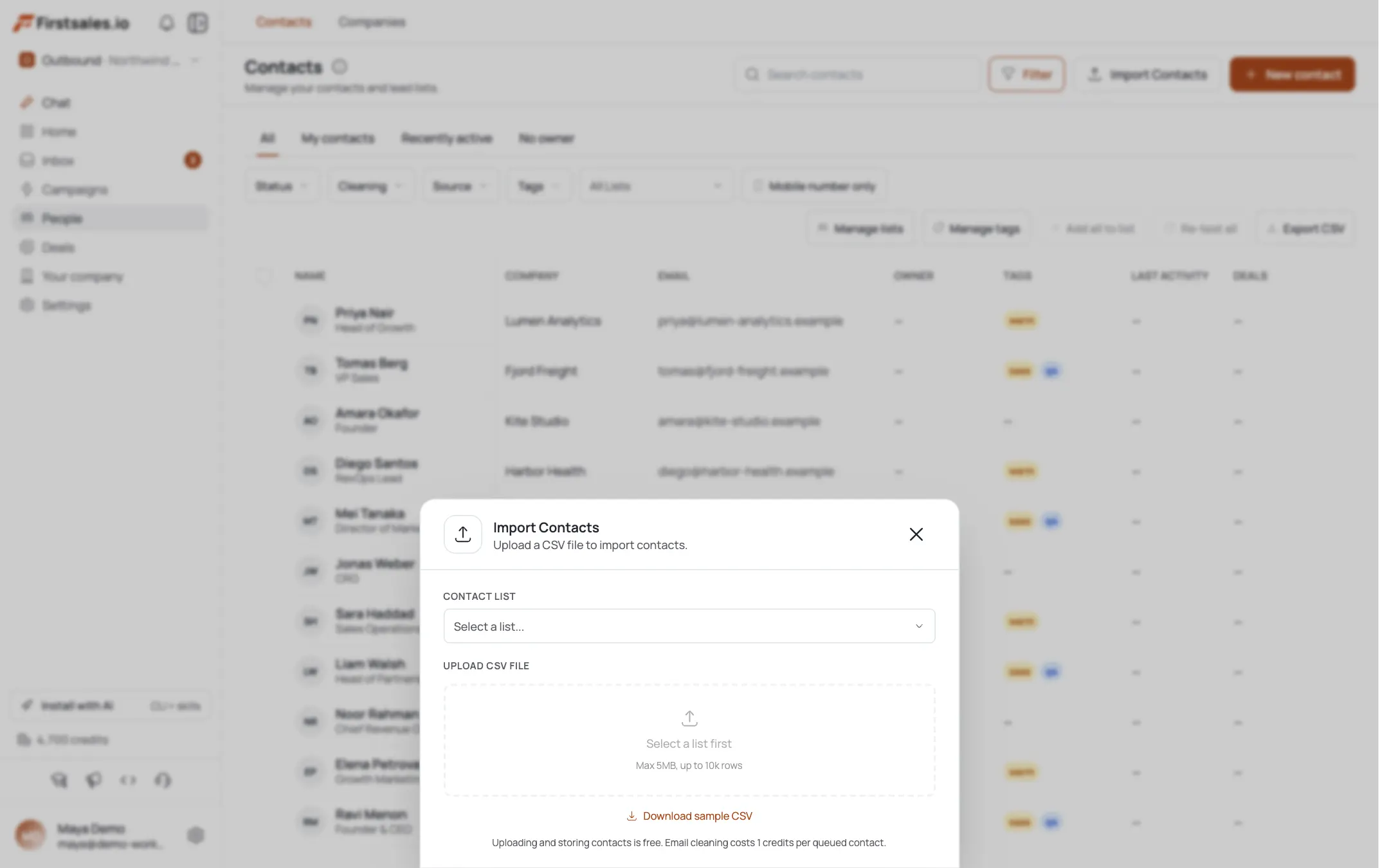
Use Lists as your pipeline stages or segments: "Prospects", "Contacted", "Warm", "Client". A contact can move between lists as it progresses, and a campaign sends to a chosen list. This is the closest thing to columns on a board: which list a contact sits in tells you where it is.
Label with Tags
Tags are cross-cutting labels for anything Lists don't capture: source, persona, priority, objection. A contact carries many tags at once, so you can filter "founders" who are also "replied" without duplicating records. Tags plus Lists give you a two-axis pipeline.
Track engagement in the Inbox
The Inbox (Unibox) is your activity view. Each contact's journey status in a campaign (active, paused, completed, unsubscribed, or bounced) tells you exactly where they are in the sequence. Replies land here, so you work live conversations without a separate deal record.
A practical pipeline workflow
Put it together: source into a "Prospects" list → run a campaign → when someone replies, tag them "replied" and move them to a "Warm" list → advance to "Client" when they convert. The journey status shows sequence progress; Lists show your stage; Tags carry the nuance. It's a real pipeline built from primitives.
When you need a full CRM
For deal stages, revenue forecasting, and two-way sync, FirstSales lists CRM connectors (Salesforce, HubSpot, Zoho, Pipedrive) under Integrations, currently marked coming soon. Until those ship, keep your system of record in your CRM and use FirstSales for the outreach layer, exporting contacts when you need them elsewhere.
Pro tips
Lists = stages, Tags = attributes
Give each pipeline stage a List and move contacts forward as they progress. Reserve Tags for cross-cutting facts (source, persona, objection) so you can filter within any stage.
Let status do the pruning
Bounced and unsubscribed contacts auto-exclude from sends. Don't hand-delete them: the lifecycle status already keeps your active pipeline clean.
Work replies from the Unibox
The Inbox is your live conversation view. Journey status tells you who's mid-sequence vs. completed, so you can prioritize warm replies without a separate deal board.
CRM connectors aren't live yet
Salesforce/HubSpot/Zoho/Pipedrive show as coming soon. If you need two-way sync today, keep the CRM as system of record and export FirstSales contacts into it.
Frequently asked questions
Does FirstSales have a deal pipeline or opportunities?
Not as a dedicated object: there's no kanban or revenue pipeline. You build a lightweight pipeline from Contacts, Lists, Tags, and each contact's campaign journey status.
How do I track lead stages?
Use Lists as stages (Prospects → Contacted → Warm → Client) and move contacts between them. Layer Tags for attributes like source or priority that cut across stages.
Where do I see replies and engagement?
In the Inbox (Unibox). Each contact's journey status (active, paused, completed, unsubscribed, or bounced) shows where they are in the sequence, and replies land there.
What happens to bounced or unsubscribed leads?
Their contact status marks them bounced or unsubscribed, and they're auto-excluded from future sends. No manual cleanup needed.
Can I connect Salesforce or HubSpot?
Those CRM connectors (Salesforce, HubSpot, Zoho, Pipedrive) are listed under Integrations as coming soon. Until they ship there's no two-way sync: export contacts to move data into your CRM.
Should I use FirstSales as my only CRM?
For outreach and a lightweight pipeline, yes. For deal-stage management, forecasting, and two-way sync, keep a dedicated CRM as your system of record and use FirstSales for the sending layer.