Scale with mailboxes, not with one inbox's limit
Total campaign volume comes from how many senders it uses. Adding mailboxes to the sender pool is the safe lever; pushing one mailbox past its daily limit is not.
Stand up more mailboxes
Add mailboxes (SMTP/IMAP one-by-one, or bulk-import a CSV) on fresh or aged sending domains. Spreading across more domains isolates risk further than piling more mailboxes onto one domain.
Authenticate every domain
For each sending domain, set up SPF, DKIM (Managed DKIM for credential mailboxes), DMARC, and a tracking domain. Un-authenticated volume gets filtered no matter how carefully you pace it.
Warm up new mailboxes first
Don't put real campaign load on a cold mailbox. Let warm-up build reputation; Auto-adjust keeps the daily limit in step with Sending health.
Set per-mailbox limits sensibly
Leave Auto-adjust on and add a Send ceiling you're comfortable with: the range is 20–500 per day per mailbox. Keep cold mailboxes low.
Build the campaign's sender pool
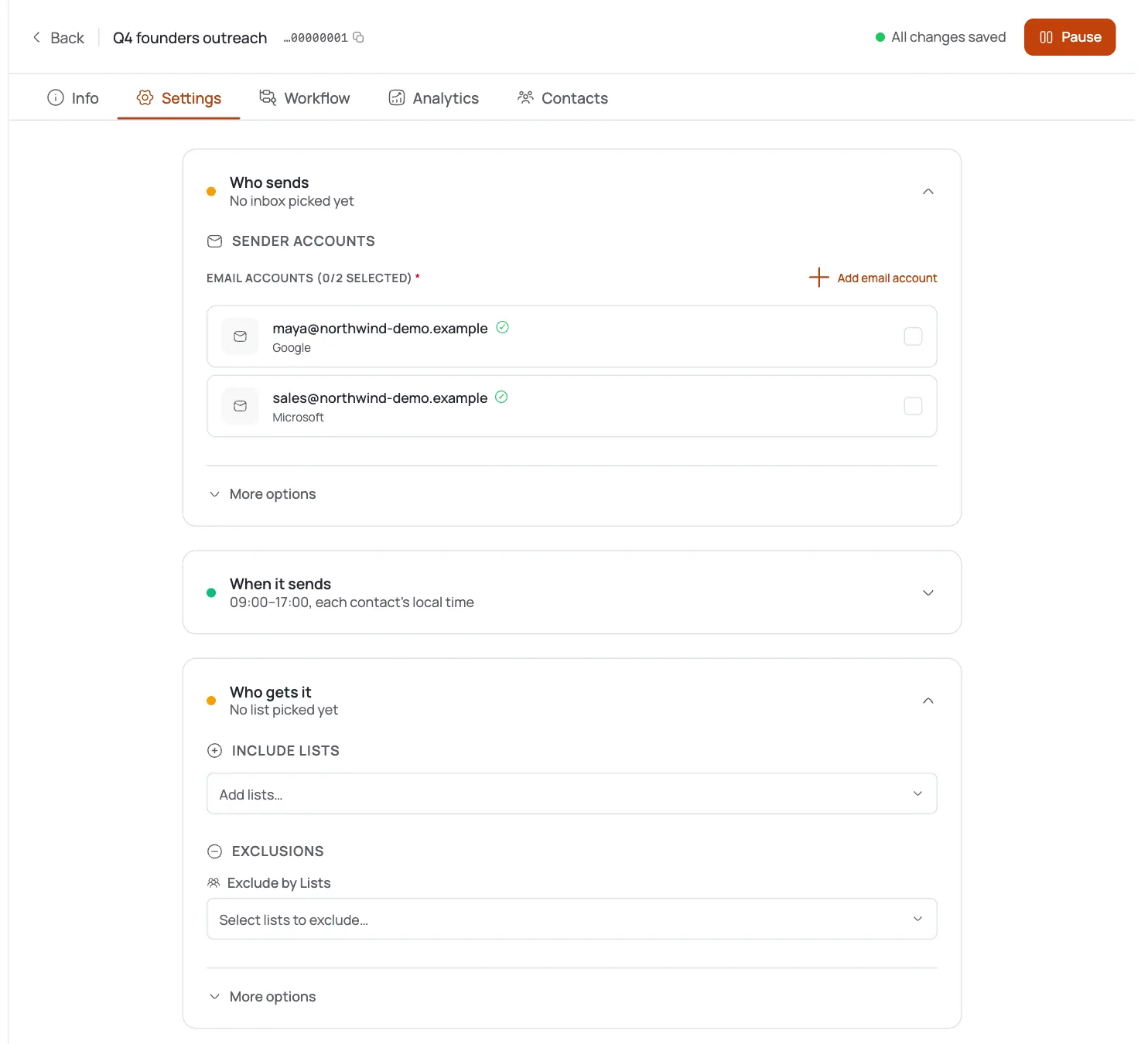
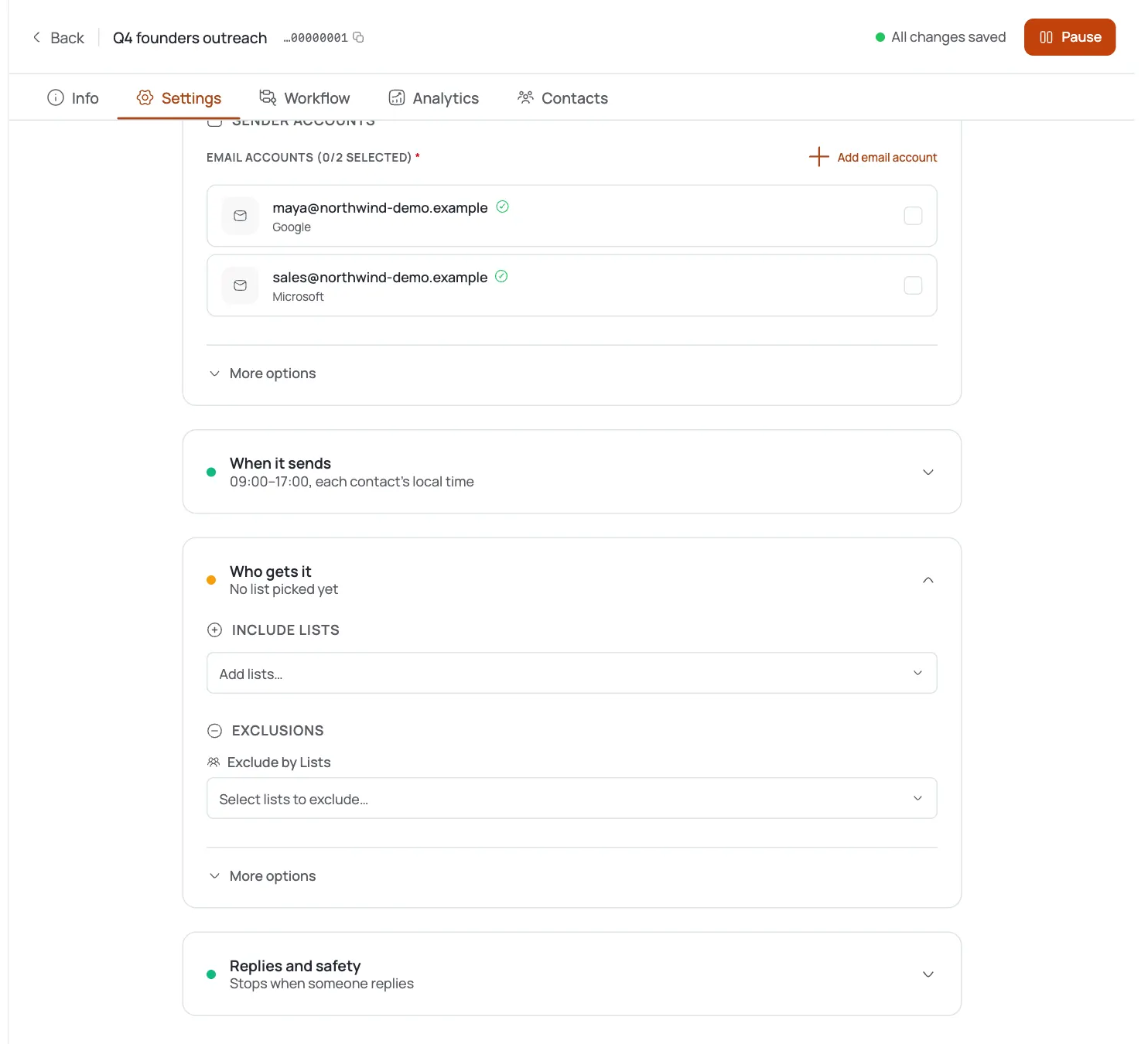
In the campaign's Email Accounts selector, add the warmed, authenticated mailboxes as senders: shown as “N/M selected.” Sending now spreads across all of them.
Arm Delivery Protection
Turn on auto-pause (bounce 5% / spam 0.1%) so a scaled campaign stops itself if reputation slips: essential once volume is high.
Ramp gradually and watch health
Add senders in waves, watch each mailbox's Sending health and the campaign's bounce/spam rates, and only widen the pool while the numbers stay clean.
Pro tips
Volume = mailboxes × safe per-mailbox limit
To double sends, roughly double your warmed senders: never double one mailbox's daily limit past what's safe (500 is the hard per-mailbox ceiling).
Spread across domains, not just mailboxes
Ten mailboxes on one domain share that domain's reputation. Several domains isolate blast radius if one gets flagged.
Never add a cold mailbox straight to a live campaign
Warm it first; auto-adjust and warm-up exist precisely so you don't hand-tune a ramp.
Scaling without auto-pause is gambling
The one setting that saves you at volume is Delivery Protection: arm it on every campaign before you widen the sender pool.
Frequently asked questions
How do I send more emails per day?
Add more warmed, authenticated mailboxes to the campaign's sender pool. Volume scales with senders, not by raising one mailbox's limit.
Is there a mailbox rotation setting?
No: “rotation” just means selecting multiple sender mailboxes; FirstSales spreads sends across whichever ones you assign.
What's the per-mailbox limit?
20–500 emails/day, default 50, with Auto-adjust ramping it from Sending health. Scale by adding mailboxes, not by exceeding 500 on one.
Do I need to warm up every new mailbox?
Yes: a cold mailbox on real volume tanks deliverability. Warm it up first; auto-adjust respects warm-up health.
Does each domain need its own authentication?
Yes: SPF/DKIM/DMARC and a tracking domain per sending domain, or the extra volume just gets filtered.
How do I protect a high-volume campaign?
Arm Delivery Protection (auto-pause on bounce 5% / spam 0.1%) so it stops itself before reputation damage spreads.
Should I use one domain or several?
Several: spreading mailboxes across domains isolates the blast radius if one domain gets flagged.
How fast can I ramp?
In waves. Add senders gradually, watch each mailbox's Sending health and the campaign's bounce/spam rates, and widen only while metrics stay clean.