Open the campaign → Settings tab
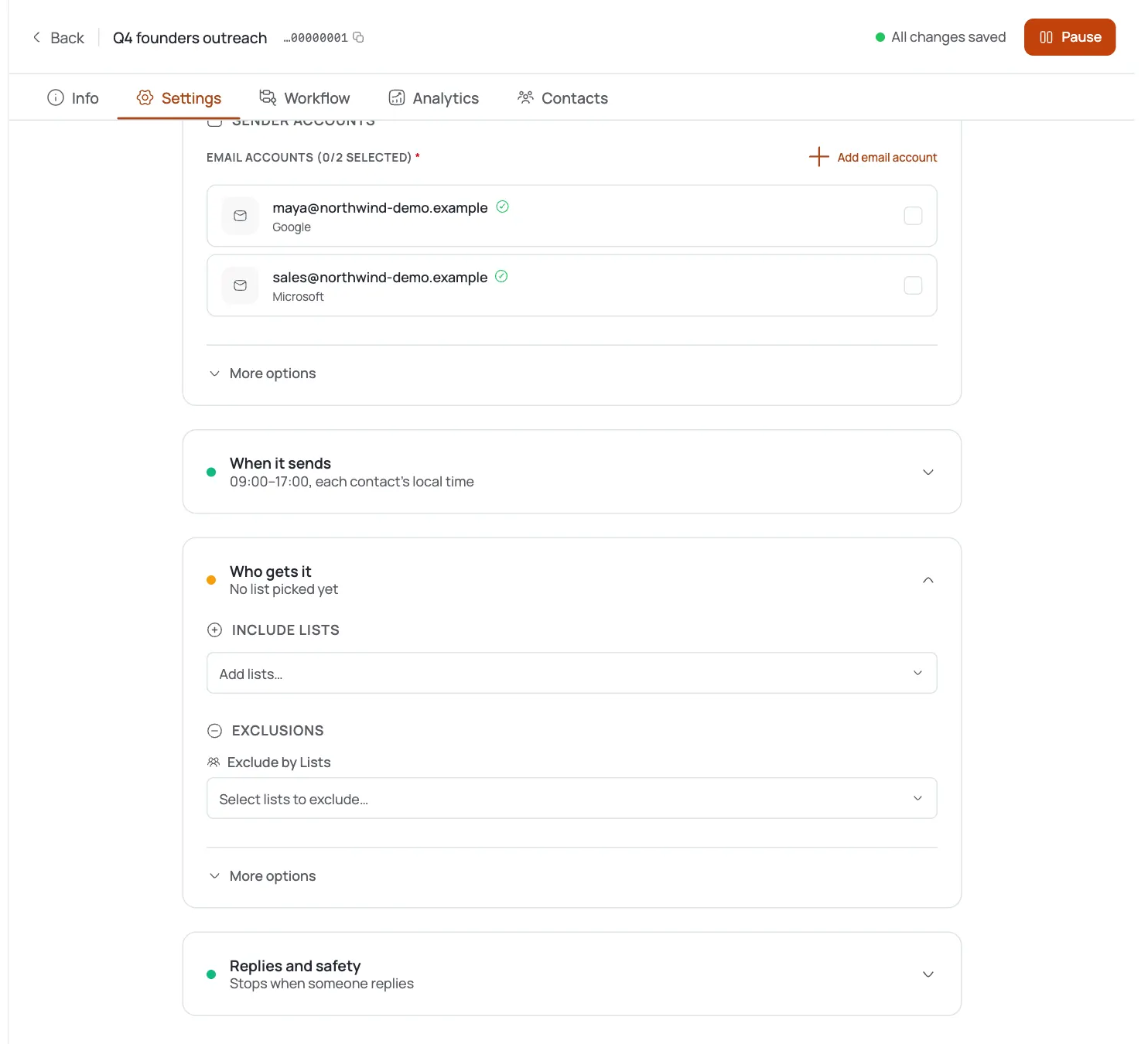
In your campaign, open the Settings tab and scroll to Auto-pause when delivery health degrades.
Turn on auto-pause
It's off by default: flip the toggle on to arm the safety net and unlock the threshold fields.
Set the bounce rate threshold
Default 5% (range 1–20, step 0.5). If the campaign's bounce rate climbs past this, it pauses itself. Keep it at or below 5% unless you have a specific reason not to.
Set the spam complaint threshold
Default 0.1% (range 0.01–1, step 0.01). Complaints above this pause the campaign. 0.1% is the widely-cited industry danger line: don't raise it casually.
Understand what “pause” means
When a threshold trips, sending stops so you can investigate: your reputation stops bleeding before it hits a blocklist.
Save and launch
Save settings; the protection runs for the life of the campaign. If it ever auto-pauses, check the campaign: a trip means list quality or targeting needs a look, not just a resume.
Apply it to every real campaign
Because it's off by default, set it deliberately on each campaign: especially on new domains and cold lists.
Pro tips
Turn it on for every cold campaign
It's off by default, so an un-armed campaign has no brakes. The defaults (5% bounce / 0.1% spam) are sane: arming it is the important part.
Don't raise the spam threshold to dodge a pause
0.1% is where mailbox providers start punishing you. If you're tripping it, fix the list, not the number.
A pause is a diagnosis, not an annoyance
Auto-pause fires because something's wrong upstream: bad data, wrong audience, weak warm-up. Investigate before resuming.
Pair it with verification and warm-up
Auto-pause is the last line; verified contacts (fewer bounces) and warmed mailboxes keep you from ever hitting the thresholds.
Frequently asked questions
What does Delivery Protection do?
It auto-pauses a campaign when its bounce rate or spam-complaint rate exceeds a threshold you set, protecting your sender reputation.
Is it on by default?
No: it's off by default. Turn it on per campaign in the Settings tab.
What are the default thresholds?
Bounce 5% (range 1–20), spam complaints 0.1% (range 0.01–1).
Why those defaults?
They match widely-cited danger lines: bounce rates over ~5% and complaint rates over 0.1% are where mailbox providers start throttling or blocking senders.
What happens when a threshold is exceeded?
The campaign pauses sending so you can investigate before your reputation degrades further.
Is this per campaign or per mailbox?
Per campaign. Per-mailbox daily limits are a separate setting on the connector.
My campaign auto-paused: what should I do?
Review list quality, targeting, and warm-up before resuming; a trip usually means an upstream problem.
Can I make the thresholds stricter?
Yes: lower the bounce threshold (down to 1%) or the spam threshold (down to 0.01%) for extra caution on fragile domains.