The two problems this solves
There are two things people usually mean by “suppression”: (a) emailing the same person twice across campaigns, and (b) emailing people who already bounced or opted out. There’s no single “suppression list” button in FirstSales — instead, three separate mechanisms cover both cases. This guide walks through all three.
Dedup happens on import
When you import a CSV, duplicates are detected and counted automatically — the import result shows a Duplicates tile alongside Imported, Errors, and Total. The same contact isn’t inserted twice. See Import contacts from CSV.
Exclude people already in a campaign
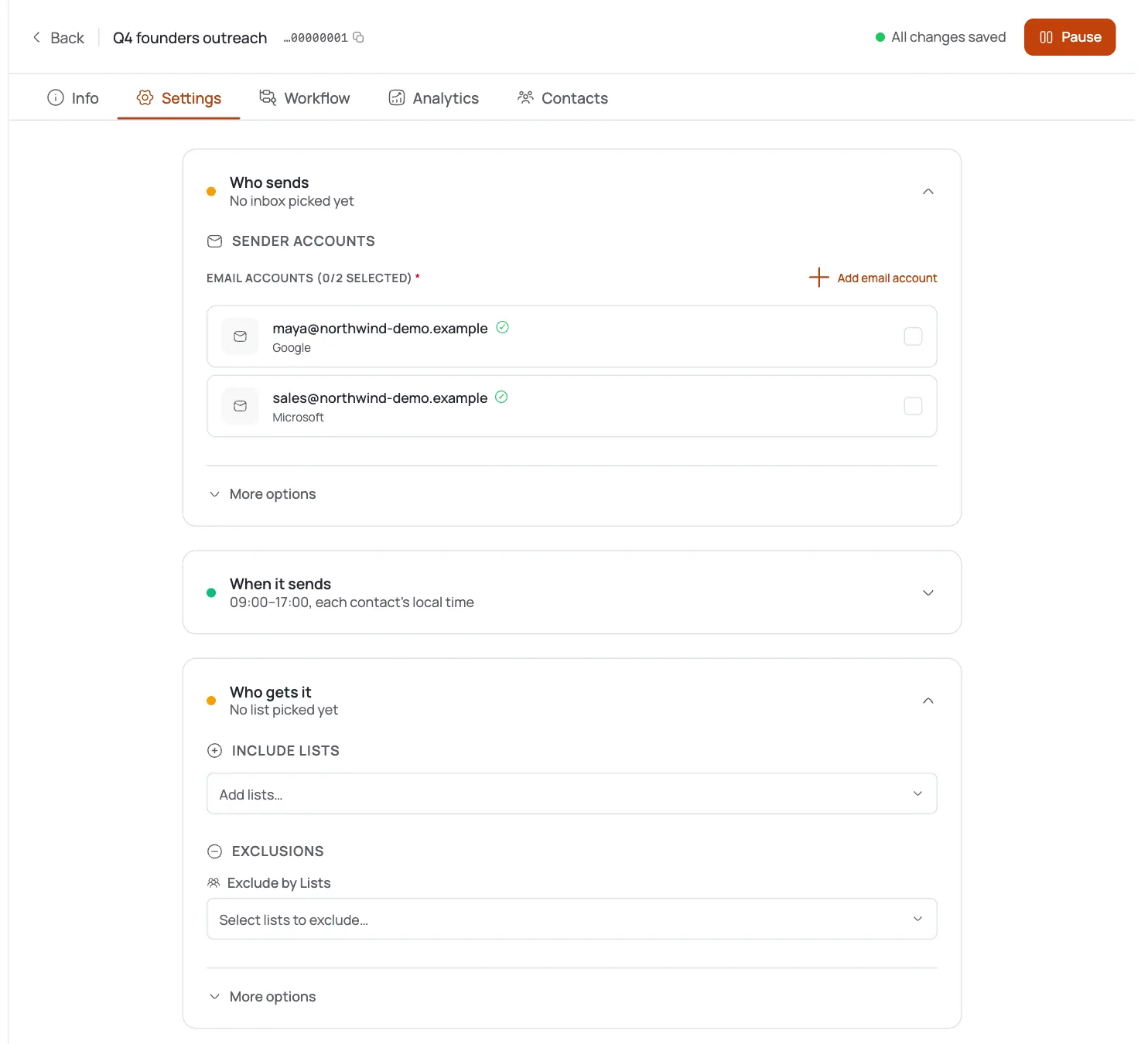
Open Campaign → Segmentation and turn on Exclude active campaigns and Exclude completed campaigns so no contact gets touched by two campaigns at once. This is the real “don’t double-touch” control.
Exclude specific lists and tags
In the same panel, add excluded lists and excluded tags — for example, a “customers” or “do-not-contact” tag you maintain yourself. The Contact Selection summary shows Lists included and Exclusion rules counters so you can confirm your setup at a glance.
Bounced and unsubscribed contacts are suppressed automatically
A contact’s status governs sending, in this order: unsubscribed > bounced > auto-suspended (dirty) > risky > active. An unsubscribed contact “opted out and will not receive emails” — you don’t move them anywhere; the status alone holds them back.
Opt-outs classify themselves
With the Loop opt-out brake on, replies like “stop,” “not interested,” or “do not follow up” are auto-classified as unsubscribe and halt future sequence steps. Stop-on-reply pauses the sequence the moment anyone replies at all. Keep both on. See Stop on reply & opt-out.
Keep the list clean
Run verification — address format, mail server (MX), disposable, typo, and role checks — so junk addresses are flagged before they bounce and get suppressed the hard way. See Contact verification settings.
Pro tips
There’s no list to maintain
Dedup on import, segmentation exclusions, and bounce/unsubscribe statuses cover suppression automatically: you don't need a separate list.
Always exclude active + completed campaigns
It's the single switch that stops the same prospect getting hit by two campaigns at once.
Build your own do-not-contact tag
Maintain a “do-not-contact” tag and exclude it in every campaign's segmentation: a manual suppression built from a control that actually exists.
Suppressed by status, not deletion
Unsubscribed and bounced contacts are held back by their status. Leave them in the list so they keep being skipped instead of getting re-imported later.
Frequently asked questions
Does FirstSales have a suppression / do-not-contact list?
Not as a standalone feature. Suppression happens three ways: duplicates are dropped on import, segmentation lets you exclude lists/tags/campaigns, and bounced/unsubscribed contacts are skipped automatically by their status.
Why did the same contact get emailed by two campaigns?
Because active/completed campaigns weren’t excluded in Segmentation. Turn those on and each contact is touched by only one campaign at a time.
What happens when someone unsubscribes?
Their status becomes Unsubscribed and they will not receive further emails — it’s automatic and permanent unless changed. Replies like “stop” or “not interested” trigger this via the opt-out brake.
Are duplicates removed when I import?
Yes. The importer detects duplicates and shows the count — the same contact isn’t added twice.
How do I build my own do-not-contact list?
Tag those contacts (for example, do-not-contact) and add that tag to the exclude list in every campaign’s Segmentation. That’s the supported pattern.
Do bounced contacts keep getting emailed?
No. Bounced and auto-suspended statuses suppress sending automatically. Leave them in the list so they stay suppressed.
Should I delete unsubscribed or bounced contacts?
No — deleting them risks re-importing them later. Their status already suppresses them; keep them as a permanent record.