Define who counts as a displacement target
This playbook is for accounts that already pay for a tool in your category. That changes the pitch: you are not explaining why the problem exists, you are explaining why the tool they picked is not solving it well enough anymore. Build your ICP around two signals: the company is a known user of a competing category tool (job posts mentioning it, integration marketplace listings, case study pages, G2 review authors), and the company has grown or changed enough that the original tool choice is starting to strain (headcount growth in the buying team, a new hire whose title implies they inherited the tool, a recent funding round).
Write the ICP description in plain language: company size range, department that owns the tool, and the trigger that makes now a reasonable time to talk. Vague ICPs ('mid-market SaaS companies') produce generic emails. Specific ones ('20-200 person SaaS companies where the RevOps or Sales Ops team owns the current tool and has added 2+ headcount this year') produce emails that sound like you actually looked.
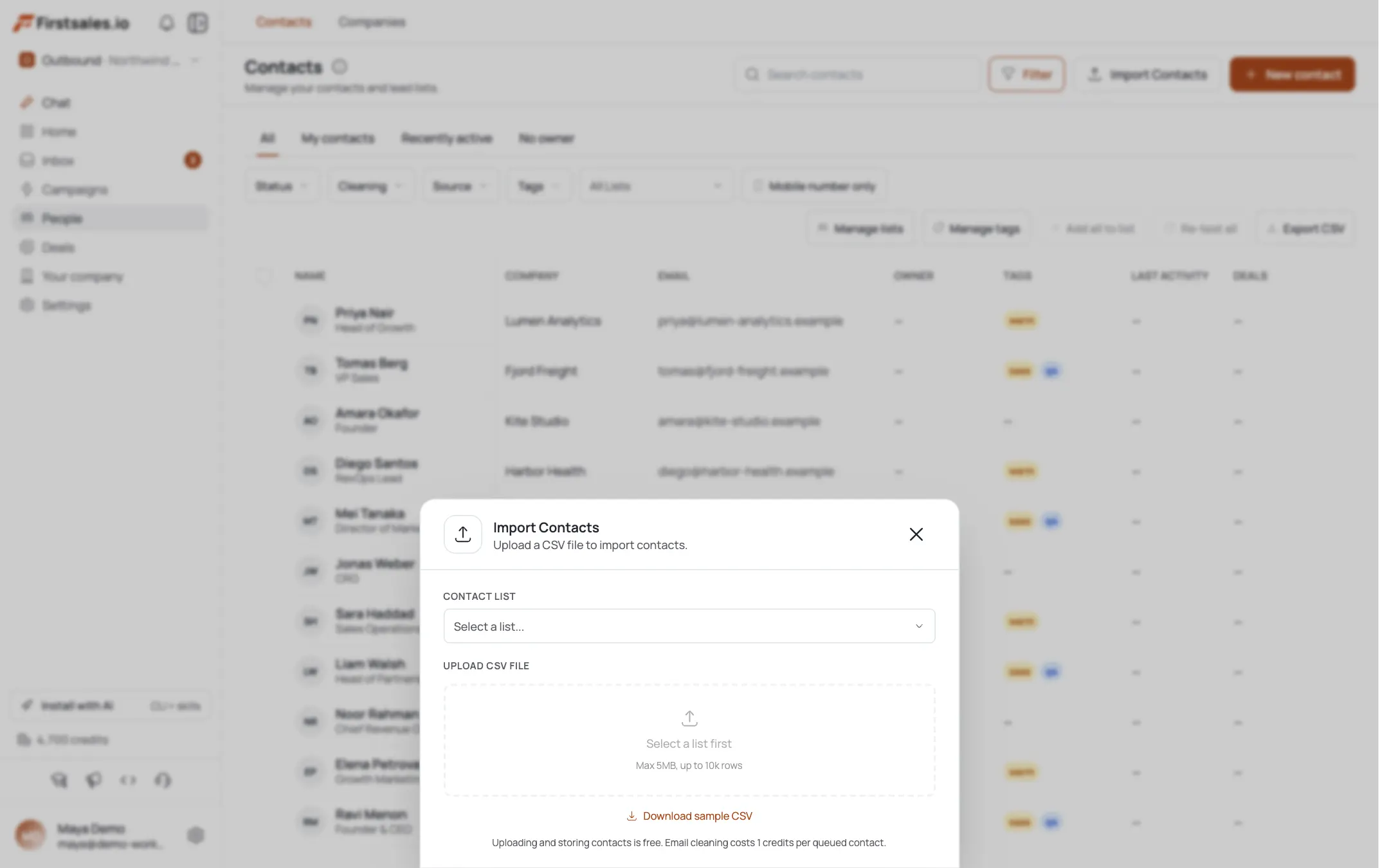
Source the list with AI Leads
In AI Leads, describe the target the same way you just defined it: the tool category they likely use, the team that owns it, and the growth signal. AI Leads finds and enriches prospects against that description, and the quality funnel filters out weak matches before they cost you credits, so a loosely defined target burns credits on companies that do not fit.
Pull two lists rather than one blended list: a primary list of accounts with a strong signal (explicit tool mention, recent relevant hire) and a secondary list of accounts that fit the ICP but lack a confirmed signal. You will write to them differently. The primary list can reference the workflow gap directly. The secondary list needs a softer, question-based opener since you are inferring rather than confirming.
Let contact research find the actual friction point
Before any draft goes out, FirstSales runs automatic prospect research on each contact and gives you a transparency view of what it found: company facts, the contact's role, and any signals it picked up. For this playbook, read that view before you approve or send anything. You are looking for one thing: a concrete, nameable workflow inefficiency that a category tool commonly causes at this company's stage. Not 'their tool is bad' but something specific: manual CSV exports between systems, a reporting step that has to be rebuilt by hand every week, a data sync that lags by a day, a feature the team is clearly working around with a spreadsheet.
This is your teardown artifact, and it has nothing to do with ads or spend. You are pointing at a broken internal process, the kind a RevOps or ops lead lives with daily and rarely hears named out loud. If research surfaces nothing specific for a contact, do not force a generic line in. Route that contact to the softer, question-based version instead of guessing at a problem they may not have.
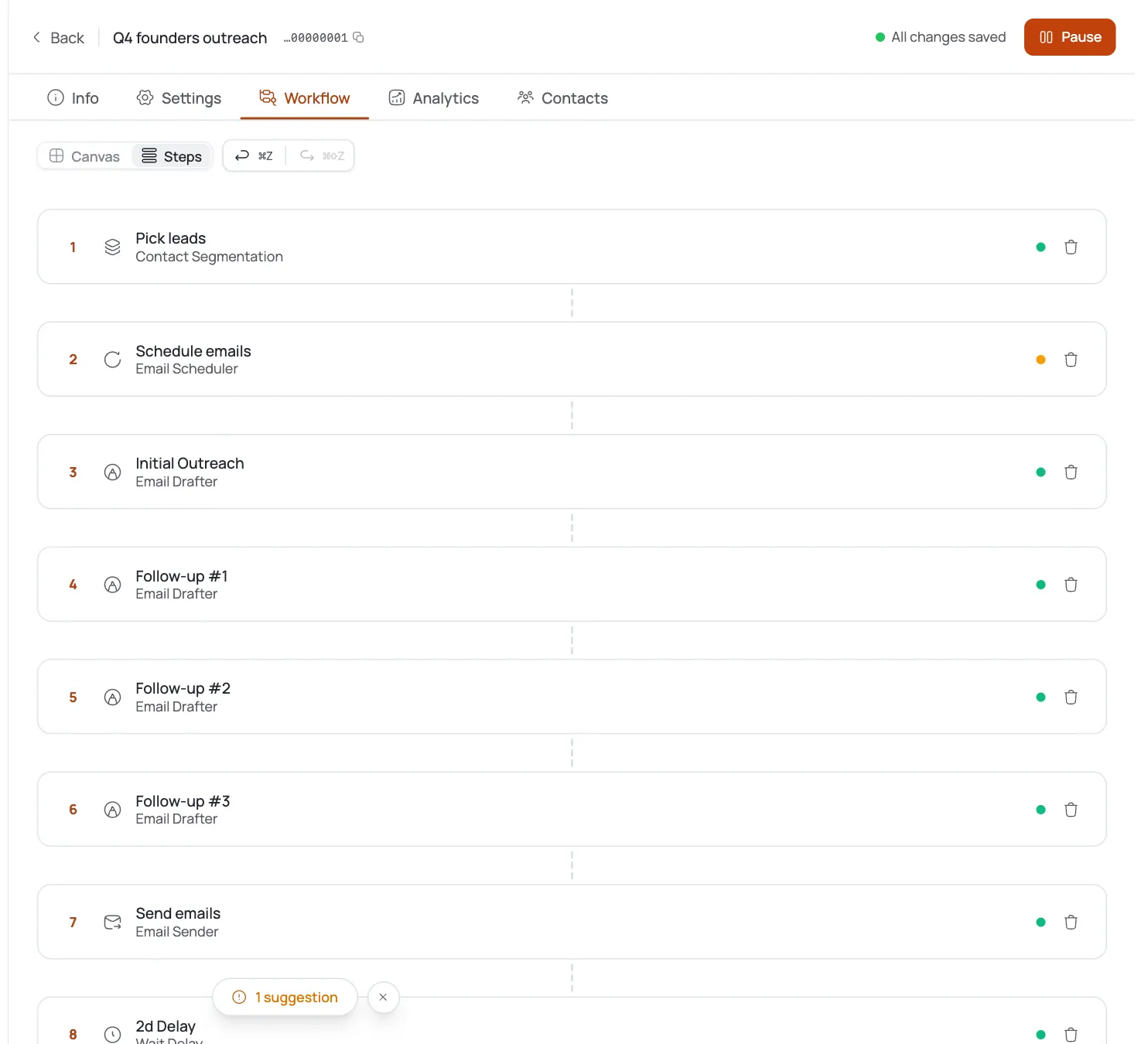
Run the campaign through Describe, Teach, Practice
Create a new campaign with the goal set to book a meeting. Campaign guidance walks you through three steps. In Describe, state the offer plainly: what your product replaces or sits alongside, and the specific workflow pain it removes. In Teach, give the AI your actual positioning against the category, not a brand-by-brand teardown. You are not naming a competitor by name in the copy; you are naming the workflow their category of tool tends to produce, so the email holds up even when your research guess about their exact stack is slightly off.
In Practice, run a handful of sample drafts against real contacts from your list before turning Autopilot loose. Read them for one failure mode specific to this playbook: sounding like a hit piece on their current vendor. The tone should read as 'I noticed a pattern common at your stage,' not 'your tool is bad, ours is better.'
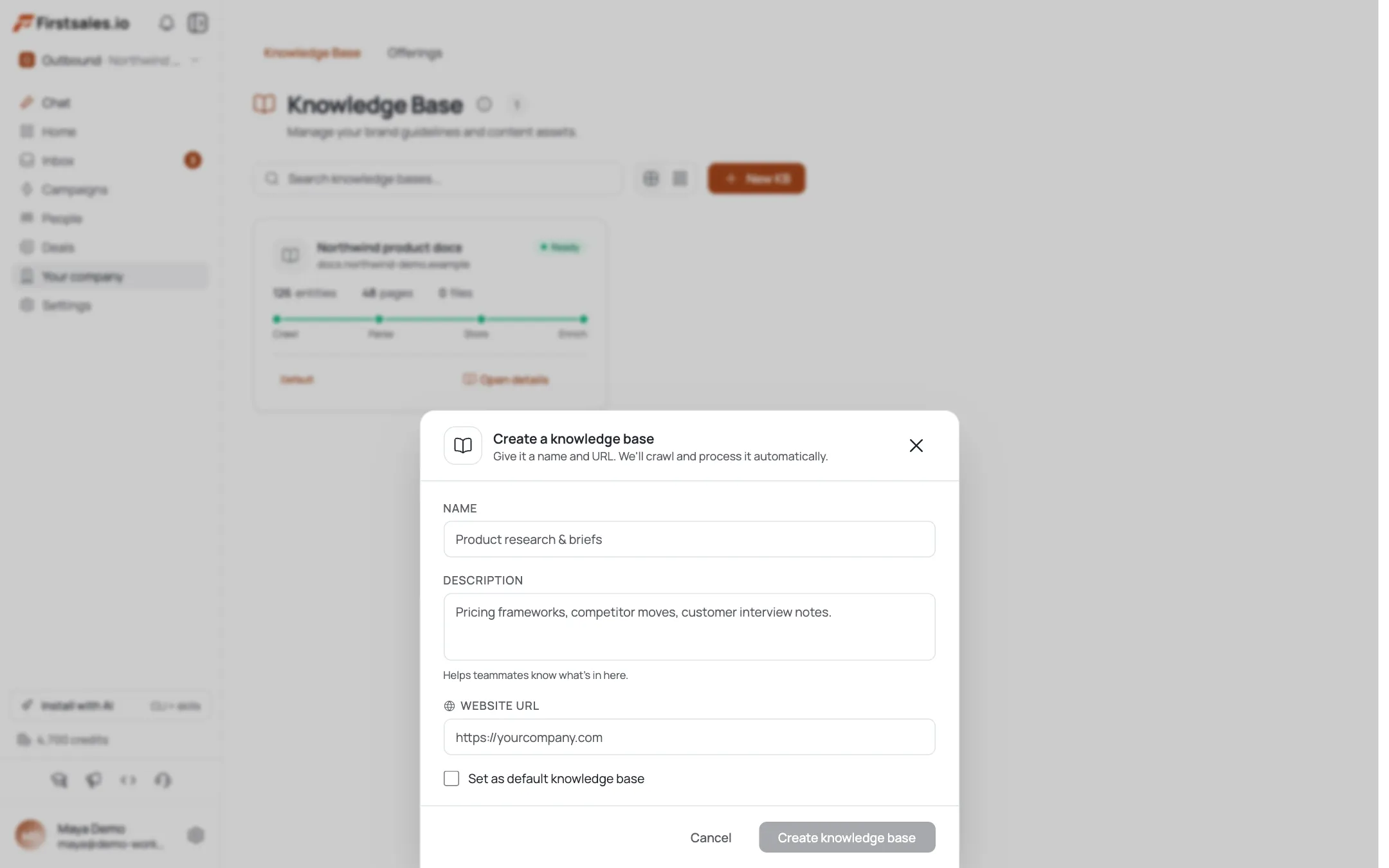
Teach a switching-aware writing style
Paste a few of your best past emails into the writing style step, prioritizing ones where you led with a specific observation rather than a product pitch. The AI learns your tone from these and reuses it across the campaign. For displacement outreach, the tone that converts is closer to a peer sharing an observation than a rep pitching a swap.
Sample opener, adapted to whatever the research view surfaced:
Hey Priya, noticed your team has grown from 2 to 5 in RevOps this year. Teams at that stage on tools like [category] usually end up rebuilding a pipeline report by hand every Monday because the native reporting cannot handle the segmentation they need. Is that happening for you, or has someone already built a workaround?
If it is a known pain, worth 15 minutes to see how we handle it natively? No pressure either way.
Dan
Notice the email asks a real question instead of asserting the problem exists. That single line does most of the work of avoiding a defensive reply.
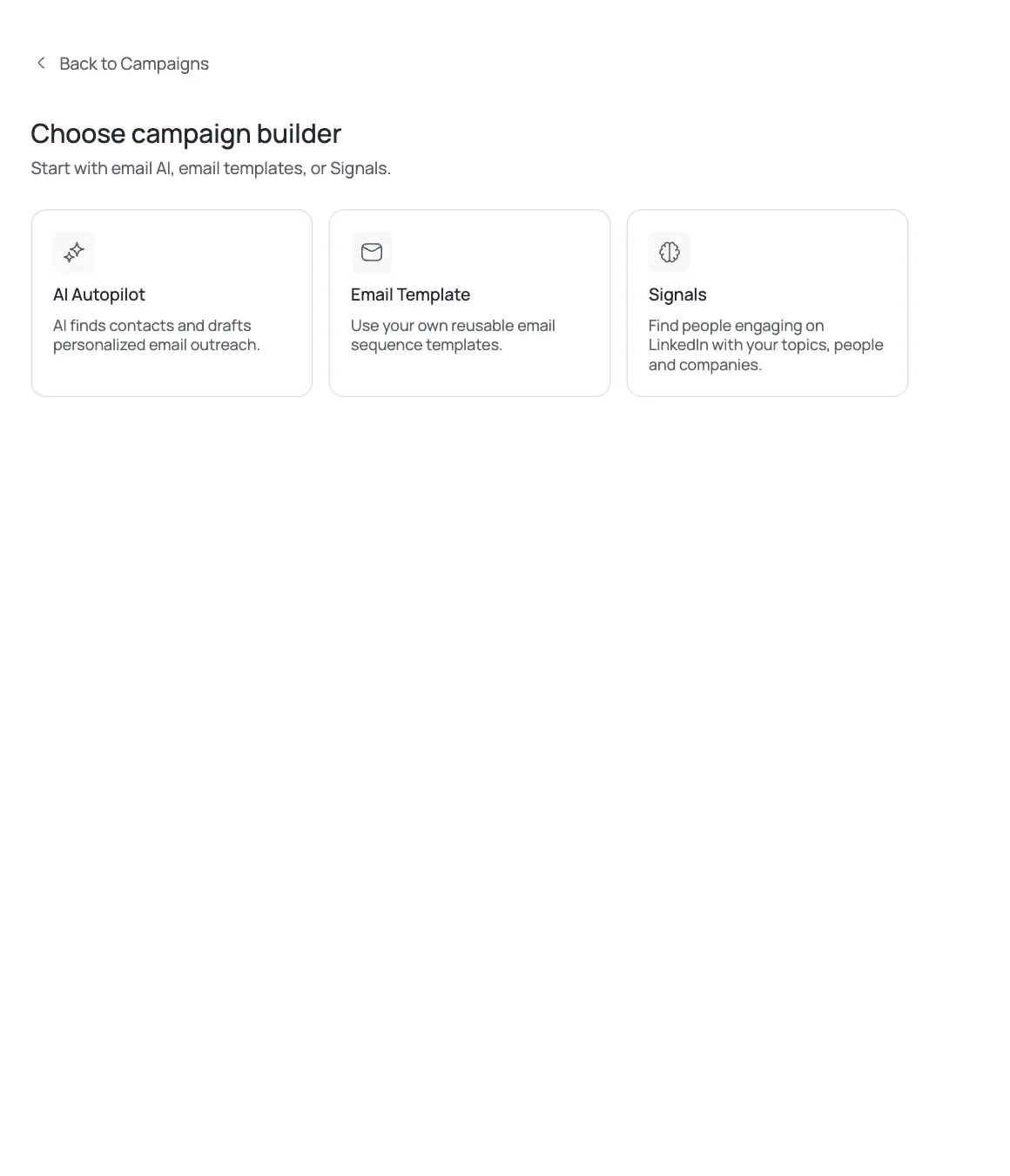
Design a slower, lower-pressure sequence
Switching a paid tool is a bigger decision than trying a new one, so the sequence should run longer and push less. Use 4 steps: the workflow-gap opener, a step 4-5 days later that offers a specific proof point (how the switch typically goes, what data migrates, how long cutover takes), a step 7-8 days after that shares a short, concrete before/after from a similar-sized team, and a final step around day 16-18 that closes the loop honestly: 'If now is not the right time to revisit this, no worries, I will leave it here.'
Set each step to stop automatically on reply, which FirstSales sequences do by default. Switching-cost objections often show up as a reply rather than silence, so this playbook lives or dies on how step 2 of the conversation goes, not the initial send.
Handle switching-cost objections in the reply thread
The three replies you will see most: 'we just signed a renewal,' 'migration sounds like a headache,' and 'we already have a workaround, it is fine.' Use FirstSales's unified inbox and AI reply handling, which answers the actual message content rather than a canned response, and steer each toward a specific next step rather than re-pitching the whole product.
For a renewal objection, ask when the renewal is up and offer to reconnect closer to that date rather than pushing now. For migration concerns, be honest about what moving actually involves instead of claiming the switch is painless. For 'we have a workaround,' ask how much time that workaround costs someone weekly. That number is usually more persuasive than anything you could write in an email.
Read metrics and tighten the ICP, not just the copy
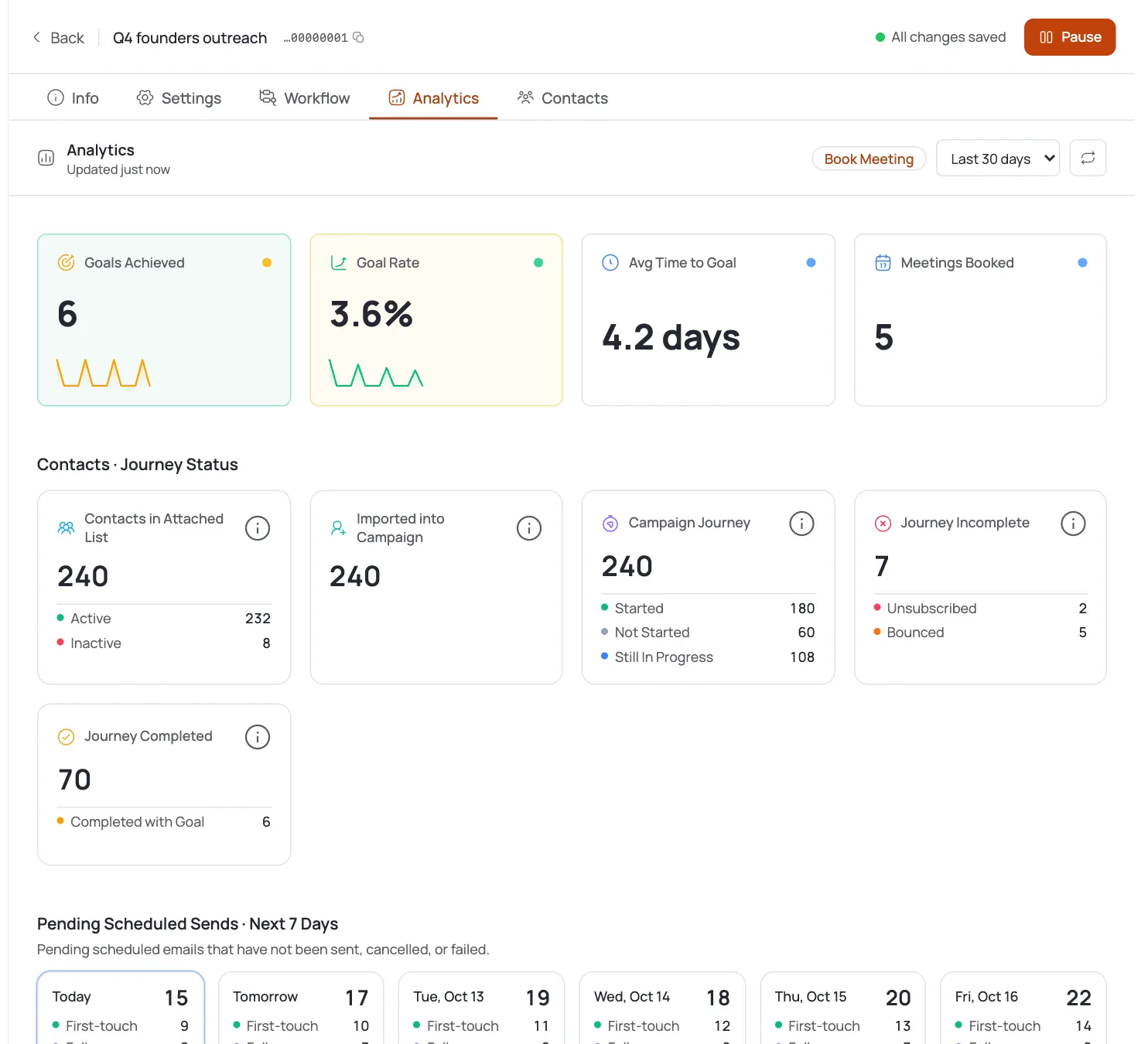
Check per-step performance in analytics after the first two weeks. Displacement campaigns into a saturated market like SaaS-to-SaaS typically land in the 1-3% reply range and 0.3-1% meeting rate; that is the market, not a sign the campaign is broken. If replies cluster around 'we already have a workaround, it is fine,' your research is finding a friction point that is too minor to matter, and the ICP needs a stricter growth-signal filter, not just a different subject line.
If you get replies but they stall after the first exchange, the issue is usually the proof step (step 2 of the sequence) being too vague. Tighten it with something specific your product actually does, pulled straight from what you told the AI in Teach, not a general claim.
Also break analytics down by which of the two lists a contact came from, confirmed-signal versus inferred-fit. If the confirmed-signal list is meaningfully outperforming the inferred list, that is a strong argument to spend more research time confirming friction points up front rather than sending faster to a bigger, softer list.
Dicas de especialista
Never name the competitor
Naming a specific rival by brand in cold copy invites a defensive reply and can read as an attack. Describe the workflow pattern their category of tool tends to produce instead. It holds up even if your research guessed the wrong specific vendor.
Route unconfirmed signals to a question, not a claim
If contact research did not surface a clear friction point, do not assert one. Ask an open question about the workflow instead. A wrong guess about their pain reads as sloppy and kills trust before the conversation starts.
Renewal timing beats persistence
A prospect who just renewed is not a dead lead, they are a lead with a known future date. Log that date and let the sequence stop rather than pushing through a wall you cannot move.