Understand what you can and can't claim here
This playbook uses an external-posture observation as the opener: a specific, publicly visible detail about a prospect's security exposure that you noticed, not a claim that you ran a scan, penetration test, or vulnerability assessment against their systems. The distinction matters both ethically and legally. Observing what is already public (an expired SSL certificate showing in a browser warning, a login page using an outdated framework version visible in page source, a domain missing basic email authentication records) is different from actively probing a system you don't have permission to test.
Keep every claim at the observation level. Say what you noticed, not what you did to find it, and never imply you accessed anything non-public. This keeps the tactic both compliant and credible: prospects can verify the claim themselves in seconds, which builds trust instead of raising suspicion.
It also helps to write down, before the campaign starts, a short list of what counts as fair game: certificate status, whether a login page loads over plain HTTP, whether a domain publishes SPF or DKIM records, whether a CMS version string is exposed in page source. Anything past that, like trying default credentials or probing an API for a response, is testing, not observing, and does not belong in a cold email opener regardless of how tempting the finding might be.
Source companies where an observation is realistic to find
Not every company has an obvious, checkable public signal. Good candidates are businesses with a public-facing web presence: a customer portal, an online booking system, a client login page, an e-commerce checkout, or a public API. Companies that are entirely offline or run everything behind a VPN won't have anything visible to point to, so this angle doesn't fit them.
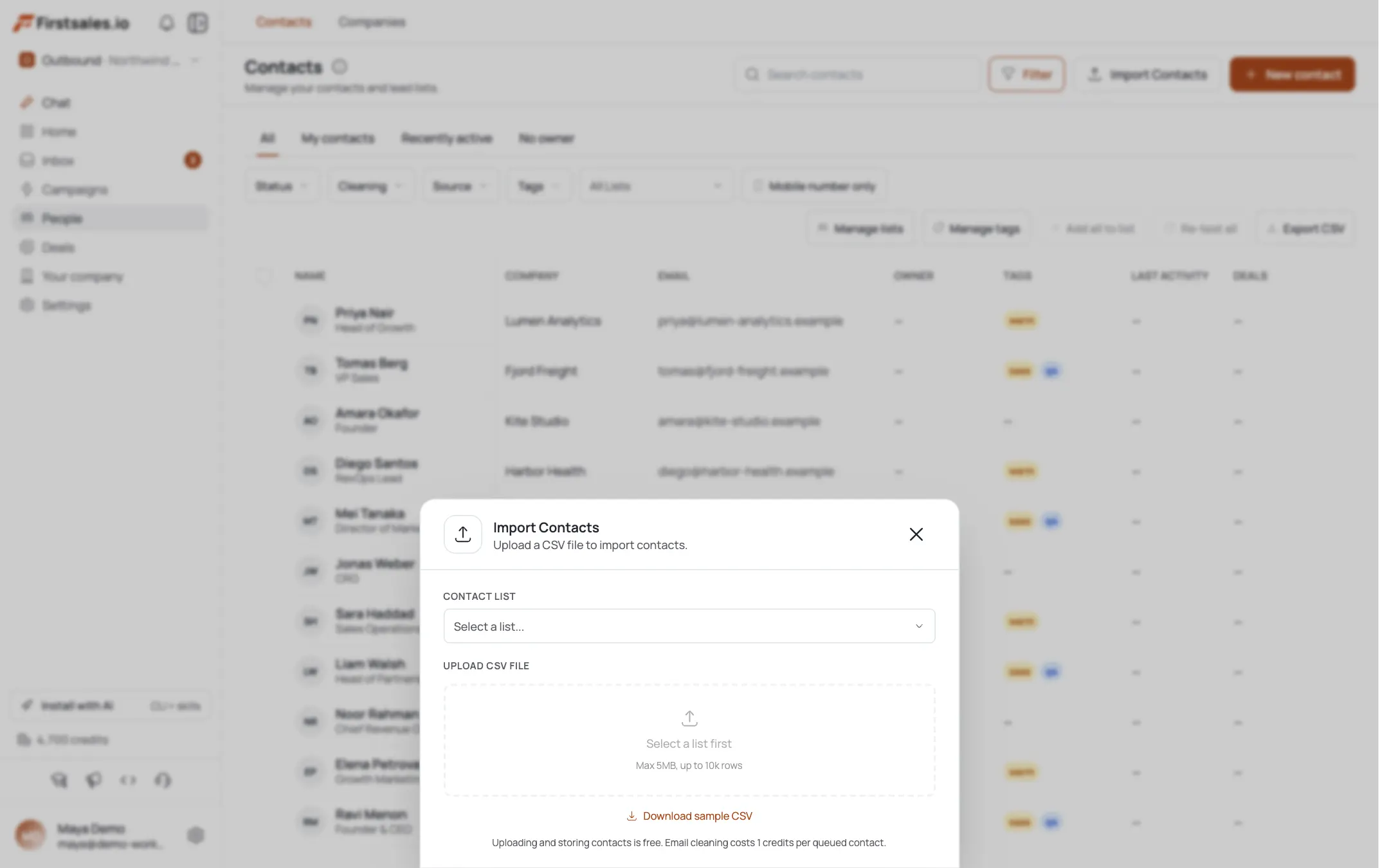
Use AI Leads to build a list filtered toward businesses in categories that typically run public-facing systems: healthcare practices with patient portals, financial services with client logins, e-commerce and retail, and professional services firms with client-facing scheduling or document tools. Import a CSV instead if you already track a list of local companies with public sites.
Target the person who owns the risk more than the tech
Security angles work best aimed at people who are accountable for the outcome of a breach, not necessarily the person who could technically fix it. Owner or President at smaller firms, Operations Manager, Practice Manager (healthcare), Compliance Officer where one exists, and IT Manager or CTO at companies large enough to have one.
For regulated industries, be precise about who actually owns compliance risk: at a healthcare practice, that's usually the practice manager or office administrator, not a clinician. At a financial services firm, it might be an operations or compliance lead. Getting the title wrong here reads as a mass-blasted list rather than a researched outreach.
It also helps to think about who has to explain a breach to someone else, a board, a regulator, a client. That person answers a security email even when they aren't the one who would personally patch a server. Owners of small practices carry both roles at once, which is part of why they tend to respond fastest to this angle.
Run your own check, then feed the finding to research and drafting
Go through the source list from step 2 with your own external scan or assessment tooling, or a manual browser check, and log the concrete, checkable detail per company: an outdated certificate warning, a login form served without modern encryption indicators, a public-facing admin panel, missing SPF or DKIM records on their domain (ironic and relevant if you sell IT services), or an old CMS version visible in page metadata. This is your own research, not something FirstSales runs for you. Put each finding in a custom field on the contact or in your campaign instructions so it's ready when you get to drafting.
FirstSales still runs contact research automatically before drafting, and the transparency view shows you what it found on each contact: company facts, role, and signals. In Teach or your campaign instructions, tell the AI to weave in the finding from your custom field alongside that company and role context, so the draft grounds itself in something you actually verified.
If you didn't run a check for a company, don't force a generic security line into that draft. A vague "your systems could be at risk" line is a spam signal, not a hook. Hold that contact for a different angle, like the EOL-migration or MSP playbooks, rather than sending a weak security email.
Set up the campaign to lead with the specific, not the fear
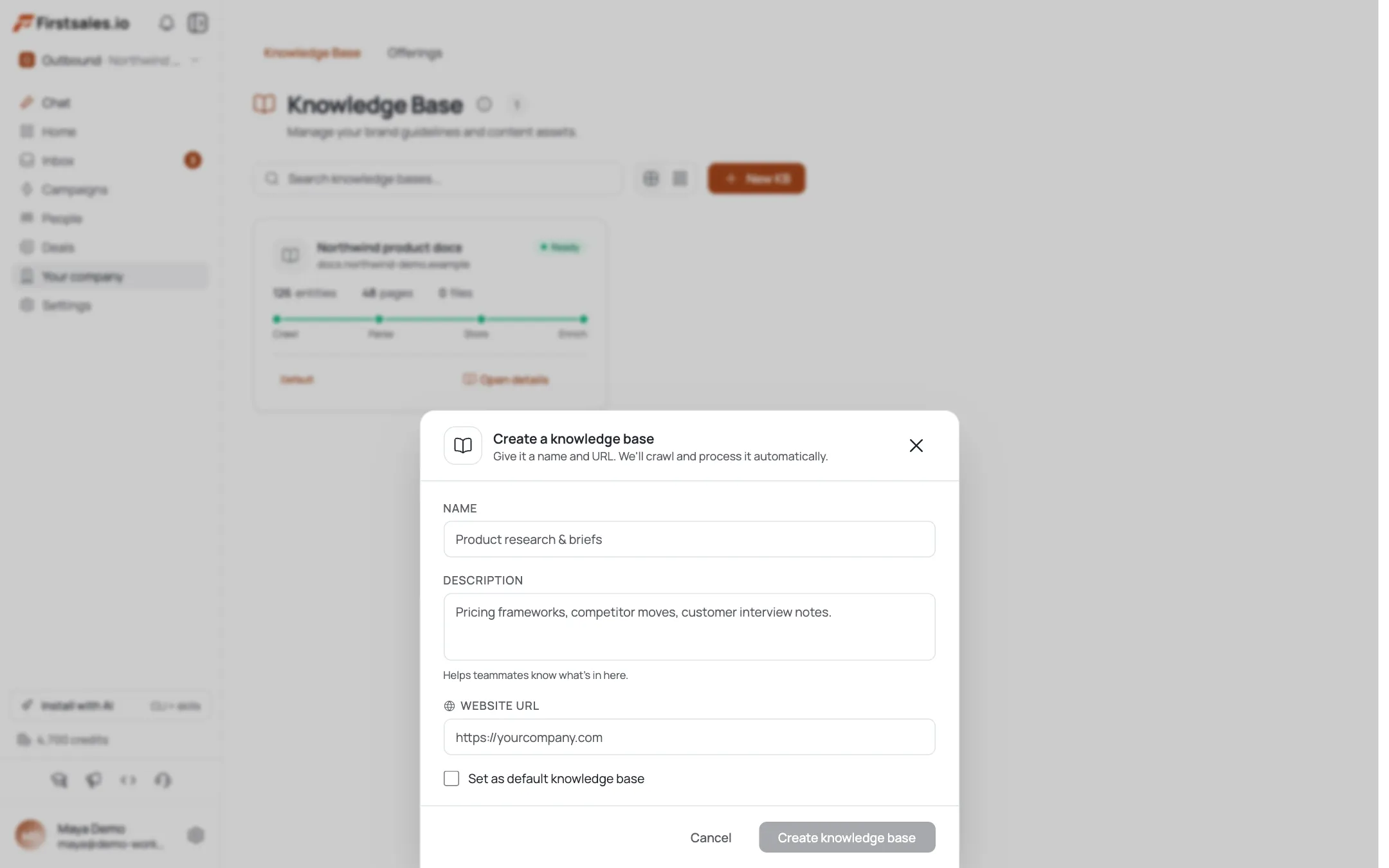
Create the campaign with a meeting-booked goal, then work through Describe, Teach, and Practice. In Describe, be explicit about what you offer as the next step after the opener: typically a free, no-obligation review call to walk through their exposure and what a fix looks like. Describe this as a conversation, not a formal audit deliverable, unless you actually provide one.
Write into Describe exactly how observations should be phrased: as something noticed on their public site, framed as helpful rather than alarming, with zero language implying active testing occurred. This is the guardrail that keeps every generated draft inside the ethical line, so put it in writing here rather than trusting tone alone.
In Practice, generate sample drafts and check two things: does the observation read as specific and real, and does the language stay strictly observational ("noticed," "showing," "appears to be running") rather than active ("we scanned," "we found by testing," "our assessment revealed").
Teach a tone that informs first, sells second
The best version of this email reads like a peer flagging something helpful, not a vendor manufacturing urgency to close a deal. Paste sample emails into the writing-style step that model this: specific observation, brief plain-language explanation of why it matters, and a low-pressure offer to talk it through.
Subject: noticed something on [Company]'s client portal
Hi Dana,
Was checking out [Company]'s site and noticed your client login page is still showing a certificate warning in some browsers, looks like it may have expired or isn't fully configured. Small thing, but it's the kind of detail that makes visitors second-guess entering info, and it's an easy fix.
We do a lot of work helping practices like yours clean up things like this before they become bigger issues. Happy to do a quick call and walk through what else might be worth a look, no obligation either way.
Worth 15 minutes?
AlexNotice the email never claims to have tested anything beyond what a normal visitor would see in their browser.
Sequence toward the review call, then let it become an MSP conversation
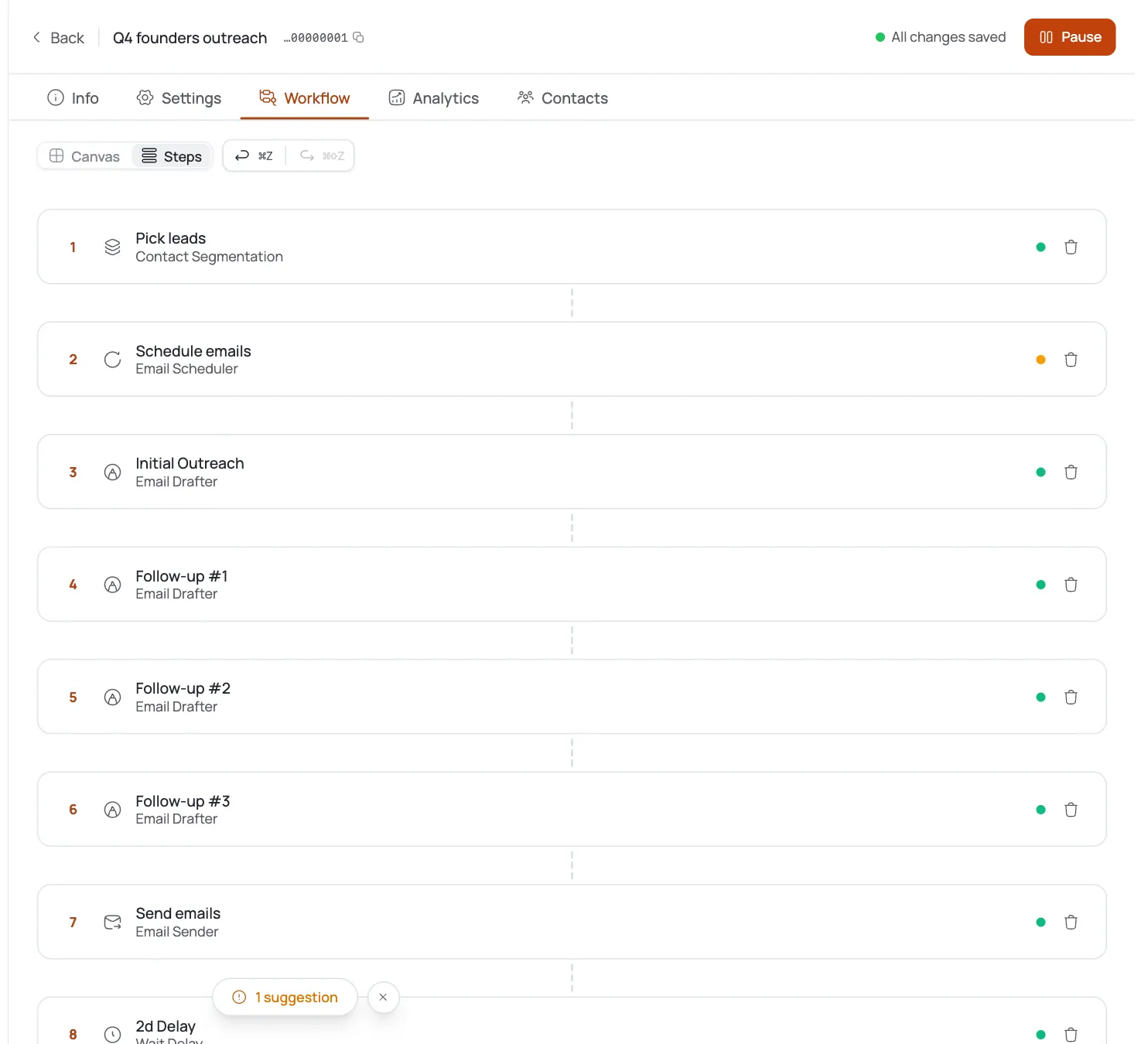
Build a 3-step sequence with a few days between touches; steps stop automatically once someone replies. Step 1 leads with the observation. Step 2 can broaden slightly, mentioning one or two other common issues you see at similar companies (without claiming to have found them specifically at this one) and reiterate the offer for a free review call. Step 3 is a short, direct close: ask if a 15-minute call this week or next works.
The security review call itself is the real conversion point in this playbook. If it goes well, it naturally opens into the broader managed-services conversation covered in the MSP new-clients playbook, so treat this campaign as a top-of-funnel entry point, not a standalone offer.
Track compliance-sensitive replies carefully and read your numbers
Watch your unified inbox for replies, especially in regulated verticals where a prospect might ask direct questions about HIPAA or other compliance frameworks. AI reply handling responds to the actual message content, but for healthcare-adjacent contacts, review those replies personally before anything sensitive goes back out, and never let a reply reference patient data or make clinical claims.
For legal-industry contacts, stay aware of state bar advertising rules in both the outbound copy and any follow-up. For finserv contacts, avoid any language that could be read as a performance claim.
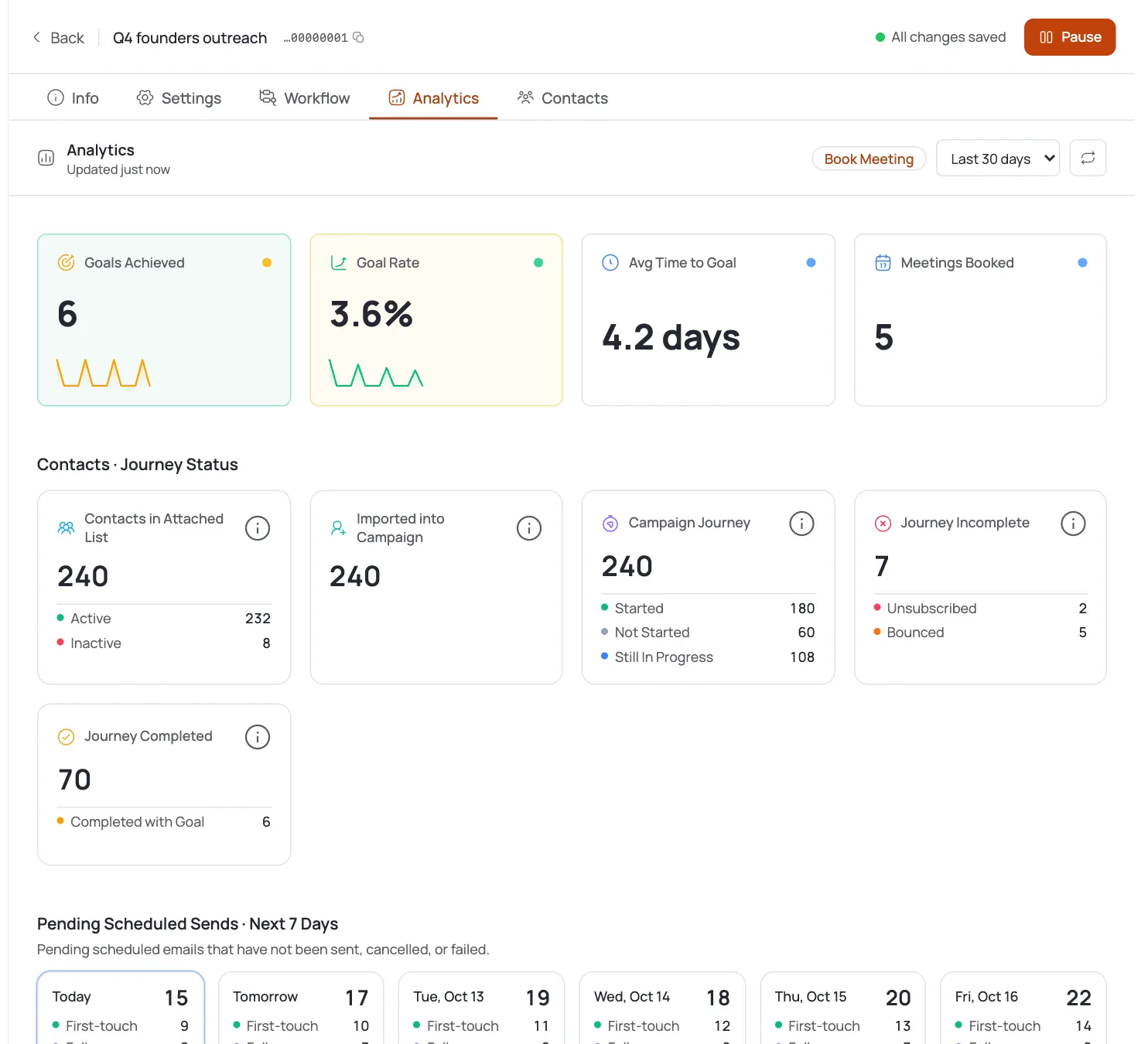
On analytics, expect this angle to land in or above the standard B2B band, roughly 2 to 5 percent reply rate, since a specific, personalized observation tends to outperform generic outreach. If a segment underperforms, check whether the observations sent to it were actually specific per contact or got generic; a good tell is whether replies mention the exact detail you cited.
Watch for a specific pattern in the data: security-observation emails often produce fewer total replies than a broad MSP campaign, but a higher share of those replies convert to a booked call. That is expected, since the angle filters for prospects who take the finding seriously rather than reaching everyone equally. Judge this campaign on meetings booked per contact reached, not on raw reply volume, and don't panic if the top-line reply number looks modest next to a bigger, less-targeted list.
Dicas de especialista
Explain your research method plainly
If a prospect replies asking exactly how you found the issue, answer plainly: you looked at what's publicly visible on their site, the same way any visitor or customer could. Transparency here builds more trust than it costs.
Rotate the detail you lead with
Rotate which public-facing detail you lead with across a list. If every email in a campaign cites the same generic issue (like expired SSL), it starts to read like a template rather than research, even when it's true for each company.
Frame HIPAA risk as business, not clinical
For HIPAA-adjacent accounts, frame every message toward the practice's administrative and business risk (patient trust, appointment no-shows from a broken portal, compliance exposure) and never toward clinical outcomes or patient data specifics.