Define your ICP: brands with the specific gap your app fixes
Before you write a single email, decide what kind of DTC brand actually needs your app. "Shopify stores over $1M in revenue" is too broad to write a good email against. A gap is something you can point to on their live store: no upsell flow at checkout, a page load time over four seconds, a missing size chart, no post-purchase survey, or a review widget that has not been updated in a year.
Write your ICP as a sentence you could say out loud: "DTC brands on Shopify Plus doing $2M to $20M in revenue that do not have a subscription option on their best-selling SKU." That sentence becomes the brief you hand to AI Leads.
List two or three variations of the gap so you are not limited to one narrow signal. A brand missing a subscription option is one segment; a brand with a subscription app installed but a broken cancellation flow is another. Each variation can become its own campaign later, with its own opening line, once you see which one gets more replies.
Source your list with AI Leads
In FirstSales, describe your ICP to AI Leads in plain language. It finds brands matching your description and enriches each contact with company and role data. The quality funnel filters out weak matches before they cost you credits, so you are not paying to research a store that clearly is not a fit.
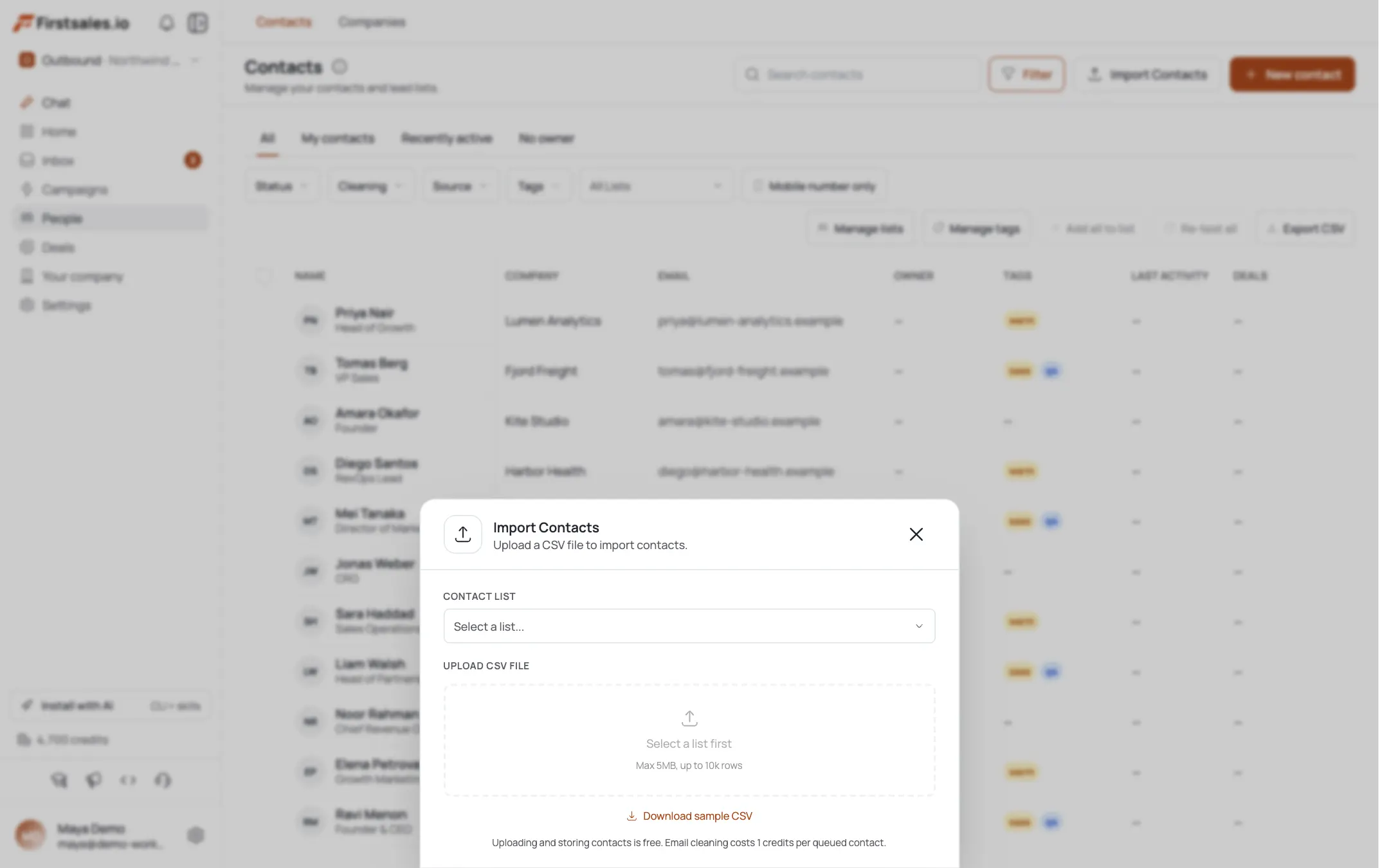
If you already have a list, for example from a Shopify app store review pull or a conference attendee sheet, import it as a CSV or connect an existing list instead. Either path lands your contacts in the same place for research and drafting.
Aim for a list where every contact runs or owns a store you can actually check by hand later. A smaller, verified list beats a large unqualified one for this kind of outbound.
Let contact research find the store-specific detail
FirstSales runs automatic prospect research on each contact before drafting starts. The transparency view shows exactly what it found, company facts, role, and signals, and what it used in the email. Check this view on a handful of contacts before you launch, so you know what kind of detail the AI is pulling in for your ICP.
This is where you avoid the mistake most app vendors make: leading with a metric the prospect has heard a hundred times. Instead, use research to surface something concrete about their store: a missing feature, a slow page, a gap in their checkout flow. That detail is what makes the email read as if a real person looked at their site.
If the research keeps landing on the same generic facts, industry, employee count, funding stage, that is a sign the ICP description needs to be more specific about what you want surfaced. Tightening the description in AI Leads and the research instructions in your campaign usually fixes this faster than editing individual drafts.
Set up your campaign with Describe, Teach, Practice
Create a new campaign and choose a goal, usually book a meeting or get a reply for this kind of outbound. Campaign guidance walks you through Describe, Teach, and Practice.
In Describe, explain your offer in terms of the specific problem your app solves, not its feature list. Something like: "We help DTC brands add a subscription option without a developer, in about a day." Tell the AI explicitly to open each email by referencing the store-specific detail from research, not a general industry statistic.
Use Practice to review a handful of sample drafts before turning Autopilot on. If the first draft leads with a generic line instead of the store detail, adjust your Describe instructions and try again.
If you sell more than one app or one specific feature, run separate campaigns per angle rather than describing all of them in one campaign. A single email that tries to cover a subscription feature and a checkout feature at once usually ends up vague about both.
Teach the AI your positioning as a builder, not a vendor
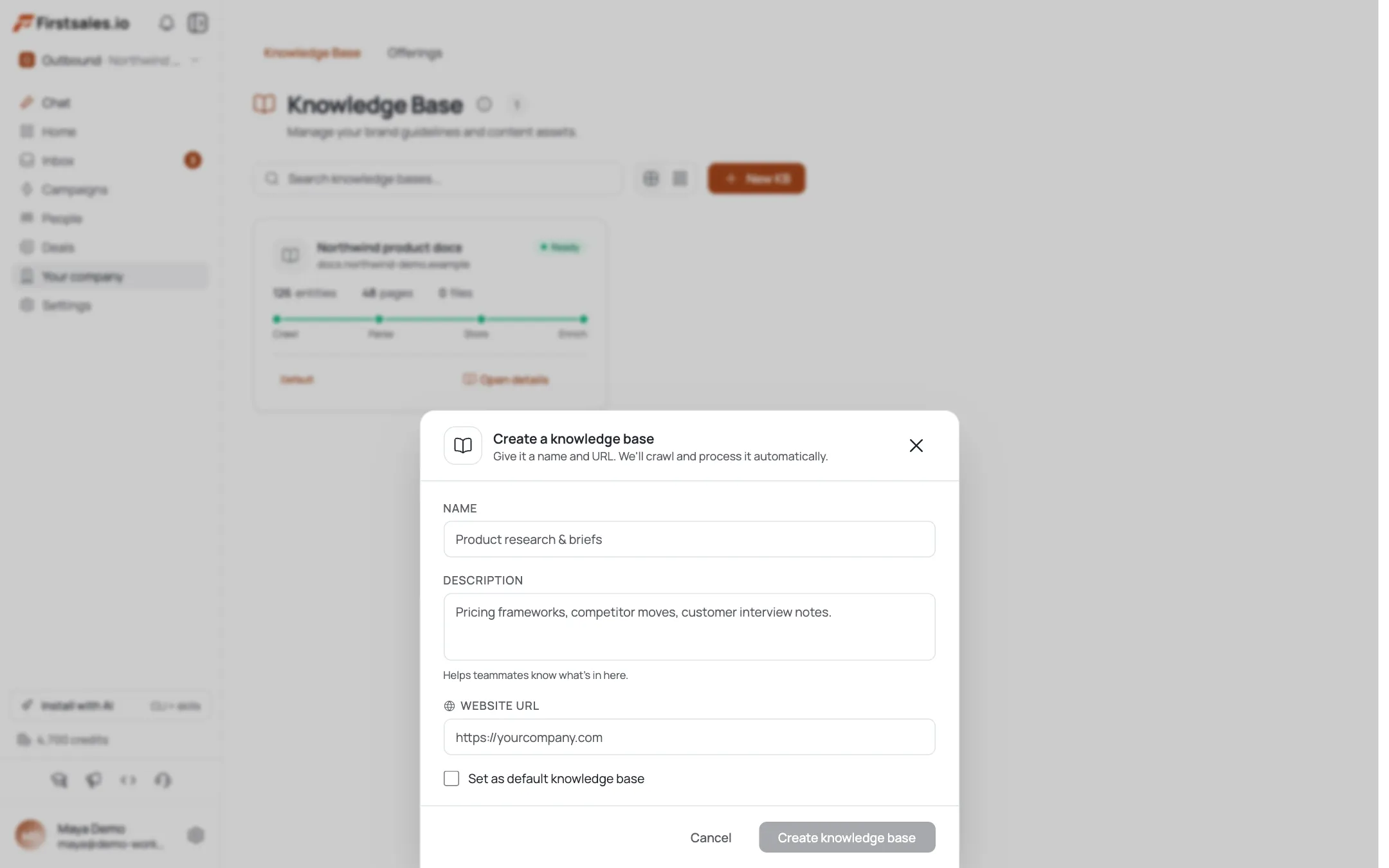
Paste in a few past emails that got real replies, or write two or three samples in the tone you want. The AI learns that tone and reuses it across the campaign. For app and tool vendors, the tone that works best usually reads like one builder writing to another: direct, specific, no exclamation points, no big claims about being the best solution on the market.
Avoid sample copy that sounds like a demo request page. A founder or developer skimming their inbox can tell the difference between a person who checked their store and a template with their name dropped in.
If you have technical credibility worth mentioning, an engineering background, a specific integration your app supports, work it into one of your samples so the AI can weave it in naturally where it fits, rather than adding it as a bolted-on line at the end of every email.
Draft with AI Autopilot and review before sending
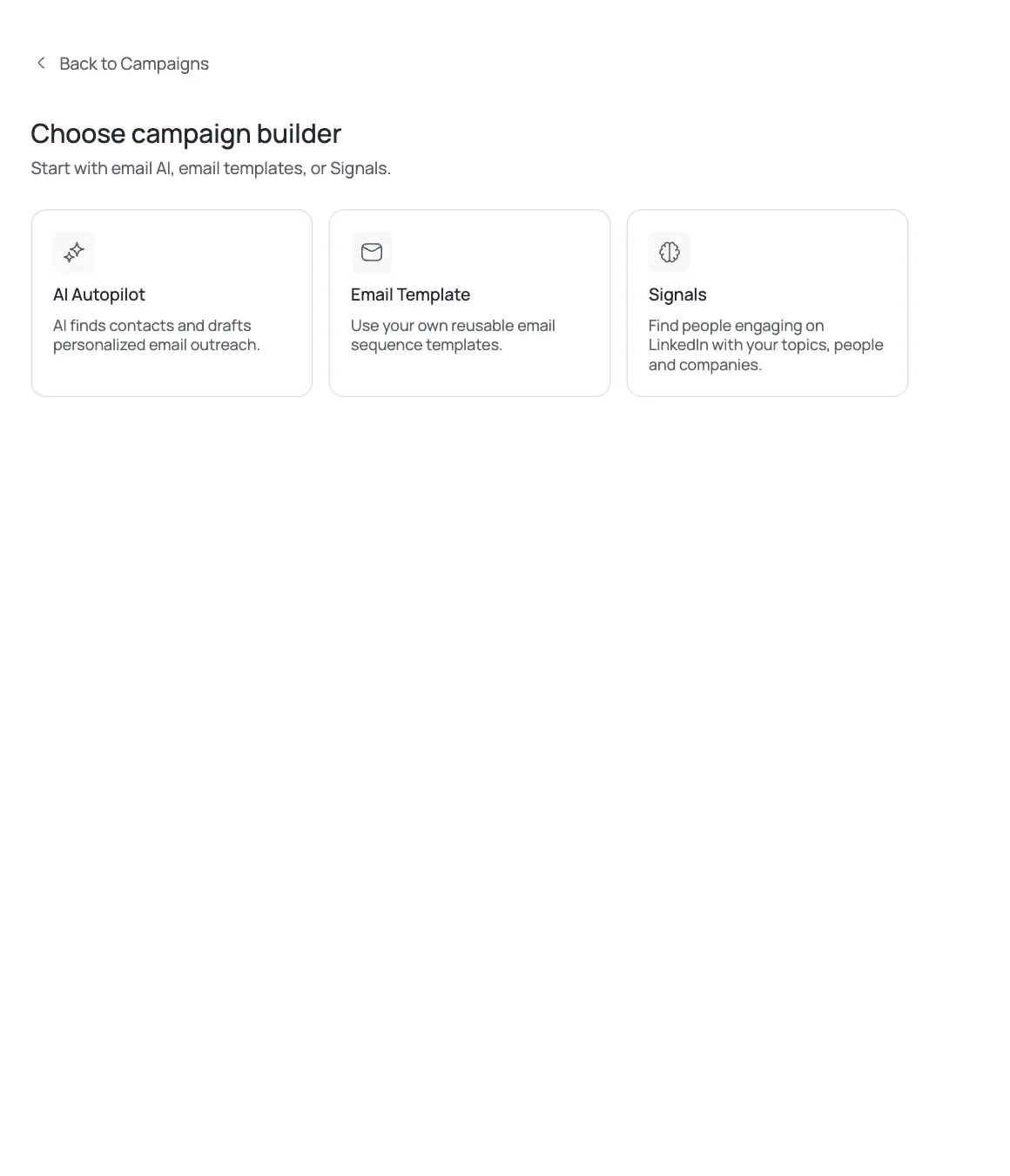
AI Autopilot writes each email per contact using the research from step three. Every draft passes quality gates for format, personalization, and claim checks before it can send. You can review drafts yourself or let Autopilot run once you trust the pattern.
A sample first email for this ICP:
Subject: your product page load time
Hi [First name],
I pulled up [Store name] and your product pages are loading in about 4.2 seconds on mobile. That is usually costing checkout completions before anyone gets to your cart.
We built [App name] to fix this without a developer, most stores see the fix live in under a day. Worth a 15-minute look at your setup?
[Your name]Notice the email opens with the observation, not a pitch, and ends with one clear ask.
Build a two-step sequence with a technical follow-up
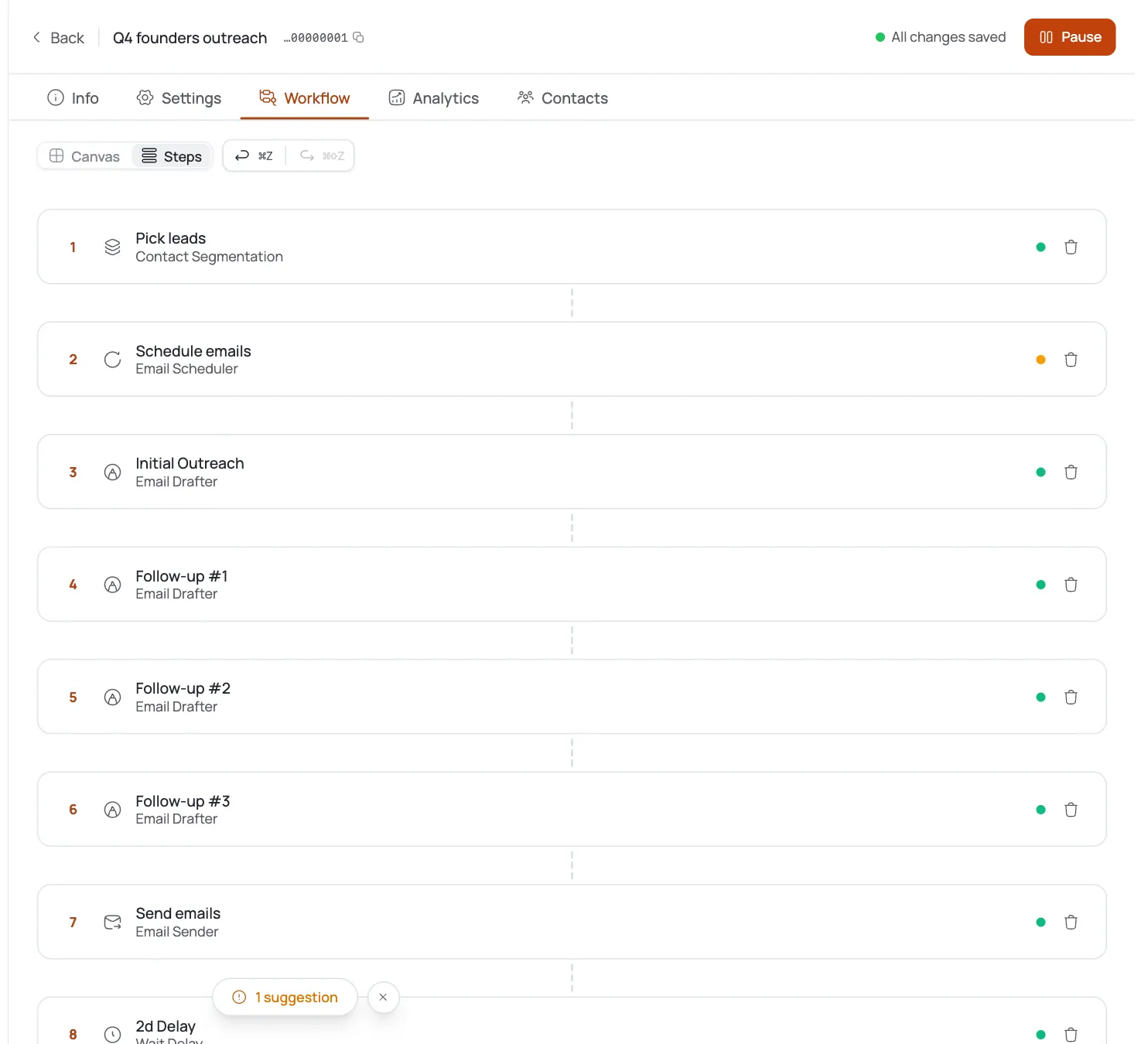
Sequences let you queue multi-step follow-ups with delays between each one, and every step stops automatically once a contact replies. For app vendors, the second step works best as a follow-up with something useful attached: a specific fix suggestion, a short comparison of load times against a competitor in their category, or a link to a case study from a similar brand.
Keep the sequence to two or three steps total. A fourth or fifth follow-up on a cold app pitch usually reads as pressure rather than persistence.
Space the steps three to five days apart. A store owner who did not answer a technical observation in three days is unlikely to answer a repeat of the same point a day later, but a genuinely new piece of information a few days on can still earn a reply.
Handle replies and track what is converting
Replies land in your unified inbox. AI reply handling reads the actual content of what the prospect wrote and responds to it, rather than sending a generic acknowledgment. Bounce handling automatically suppresses addresses that come back undeliverable, so your list stays clean over time.
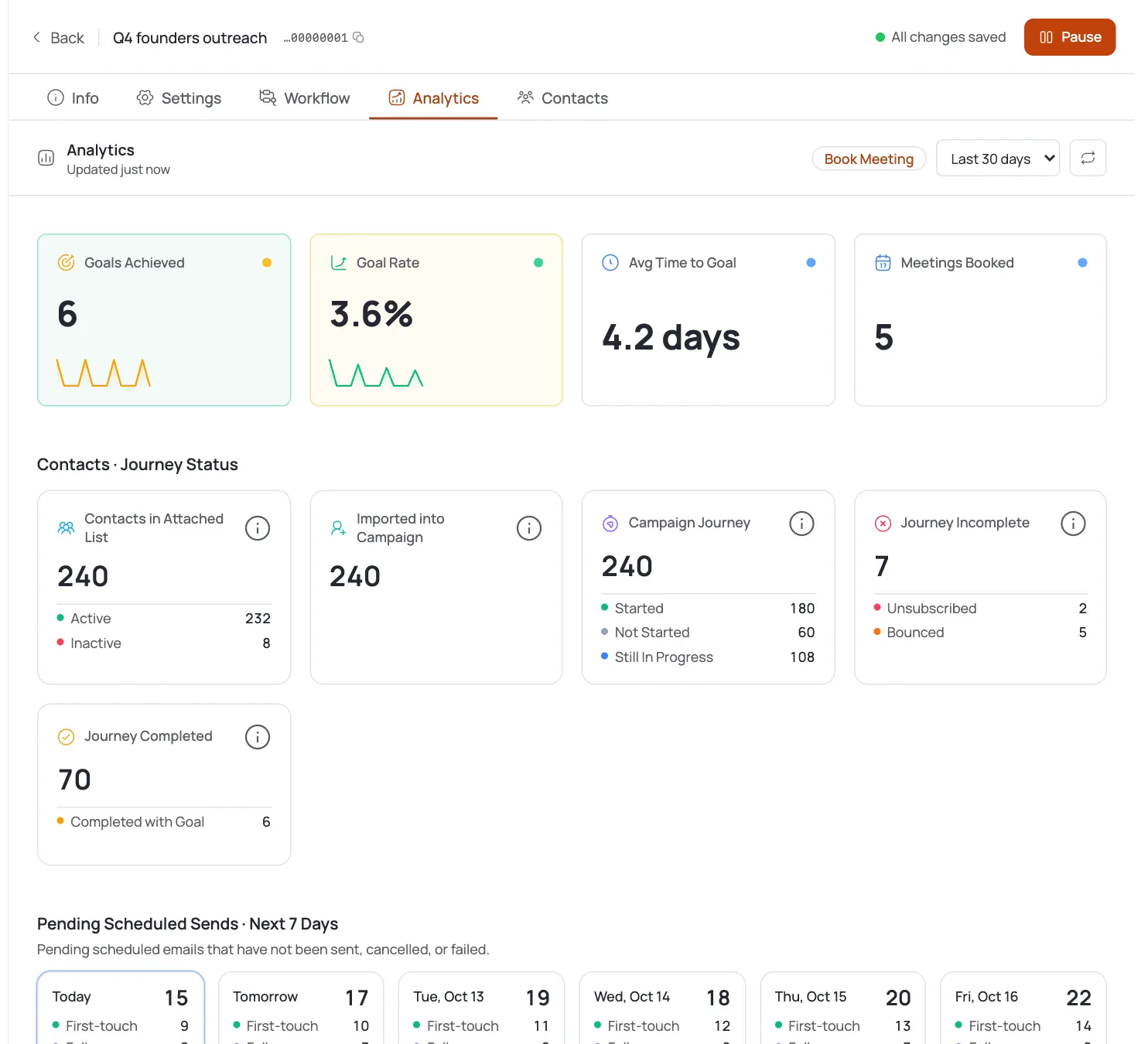
Check analytics for opens, replies, and meetings per campaign, and look at per-step performance to see whether your first email or your follow-up is doing more of the work. For standard B2B outbound like this, a reply rate in the 2 to 5 percent range and a meeting rate of 0.5 to 1.5 percent is a reasonable benchmark to compare against. If you are landing below that, the most common fix is checking whether your research detail is specific enough, not rewriting the whole email.
Once you have a few weeks of data, split results by the type of gap you led with. A subscription-flow observation might convert differently than a page-speed one, and that comparison tells you which variation of your ICP to scale first.
Pro tips
Lead with a ten second detail
The technical detail you lead with should be something the prospect could verify by looking at their own site in the next ten seconds. If they have to think about whether it is true, it will not land.
Spot check the first 15 contacts
Check the research transparency view on your first 10 to 15 contacts before turning Autopilot loose on the full list. It tells you whether the AI is finding real signals or falling back to generic company facts.
Teach style from a real winner
Save your best-performing first email as a sample when you teach the AI your style again for a new campaign. Style transfers faster from a real winner than from written instructions alone.