Define what a stalled trial actually looks like
Not every quiet trial user needs outreach. Before building the list, decide your definition of stalled: signed up, completed some minimum setup step, then went inactive for a set window (say 5-7 days) without upgrading. Users who never finished setup are a different problem (onboarding, not sales outreach) and users who are still active daily do not need a nudge, they need patience.
Write the ICP as a behavior description, not a firmographic one: 'Signed up in the last 30 days, completed account setup, has not logged in for 5+ days, has not upgraded.' This is a narrower, warmer list than cold outbound, and the copy should read that way.
It helps to write down what does not belong on this list too. A signup that bounced off the pricing page without ever creating a workspace is a marketing problem, not a sales-outreach one, and a signup that logged in yesterday does not need a nudge yet, it needs room to keep exploring on its own. Being strict about the definition keeps the list small enough that each email can carry real context instead of a generic template stretched across everyone who has not logged in this week.
Build the list from your signup data, not AI Leads
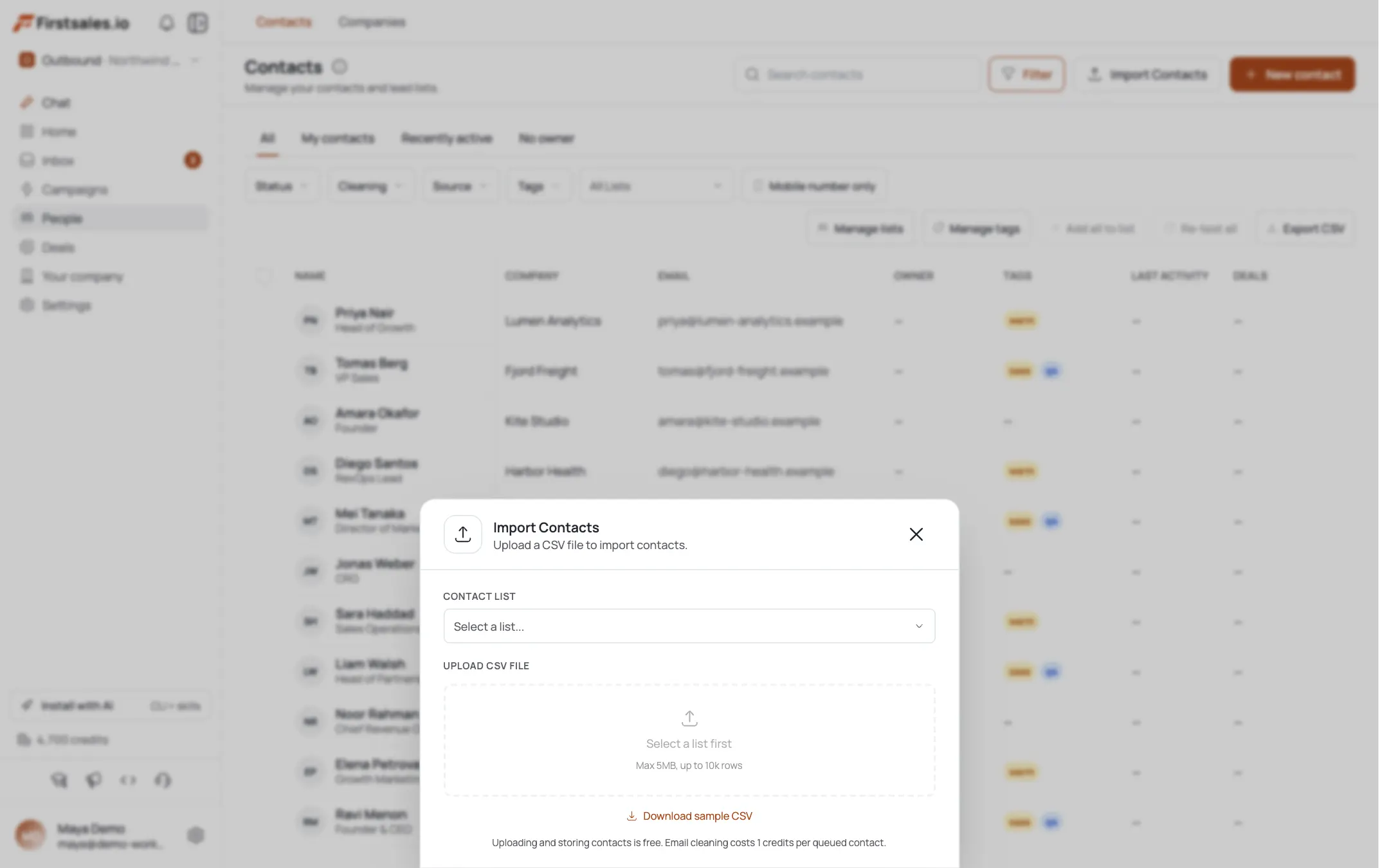
This is one of the few playbooks where the list source is your own product data rather than AI Leads, since these are existing signups, not new prospects to find. Import the stalled-trial contacts via CSV or a connected list into FirstSales. Include whatever context your product data gives you: plan tier they signed up for, the last feature they touched, team size if known. That context becomes the raw material for research and drafting in the next steps.
If your product data includes which onboarding step a contact stopped on, keep that field visible next to the contact rather than buried in a spreadsheet column no one opens. It is the single fact most likely to turn a generic 'checking in' email into one that names the exact screen where someone got stuck, which is the difference between a nudge that gets deleted and one that gets a reply.
Use contact research to fill in company context
FirstSales runs automatic prospect research on each contact before drafting, and the transparency view shows what it found: company facts, role, and signals. For trial nudges, this fills the gap your product data leaves: what the company does, team size, whether there is a signal (recent funding, hiring in a relevant role) that explains why now might be a good time to finish setting up.
Cross-reference this with the product-usage detail you imported. If a contact signed up for a specific plan tier or touched a specific feature before going quiet, that is your strongest personalization angle, stronger than anything company research alone would find. Prioritize it in the draft.
Watch for one specific pattern in the research view: a signup from a company where a colleague already has a paid seat elsewhere in the organization. That internal-adoption angle is worth more than any external company fact, since it means the product already has a foothold and the trial user is one internal conversation away from being onboarded by a peer instead of a stranger.
Set up the campaign with Describe, Teach, Practice
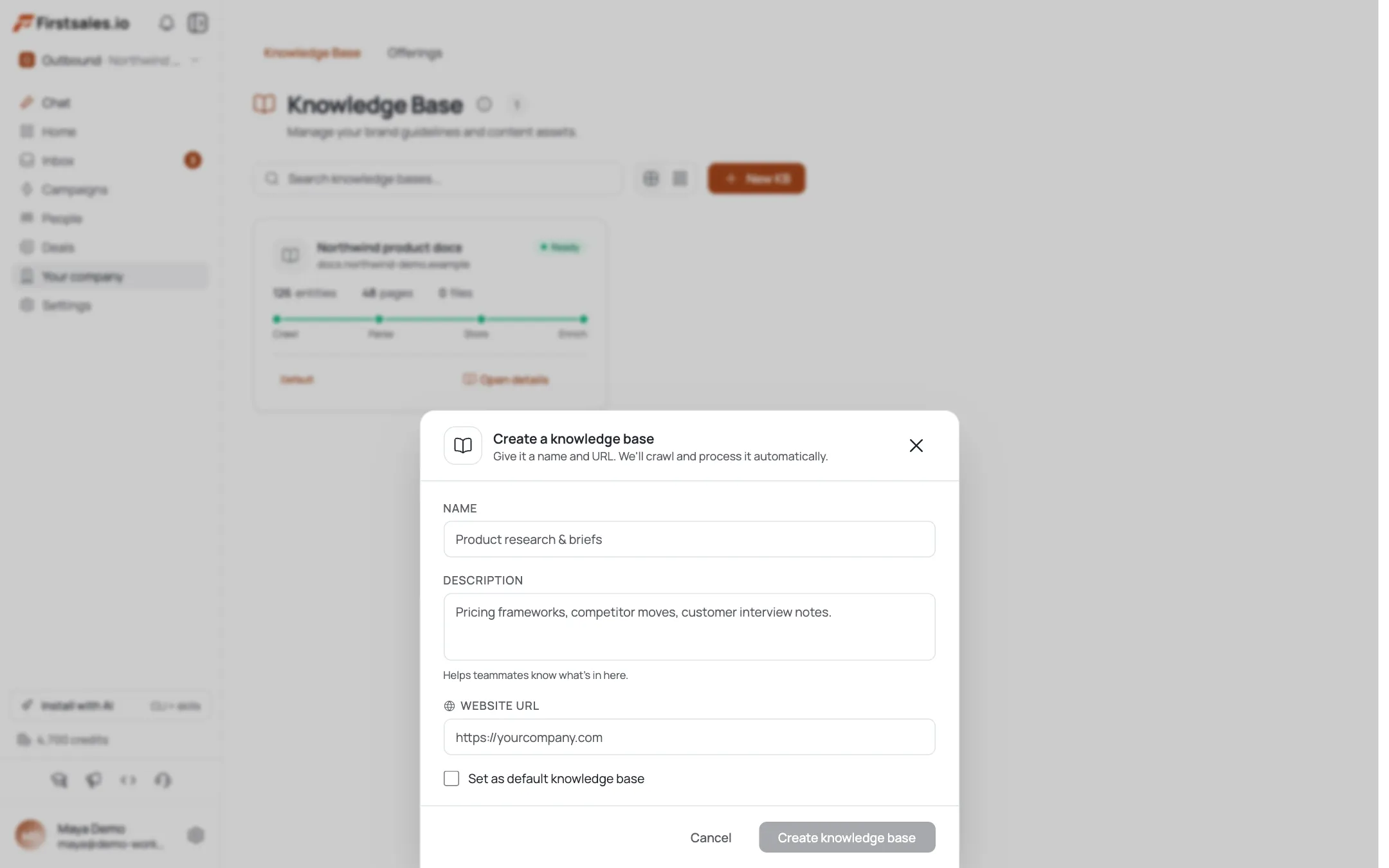
Create the campaign with the goal set to drive signup completion or upgrade, whichever matches your funnel. In Describe, state plainly that this is a re-engagement flow for existing trial users, not net-new prospecting, so the AI does not draft a cold-intro style email. In Teach, give it the honest reason trials stall: people get busy, not that the product failed them. The copy should assume good intent from the reader.
In Practice, run drafts against a handful of real stalled contacts and check for the most common failure in this playbook: sounding like an automated 'we noticed you have been away' email. If it reads like a system-generated nudge, it will get ignored like one.
Set the goal narrowly rather than leaving it as a generic 'get a reply' target. A campaign aimed at completed setup will draft differently than one aimed straight at upgrade, since the first asks for a small next action and the second asks for a purchase decision. Most stalled trials respond better to the smaller ask first, with the upgrade conversation happening naturally once they are back inside the product using it.
Teach a low-pressure, helpful writing style
Paste in past outreach that worked when it was short, specific, and offered help rather than pushed urgency. This is not a discount-and-deadline email; it is a founder or SDR checking in on someone who started something and stalled.
Hi Marcus, saw you set up your workspace a couple weeks back but have not been in since. Totally normal, this stuff usually falls behind other priorities. If you ran into anything confusing in setup, happy to jump on a 10 minute call and get you unstuck, or just answer over email if that is easier.
No pressure if the timing is not right, just wanted to check before your trial runs out.
Sam
Note the email names a real fact (workspace setup, weeks of inactivity) rather than a vague 'we miss you' line.
Keep a second, shorter template in your back pocket for contacts who stalled almost immediately after signing up, before finishing setup. That email should not reference feature usage at all, since there is none to reference yet, and should instead ask one direct question: what got in the way of finishing the first step. The honest answer to that question is more useful than any nudge copy you could write.
Build a short, urgency-aware sequence
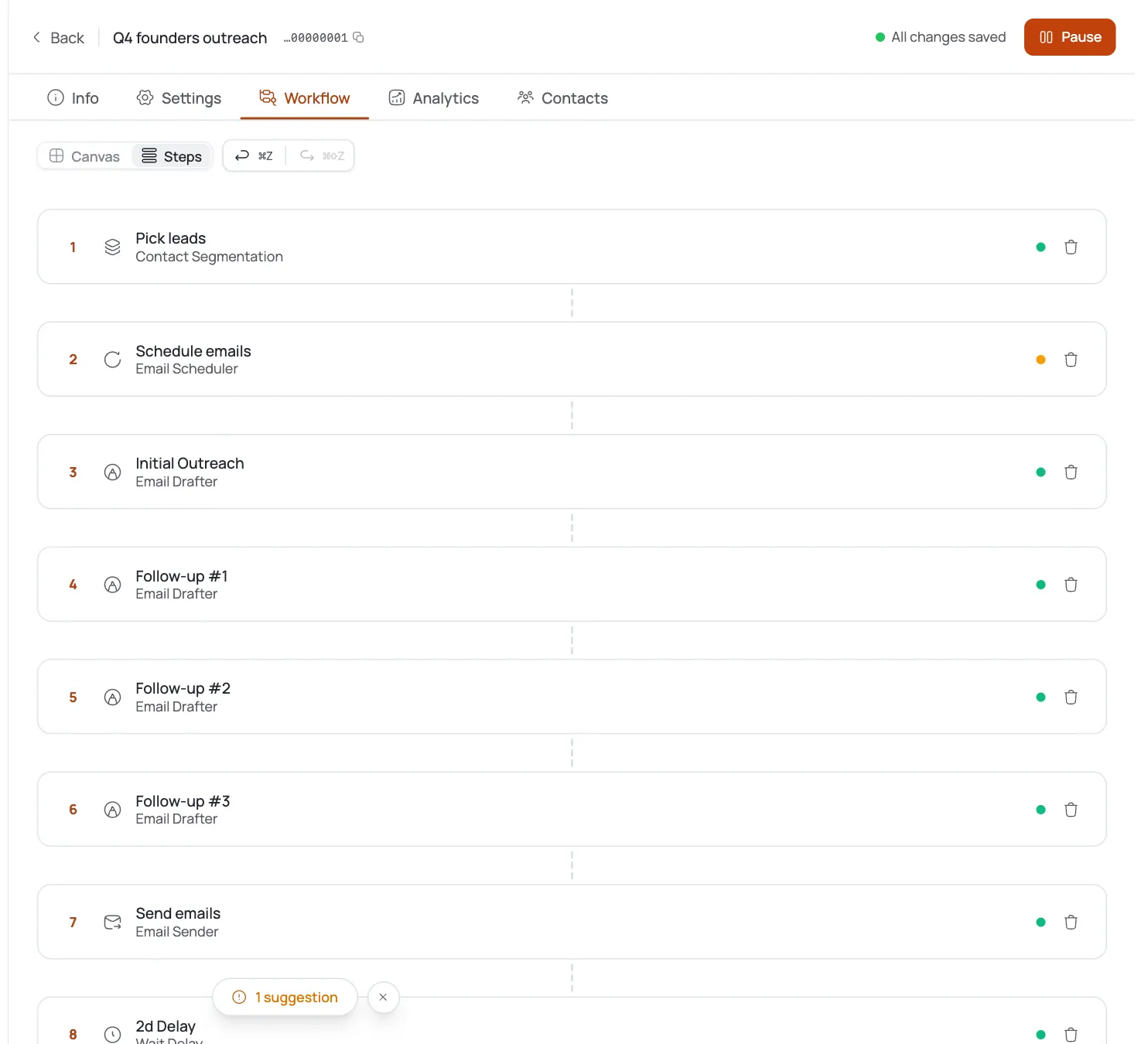
Trial windows are time-bound, so this sequence should be shorter and faster-paced than a typical outbound sequence: 3 steps over about 10 days. Step 1 is the check-in above. Step 2, around day 4-5, offers something concrete: a specific setup tip tied to whatever they signed up for, or an offer to extend the trial if that is something you can do. Step 3, close to trial expiration, is a short, honest note about what happens if they do not act, with a clear single link to resume.
Each step stops automatically once they reply, log back in and take action (if your product data feeds that signal back), or upgrade.
If your trial has a hard expiration date, treat that date as a hard constraint on the whole sequence, not just the last step. Back-calculate from expiration rather than forward-calculating from signup date, so step 3 lands with enough runway left for someone to actually act on it. A final warning that arrives the day the trial expires is not useful to anyone; it needs at least two or three days of room behind it.
Handle replies with context, not a script
Most replies from this segment fall into a few buckets: 'got busy, will look this week,' 'ran into a specific problem,' or 'not the right fit after all.' FirstSales's AI reply handling answers the actual content of the message rather than a canned response, which matters here because the second bucket needs a real answer, not a deflection.
For 'ran into a problem,' treat the reply as a support ticket disguised as a sales objection and get them an actual answer or a person who can help. For 'not the right fit,' ask one honest question about why, since that answer is worth more to your product team than a forced last-ditch pitch.
Keep a short running list of the specific problems people report in this bucket. If the same setup step keeps showing up across multiple replies, that is a pattern worth escalating past this individual campaign, since fixing the underlying friction will do more for conversion than any amount of follow-up copy ever will.
Track conversion, not just replies
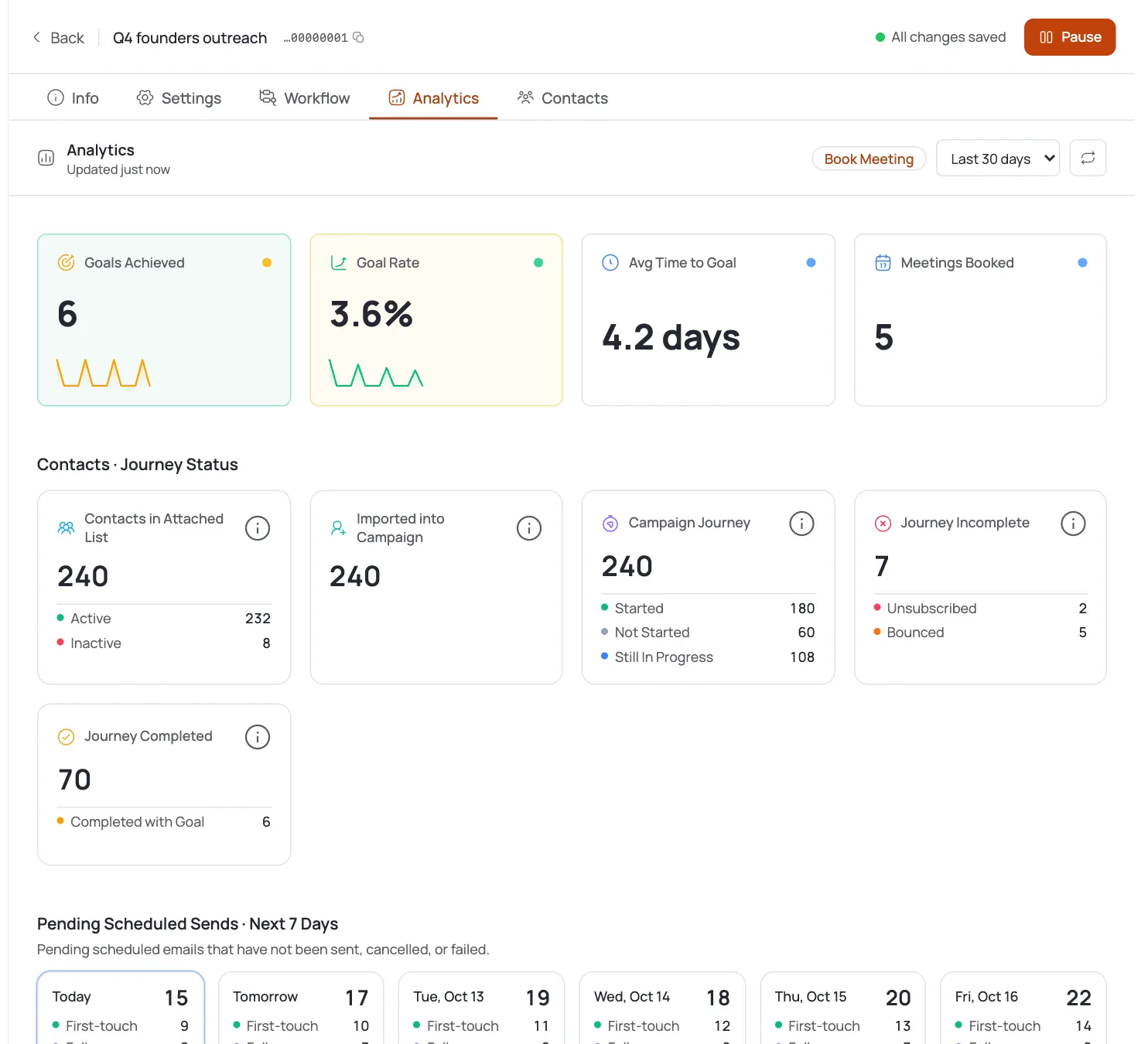
Reply rate matters less here than upgrade rate, since the goal is action inside the product, not a meeting. Standard B2B benchmarks (2-5% reply, 0.5-1.5% meeting) do not map cleanly onto a re-engagement flow like this one; track the percentage of stalled trials that resume activity or upgrade after the sequence instead, and compare it against your baseline (stalled trials that get no outreach at all).
If replies come in but upgrades do not follow, the friction is probably in the product setup itself, not the email. That is a signal to route back to product or onboarding rather than writing a fourth follow-up step.
It is also worth segmenting the conversion numbers by which plan tier the trial originally signed up for. A stalled trial on your highest tier is a different problem than one on your entry tier, both in the size of the opportunity and in the kind of hesitation behind the silence, and the two probably deserve different sequences rather than one shared template.
Consejos de experto
Import product-usage context, do not rely on research alone
Company research fills gaps, but the strongest personalization in a trial nudge is the specific feature or plan tier the person touched before going quiet. Bring that in via CSV import so drafting has it available.
Treat a support question as a support question
If a reply describes a real setup problem, answer it directly or route it to someone who can, before trying to sell anything. Ignoring the actual question to push an upgrade reads as tone-deaf and ends the conversation.
Separate the 'never finished setup' bucket from 'went quiet after using it'
These are different problems needing different emails. Someone who never finished onboarding needs a direct question about what blocked them; someone who used the product and stopped needs a specific reference to what they touched.