Filter your closed-lost list down to what is actually reopenable
Not every closed-lost deal deserves a winback attempt. Pull deals closed 2+ quarters ago and filter for a real reason to reopen: pricing changed since they looked, a feature they specifically asked for has since shipped, or the champion who evaluated you has moved to a new role or company (a very common and underused trigger). Deals lost purely on budget with no other change are the weakest candidates; deals lost on a specific gap that has since closed are the strongest.
Write this as an explicit ICP-style filter, not a blanket 'contact everyone we ever lost' list: 'Closed-lost 2+ quarters ago, lost reason was a specific feature gap, and that feature has since shipped' is a workable, honest filter.
It also helps to separate deals by how far they got in the original process. A deal that reached a final pricing conversation and stalled there is a very different reopen than one that never made it past an initial call, and the two deserve different framing: the first can reference specifics of what was discussed, the second should read closer to a fresh introduction that happens to acknowledge prior contact.
Import the list and layer in what changed
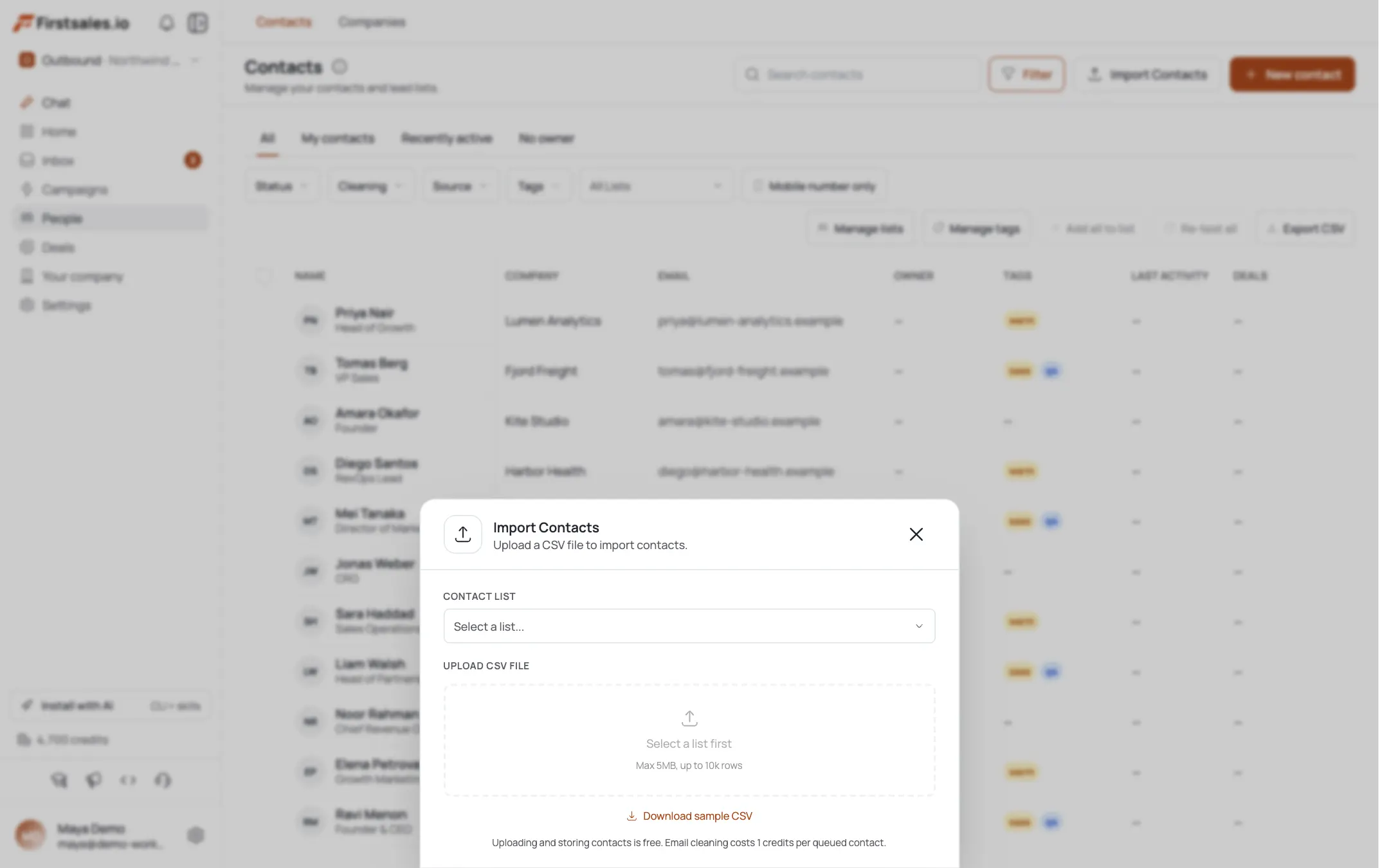
Import the filtered closed-lost contacts via CSV, carrying over your CRM's lost-reason field if you have one. That lost reason is the single most valuable piece of data in this playbook: it tells you exactly which change (pricing, feature, or champion) is relevant to which contact, so you are not sending the same generic winback note to everyone.
Where the lost reason is missing or vague, treat that contact as lower priority rather than guessing at a reason that may not exist.
If your CRM tracks deal size or the specific plan tier that was quoted, bring that along too. Pricing changes rarely apply evenly across every tier, so knowing exactly what was quoted tells you whether the pricing change you are about to reference actually affects this specific contact, rather than assuming a general price change is relevant to everyone on the list.
Use contact research to check whether the champion is still there
FirstSales runs automatic prospect research on each contact and shows a transparency view of what it found, including role information. Before drafting, confirm whether your original champion is still at the company and in a role that would matter for this decision. If they have moved on, that is often the strongest opener of all: a new person is now in the seat, with no baggage from the original loss, and no memory of why the first deal did not close.
If the champion is still there, research helps you avoid a tone-deaf reference to something that has clearly not changed, and instead focus the email on the one thing that has.
When research confirms the original champion has left the company entirely rather than just changed roles internally, treat that account as a full new-logo opportunity instead of a winback. The framing, sequence length, and campaign goal should shift back toward the fresh-introduction playbook rather than staying in this one, since there is genuinely no shared history left to reference.
Set up the winback campaign with Describe, Teach, Practice
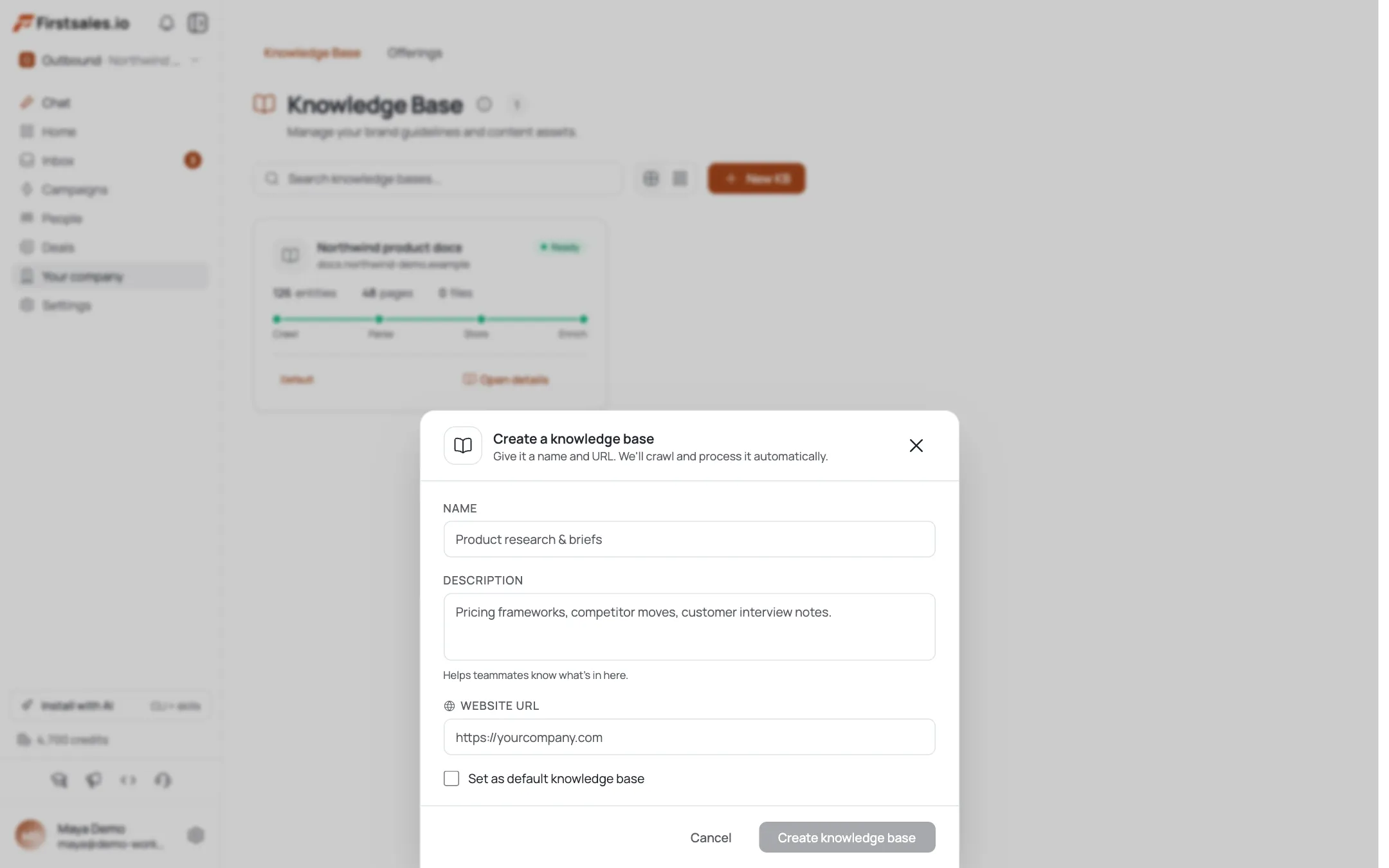
Create the campaign with the goal set to book a meeting, and in Describe, state plainly that this is a winback for a specific type of past evaluation, not a new-logo campaign, and name the change category (pricing, feature, or champion turnover) you are targeting. In Teach, give the AI the actual change: what shipped, what changed in pricing, or the fact that the buying process is effectively starting over with a new person.
In Practice, run sample drafts against real contacts and check for the failure mode specific to winback outreach: sounding apologetic or over-explaining the original loss. The email should move forward, not relitigate the past.
Where a deal was lost to a specific named objection that has not changed, be honest with yourself about whether reopening it makes sense at all. Not every closed-lost deal in the 2+ quarter window is worth the outreach, and skipping a clearly unwinnable one is a better use of send volume than forcing a campaign to include every record in the CRM regardless of fit.
Teach a direct, low-baggage writing style
Paste past winback emails that worked because they led with the change, not with a reference to the old deal. Two different angles need two different openers.
Hi Owen, we last talked back in Q1 and the gap at the time was reporting granularity, which we shipped a custom-segment view for in Q3. If that was the main blocker, might be worth another look, happy to walk you through what changed in 15 minutes.
Anh
And for a champion-turnover situation:
Hi Wren, congrats on the new role at Delridge. Your predecessor looked at us a while back and it did not move forward at the time, but wanted to reintroduce things in case it is relevant to what you are building out now. No history to catch up on if it is not a fit, just flagging it while the timing might make sense. Open to a quick 15-minute look this week?
Anh
For deals where the objection was price rather than a feature gap, it is worth being direct about the pricing change rather than hinting at it. Vague references to 'some updates on our end' read as evasive to a buyer who remembers exactly what the sticking point was the first time around.
Space the sequence out and keep it short
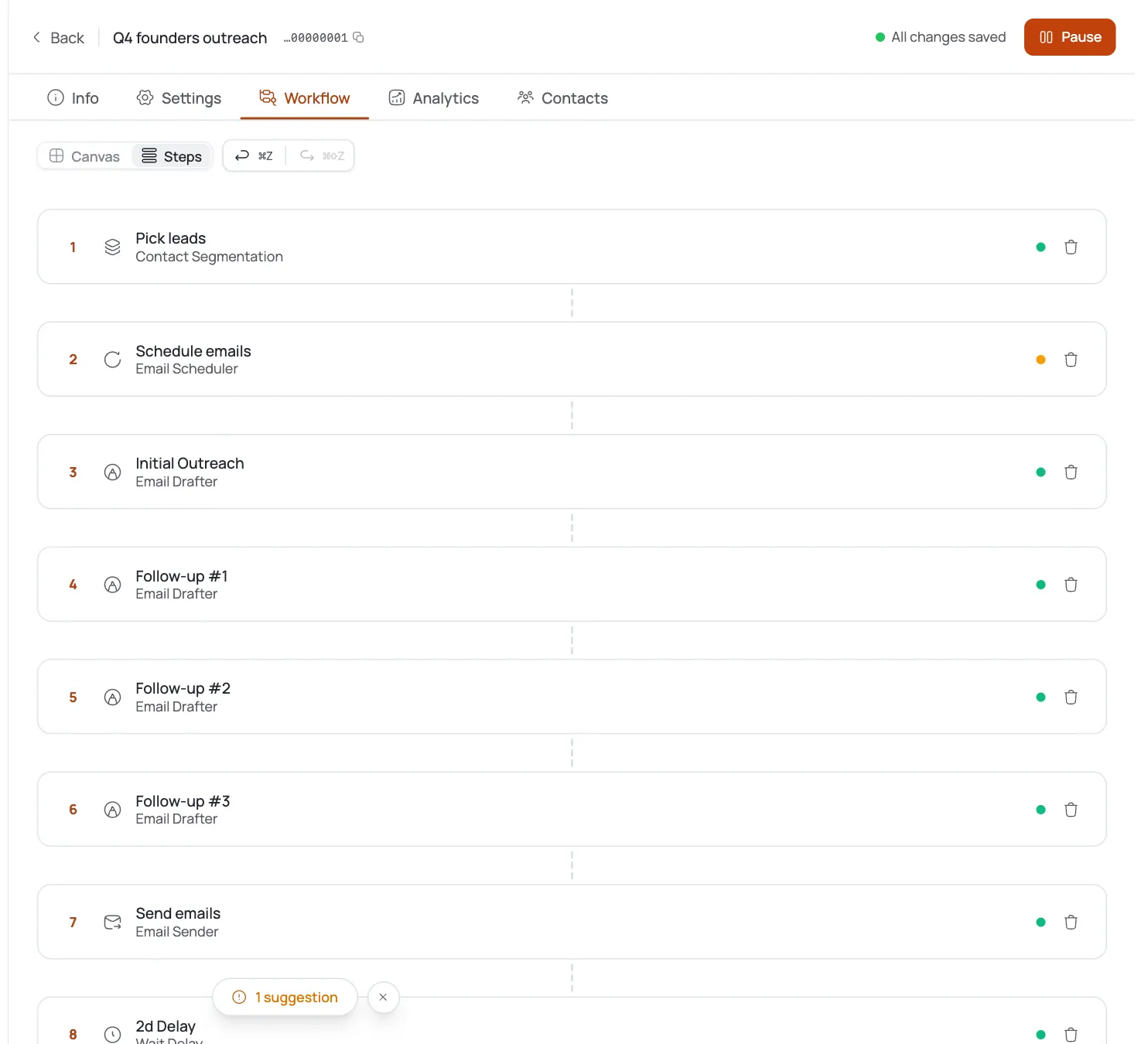
Winback prospects do not need a long persuasion arc, they need a clear, low-pressure nudge that respects that they already said no once. Run 3 steps over about 14 days: the change-based opener, a step 6-7 days later with one more concrete detail about what shipped or changed, and a final step around day 14 that closes cleanly without pressure.
Each step stops automatically on reply. Given the smaller, more targeted nature of this list, a slower cadence with more thought per contact usually outperforms a faster, larger blast.
Consider running the champion-turnover segment on a slightly different, faster timeline than the feature or pricing segment, since a brand-new contact with zero history benefits less from a slow, careful cadence and more from a fairly standard new-logo pace once the initial reintroduction has been sent.
Handle replies that reference the original loss directly
Expect replies that bring up the original evaluation specifically: 'we ended up going with someone else' or 'that was actually not the main issue.' Use FirstSales's unified inbox and AI reply handling, which answers the actual content of the message, and treat these as useful correction rather than a rejection to argue with. If the stated lost reason turns out to have been wrong, that is worth noting for future winback filters, not just this one conversation.
For 'went with someone else,' ask honestly how that has gone, since contract renewal timing for the competitor they chose is often the real reopening moment, worth logging for a follow-up much later.
Keep the reply-handling tone consistent with the rest of the sequence: direct, not defensive. A prospect who explains exactly why the first deal did not work is doing you a favor, even when the explanation is uncomfortable to read, and treating it that way in the reply tends to keep the conversation open rather than closing it.
Track reopen rate against your original loss volume
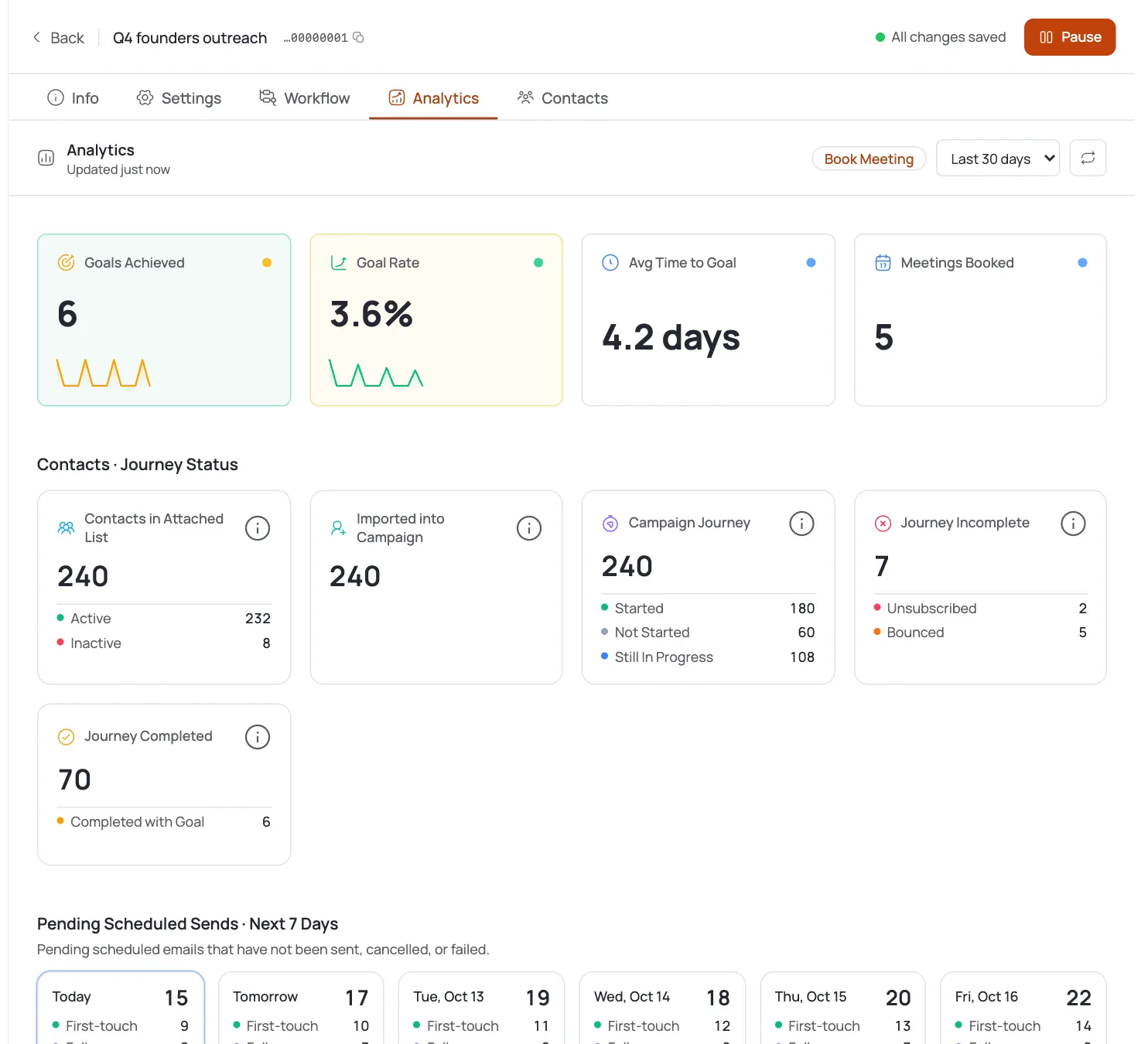
Standard B2B benchmarks (2-5% reply, 0.5-1.5% meeting) are a reasonable baseline for a well-targeted winback list, sometimes higher since these contacts already know your product. Track what percentage of the filtered closed-lost list turns into a live conversation again, and separately track which change category (pricing, feature, champion turnover) produces the best reopen rate.
Feed that back into how you filter future closed-lost lists. If champion turnover consistently outperforms feature-based winbacks, prioritize building that filter earlier rather than waiting for a full pipeline review each quarter.
Revisit the closed-lost list on a quarterly cadence rather than as a one-time campaign. New deals age into the 2+ quarter window every quarter, and pricing or features keep shipping, so this playbook works best as a recurring quarterly pull rather than a single pass through the entire historical list.
Consejos de experto
Champion turnover is the strongest trigger, use it deliberately
A new person in the buying seat has no memory of the original loss. Check for role changes specifically rather than only tracking product changes, since it is often the easier reopen.
Do not apologize for the original loss
Winback emails that over-explain or apologize for what did not work the first time read as needy. Lead with the change and move forward, the same way you would with any other new conversation.
Log unexpected loss-reason corrections
When a reply reveals the original lost reason in your CRM was wrong or incomplete, record the correction. It improves how you filter the next closed-lost batch, not just the current send.